
How do I delete a member?
Updated Jun 20, 2025·1 min read
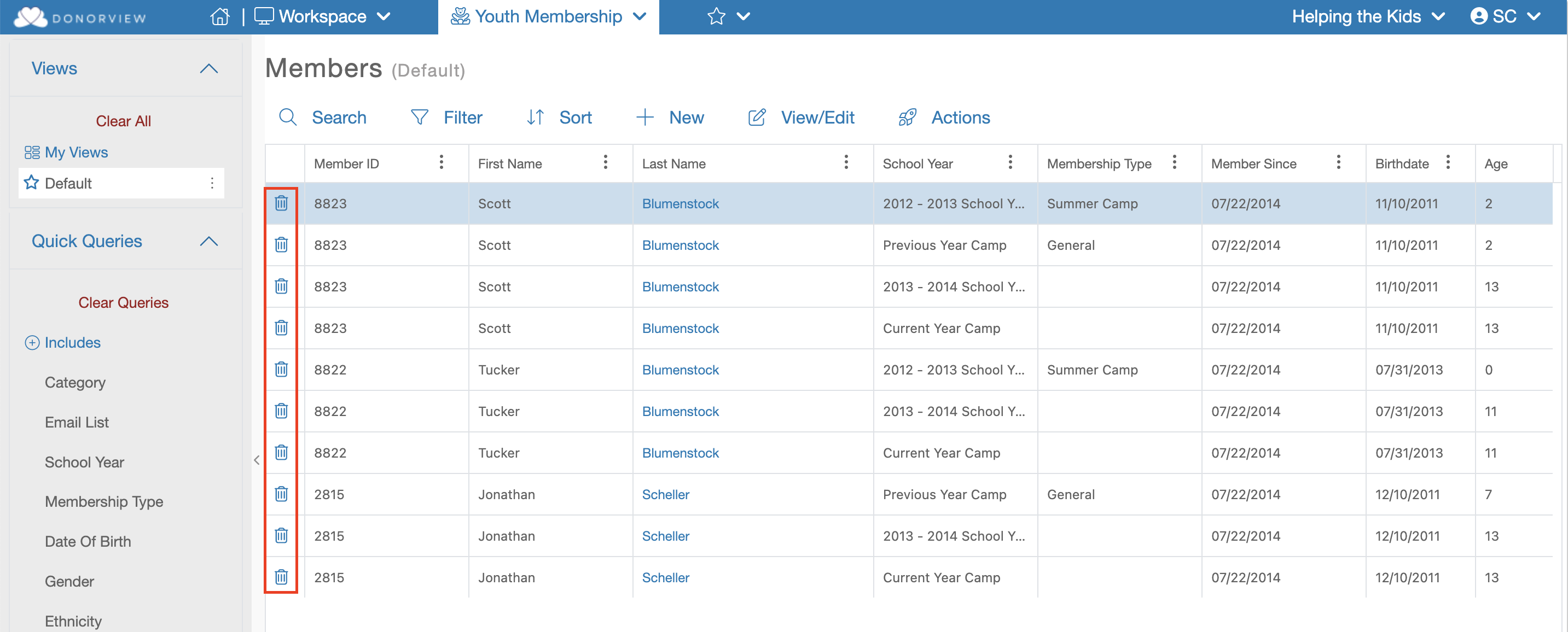
Learn how to delete a member on the Member Dashboard. Click the trashcan icon on each row to remove a member effortlessly. Streamline your operations with ease.
To delete a Member you will need to be on the Member Dashboard, on each row you will find a trashcan icon. Click this icon to delete that member.
Was this article helpful?