
Can I change the color of the seats on the event page?
Updated Jun 24, 2026·1 min read
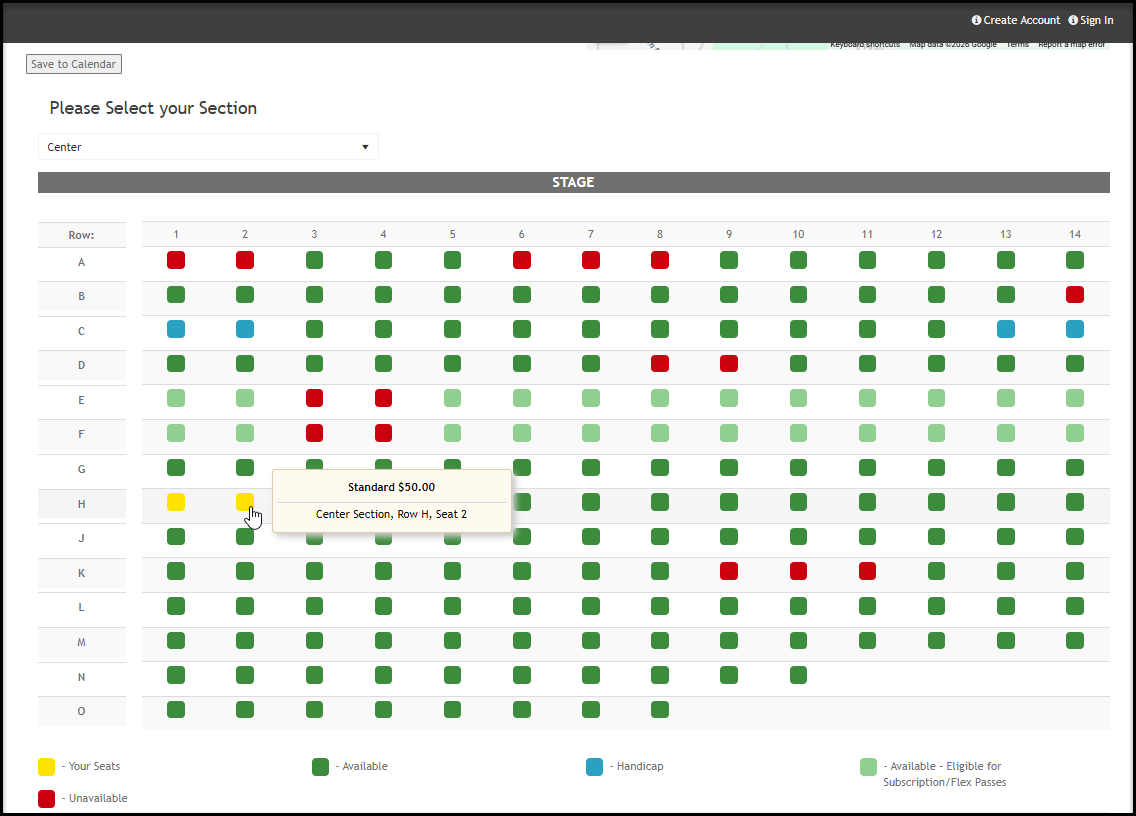
You can select a custom color for one specific type of seat in the Event Setting under Ticketing. All other seats are shown as:
* Red for unavailable (they have already been purchased)
* Green for available
* Light Green for seats available with subscription purchase
* Blue for Handicap
* Seats change to Yellow when the purchaser selects them to be added to their shopping cart.
Was this article helpful?