
Can I see which recipients have not opened my survey email?
Updated Jun 22, 2026·1 min read
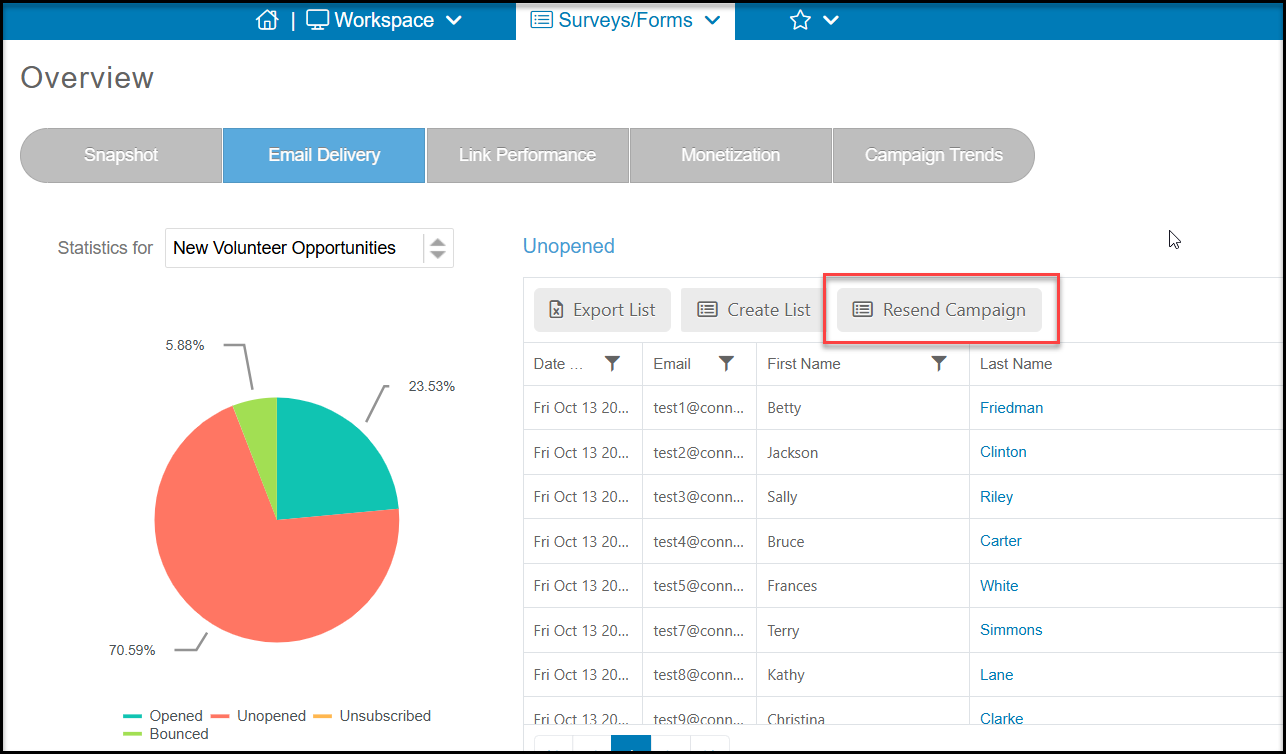
On the Surveys/Forms Overview page, click on the Email Delivery tab to see the statistics for the selected campaign on the pie chart. By clicking on the piece of the pie chart that represents Unopened, the details will then be displayed on the grid for you to review.
If desired, you can resend this survey to just the constituents who did not open by clicking on Resend Campaign.
Was this article helpful?