
Can I create a follow-up recipient email list based on who has or has not opened my survey email?
Updated Jun 22, 2026·1 min read
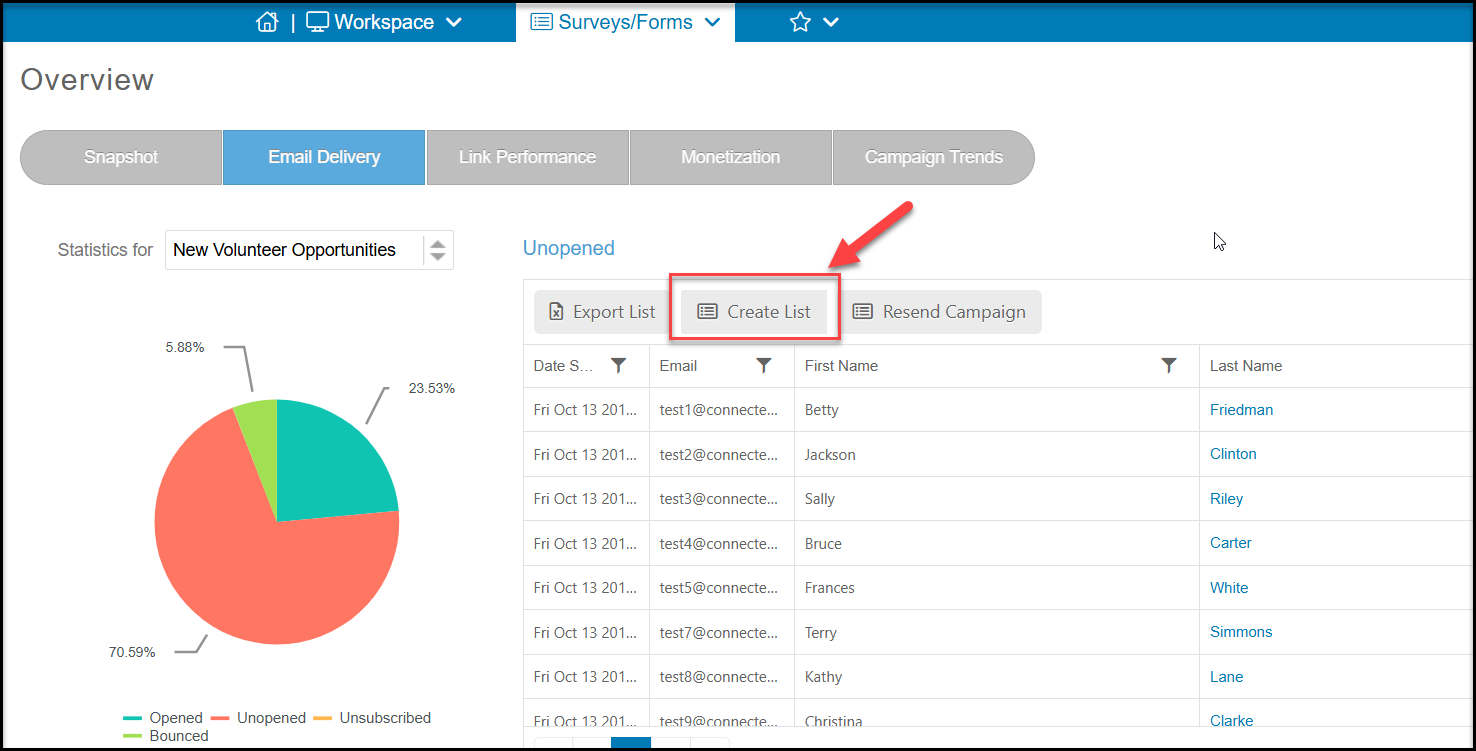
Yes, from the Email Delivery tab of the Overview page, you can select the appropriate piece of the pie chart. Once the grid on the right has populated, click on the Create List button directly above the grid. You can then give the new list any name that you would like. This new list will be available to you under the Contacts page in the Recipient Lists menu item and you can use it in any future campaign or survey.
Was this article helpful?