
Can I see which recipients have opened my survey email?
Updated Jun 22, 2026·1 min read
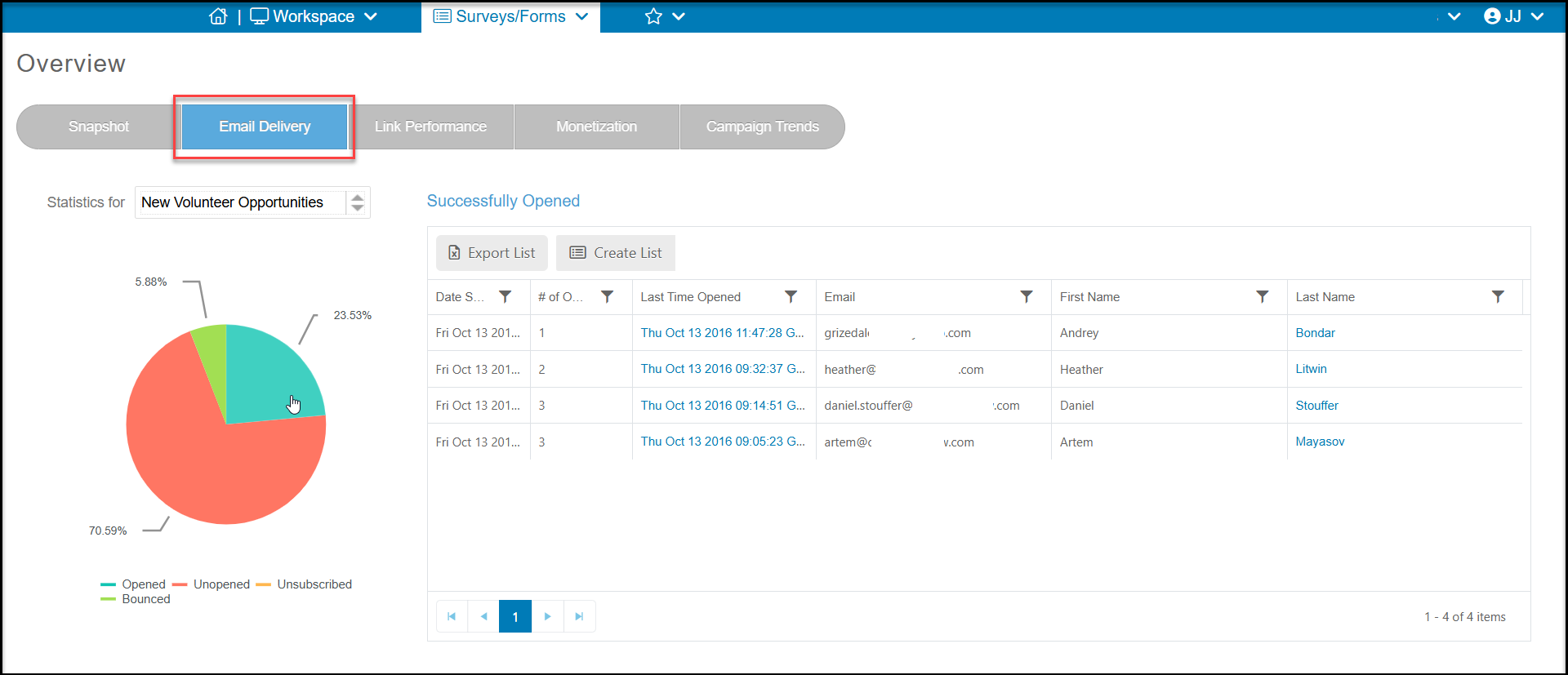
Yes, on the Surveys/Forms Overview page, click on the Email Delivery tab. Select the survey from the dropdown menu next to Statistics for and the pie chart and grid will default to the constituents who opened your survey. You can also click on the part of the pie chart representing the Opened emails.
You can export this list to Excel using Export List or you can create a new email list with Create List at the top of the grid.
Was this article helpful?