
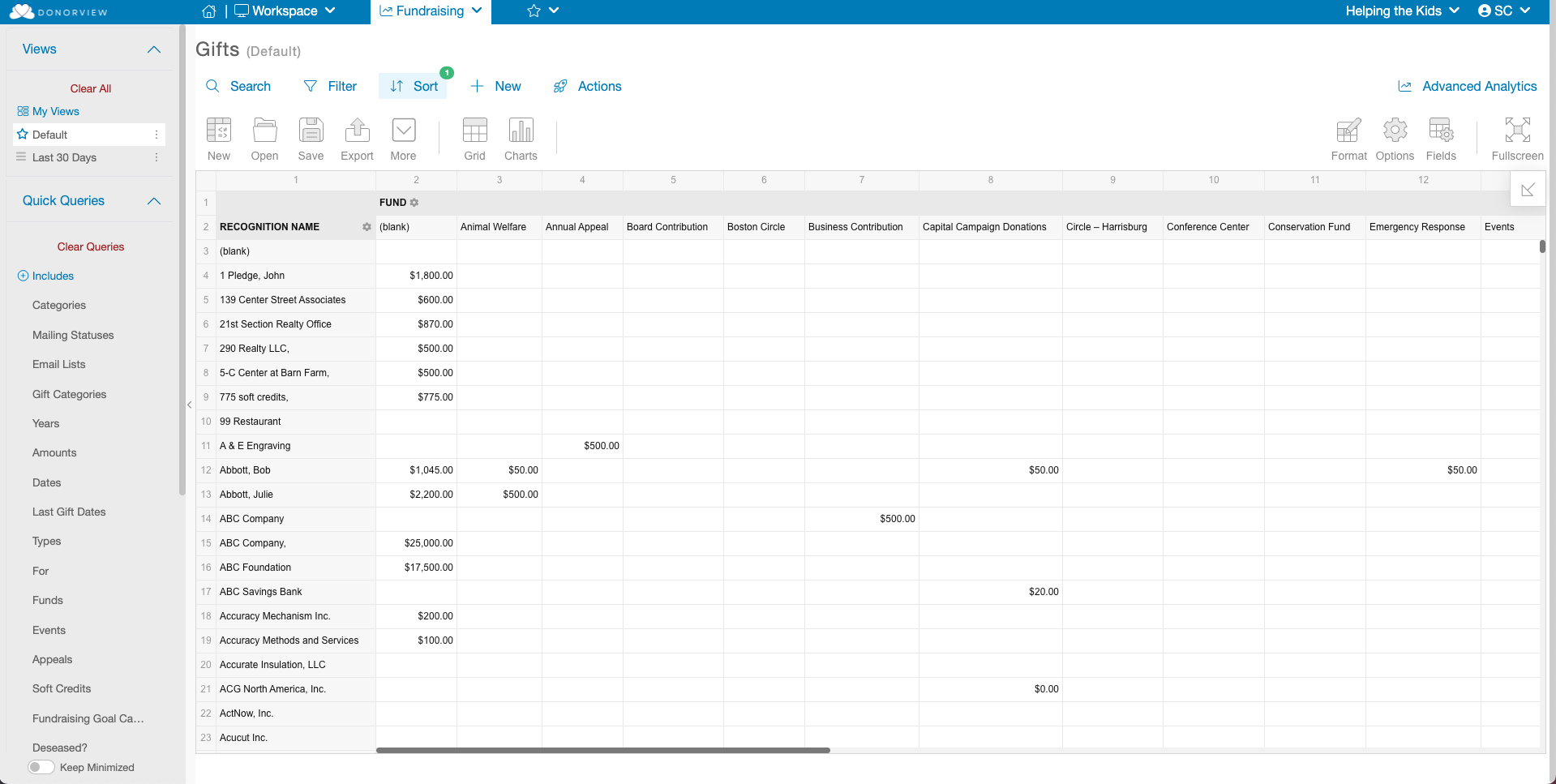
What is the Advanced Analytics button for?
The Advanced Analytics tools are designed to easily become a part of your Business Intelligence Solution. These tools can allow you to:
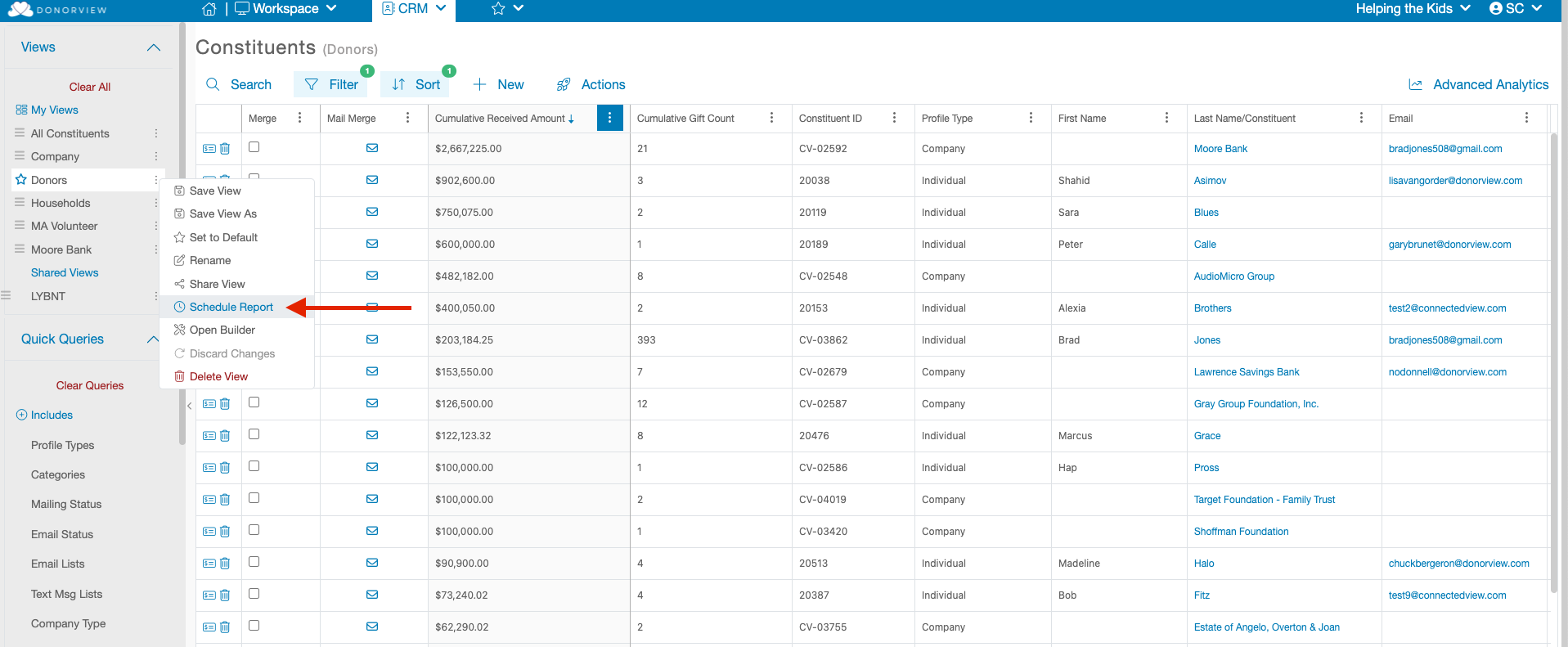
Schedule View Reports
Use your saved Views from your various Grids to schedule one-time or recurring excel reports delivered via email to your desired contacts. To learn more about scheduling your reports, please see this article: Scheduled View Reports
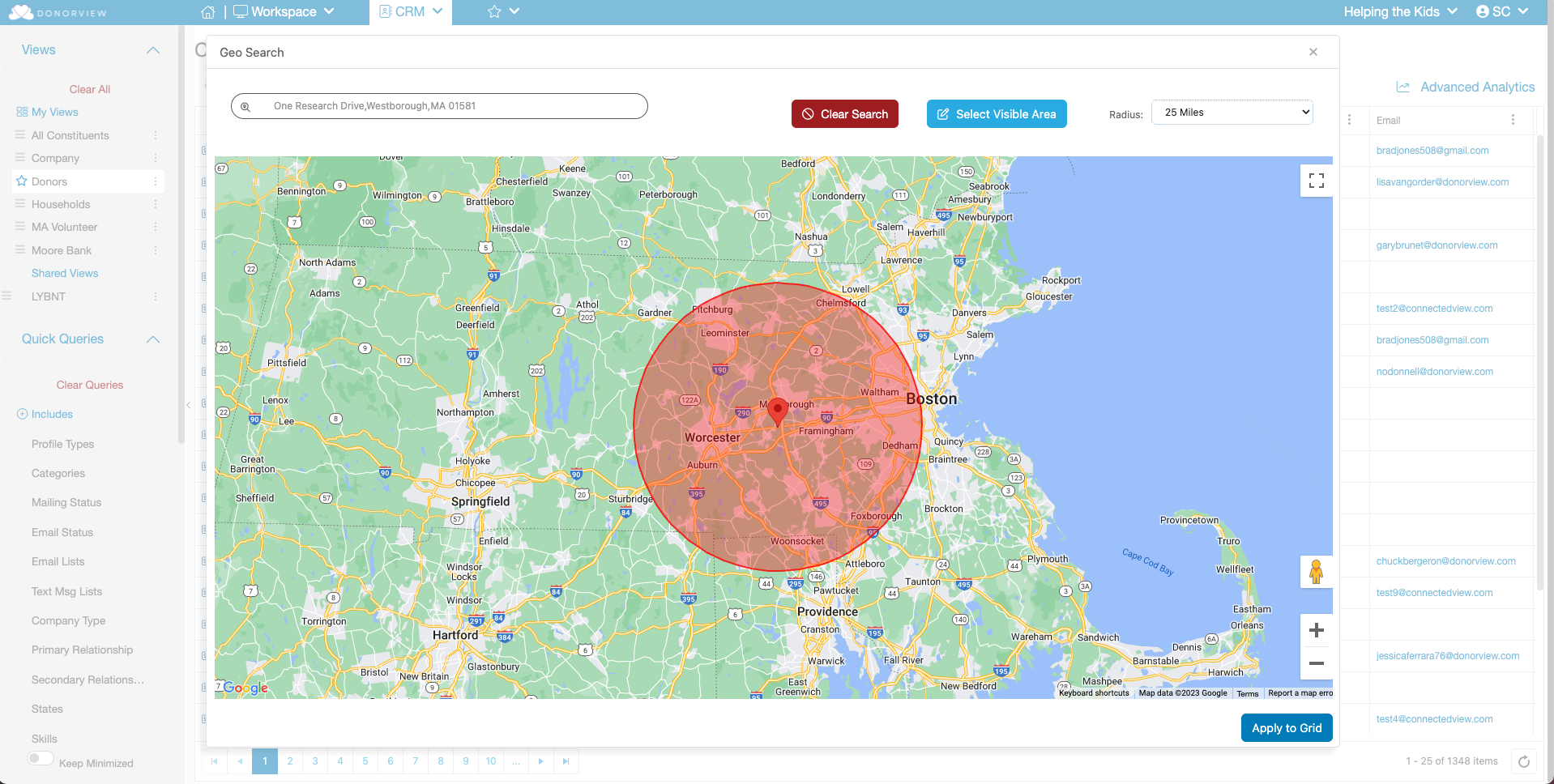
Geo Location Filter
Filter grids to display Constituents based on the geo location of their default address by placing a pin on a map and selecting a desired radius of inclusion. You can learn more about this feature in this article: Geo Search Filter
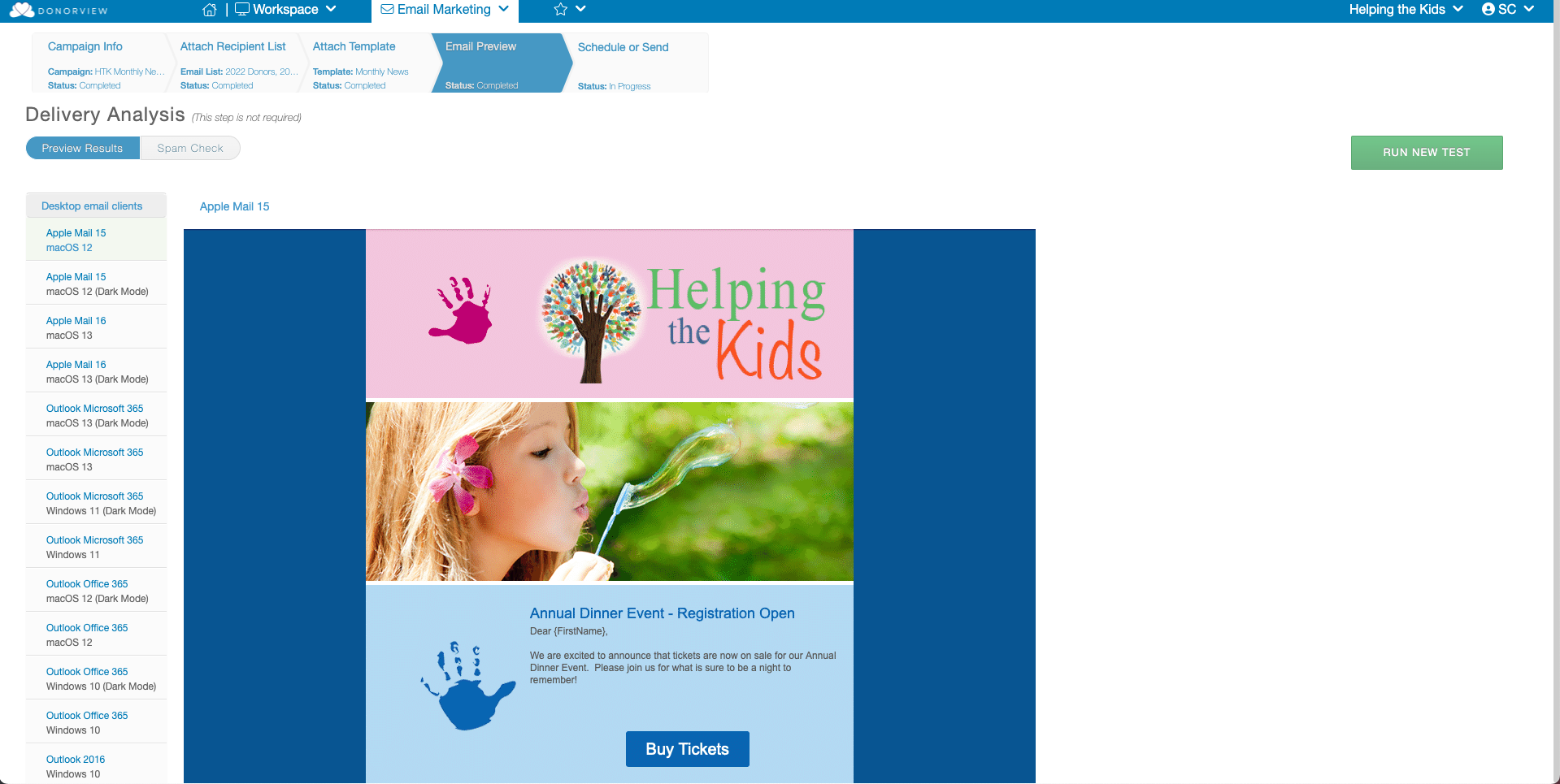
Email Preview
Preview your email templates on 100 different devices and email clients to ensure every recipient sees your template correctly.
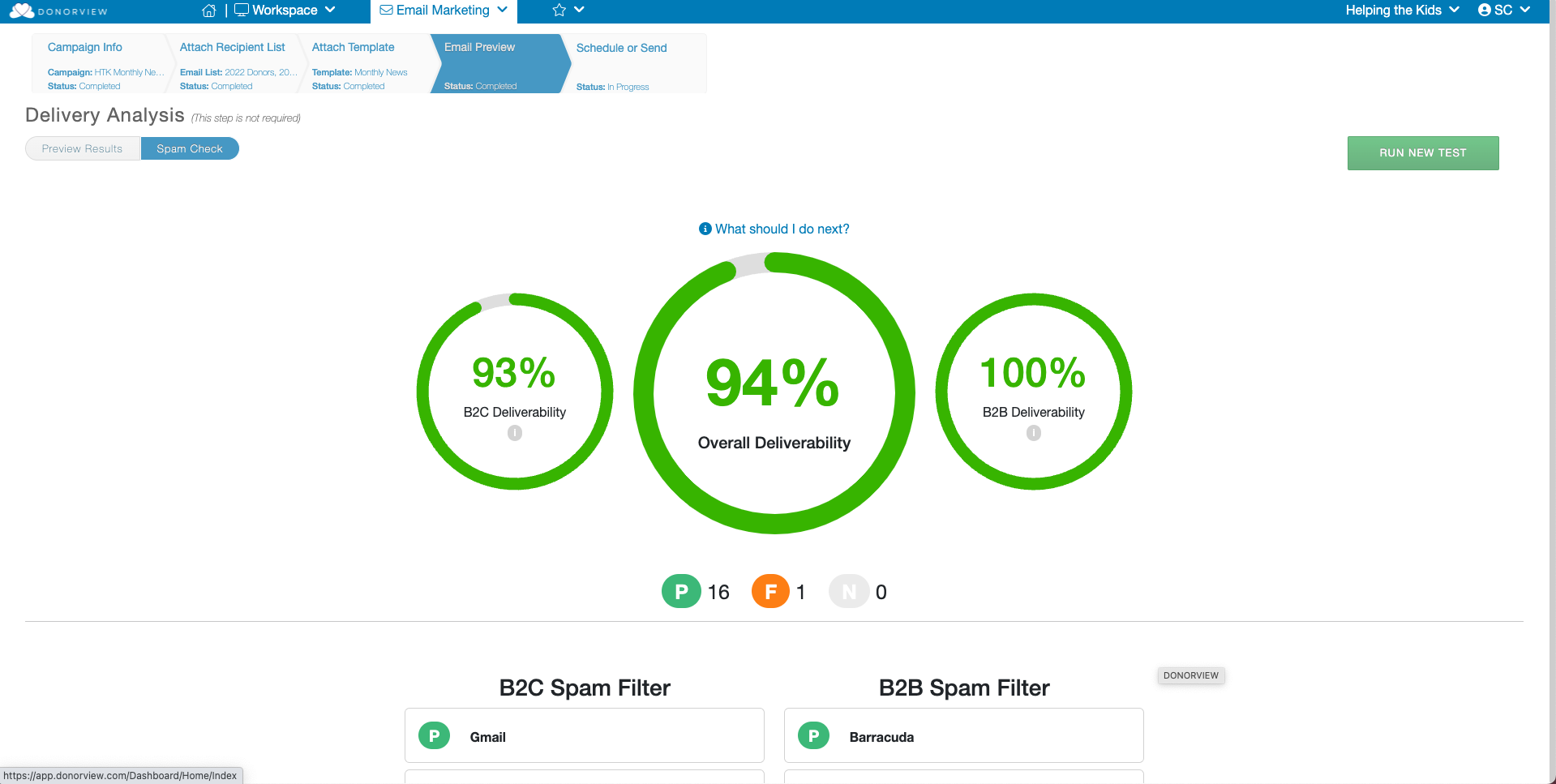
Email Spam Test
Run an analysis of your email template on 17 different Spam Filters to see if it passes and is likely to be delivered to your recipient's inbox. You can learn more about the email preview and spam test features in this article Email Preview and Spam Test
Visualize your data with Pivot Tables
With the Advanced Analytics link at the top of several grids, you can aggregate, filter, sort and group data to focus on specific subsets. Drill up and down to see your data from different points and bring data trends into the spotlight.
Export to PDF, Excel, HTML, CSV, or PNG in one click.
Learn more about this feature in this article: How can I edit my Advanced Analytics Pivot Tables?
Outlook/Gmail Email Integration
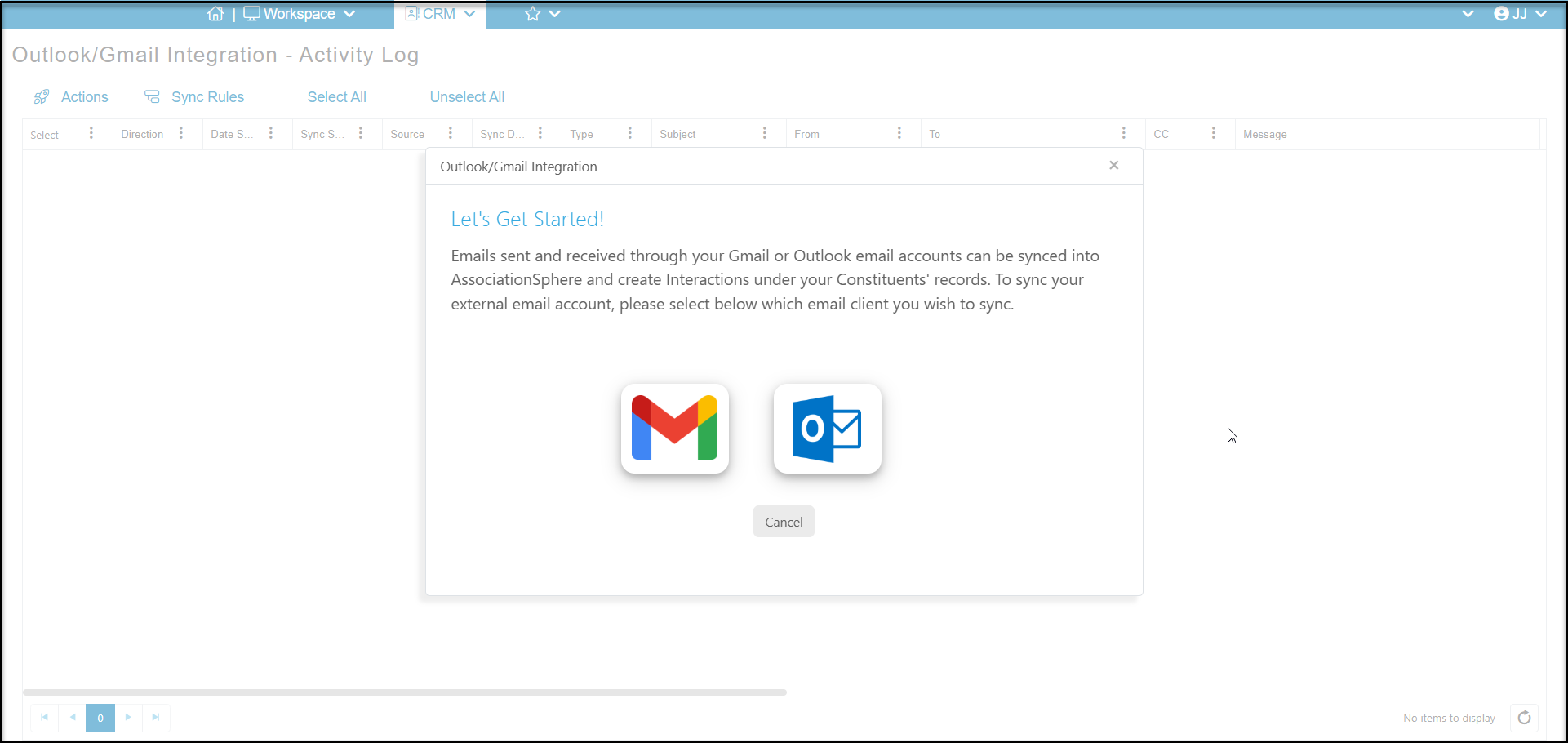
Allows you to integrate communications through Outlook and Gmail with the Interactions grid. Any emails coming in or out of these providers can be synced with the constituent's Interactions and saved in their record. You can learn more in these articles: https://support.donorview.com/en/support/solutions/folders/9000200436
Outlook/Gmail Email Integration