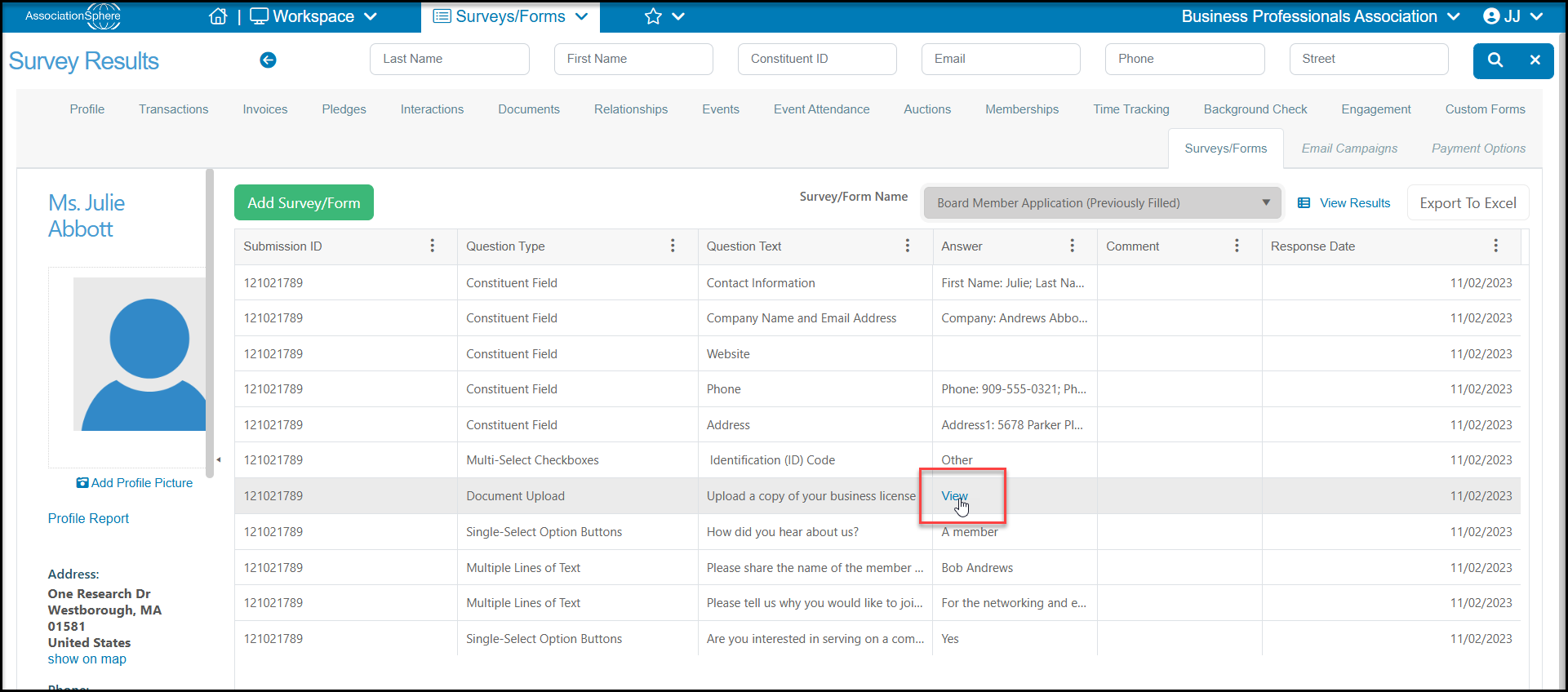
In a constituent's record, on their Survey/Forms tab you can find a list of all the surveys they have previously completed under the dropdown menu next to Survey/Form Name.
You can also click on Add Survey/Form to open a new window to select a survey to complete on behalf of this constituent. Their name and email will auto-populate and the results will link to their record when submitted.
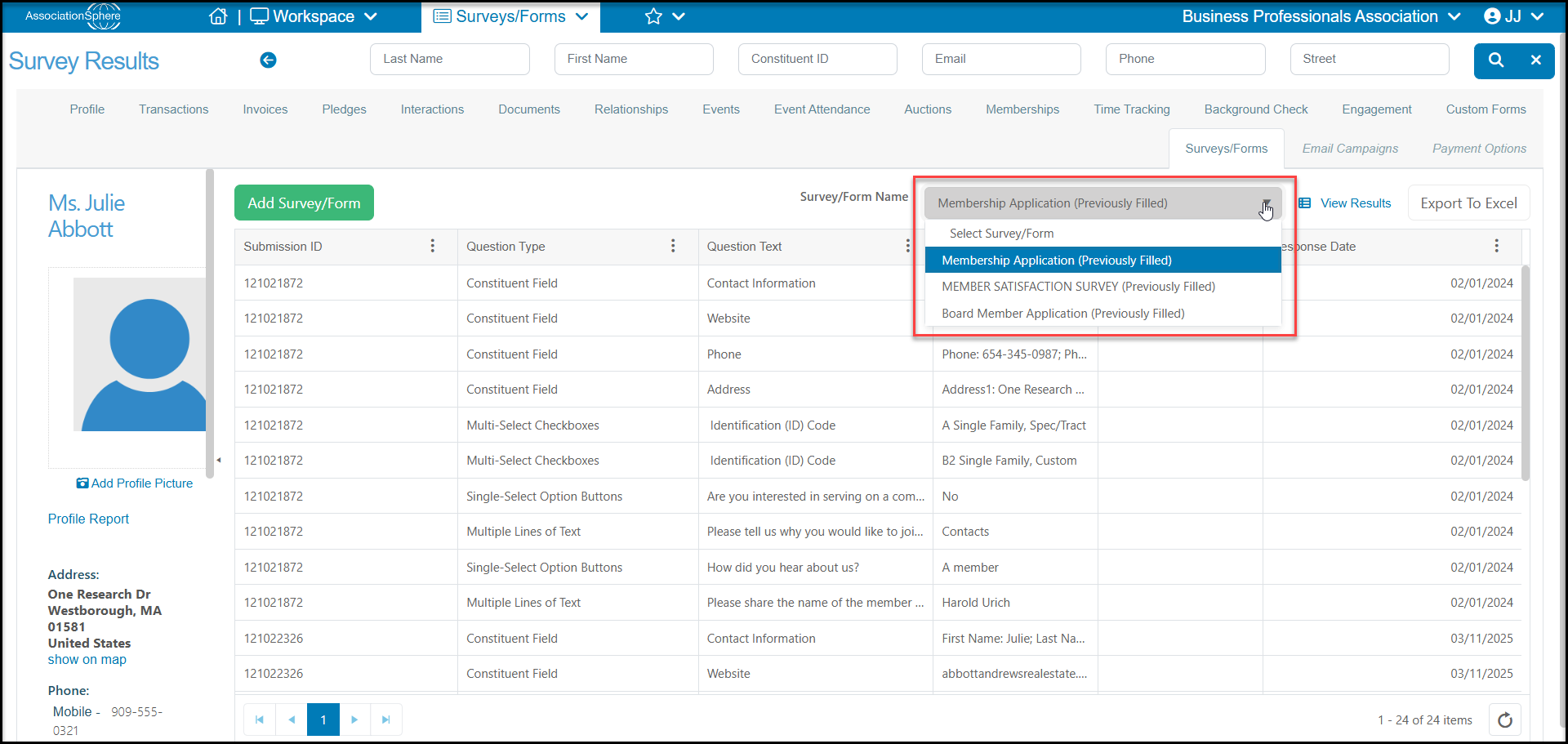
When you select a survey that has been previously completed, you will see the grid display similar to the Detailed view on the Surveys/Forms Results grid. With each question and response listed as its own row.
At the top of the grid you can click on View Results to see the original submission or Export to Excel to export the grid to excel. The original responses are not editable in the software.
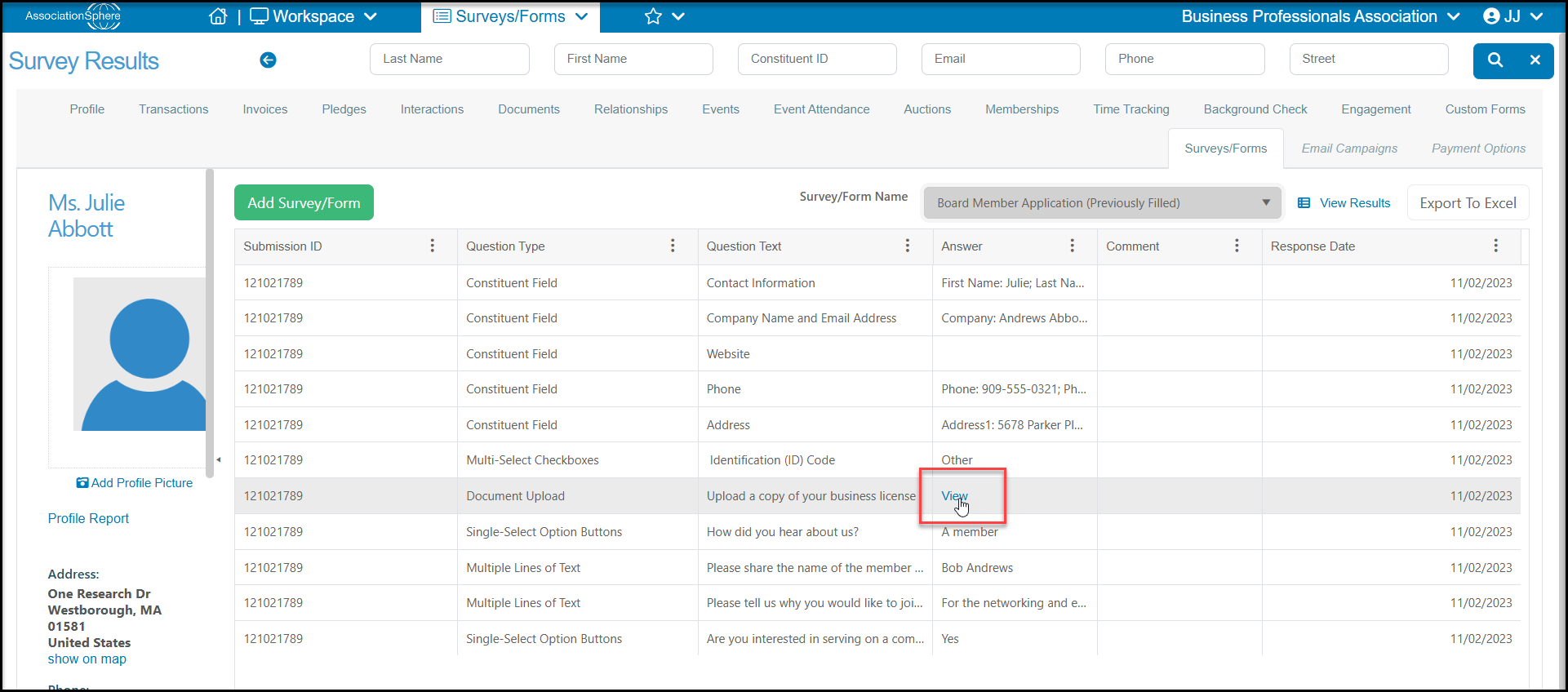
If you have requested any document uploads you will find a link on the grid in the answer column called “View” which will open the document that was uploaded.