What mail merge fields are available in templates and emails?
The mail merge fields associated with your mail merge letter templates or email templates depend on the source of the data, which will depend on the module or how the list was created.
When working in the templates within the CRM, Fundraising, Event, General Membership, and Youth Memberships modules, they have their own list of mail merge fields available and are drawn from the grids associated with the applicable template library. For example, in the CRM templates, fields from the Constituent Grid are available to be inserted into the templates. Custom fields are part of the CRM module and are only available as Mail Merge fields in CRM Mail Merge templates.
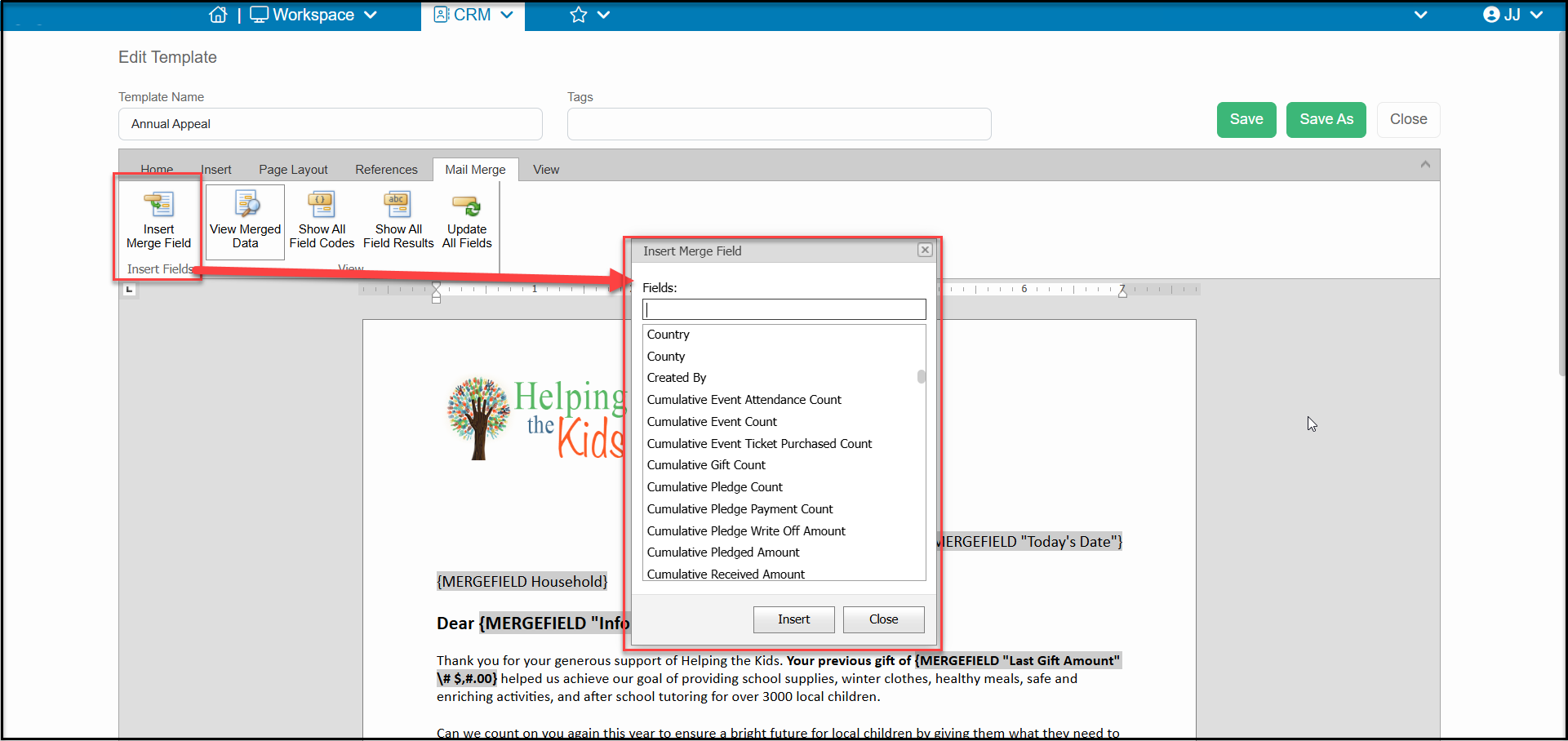
The available merge fields are shown alphabetically in the list when you select Insert Merge Fields in a Mail Merge template.
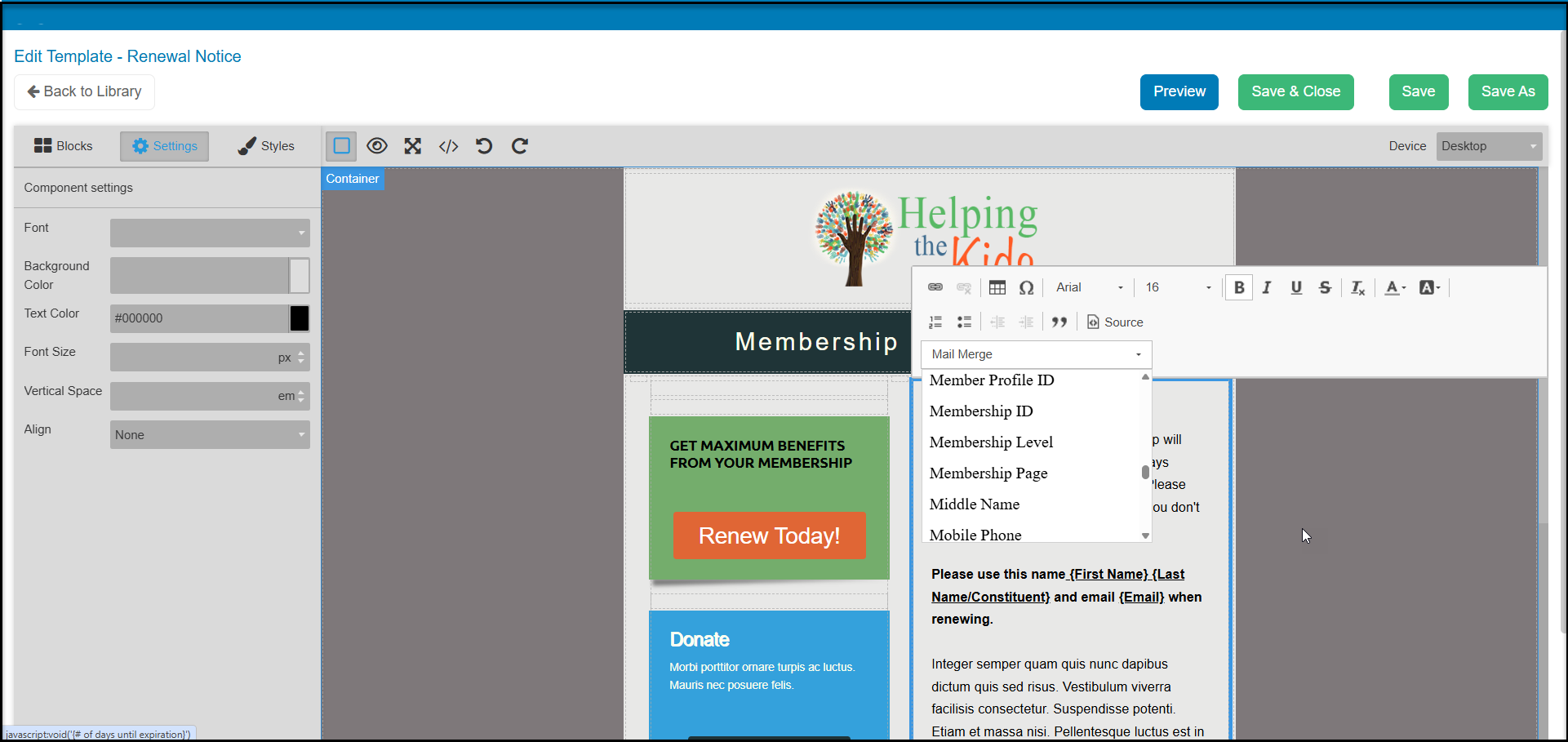
When working in email marketing campaigns, how the contact email list was created will determine what data is available for the templates. This also applies to acknowledgement emails for things like donation, auction, event, or membership page transactions. For example, an email list created by filtering an Event Attendance grid will provide different merge fields than one created from the Constituents grid. Or, as in the example below, an auto reminder set up for membership renewals will have merge field data related to memberships.