
Help center/Surveys/Forms Module/Surveys/Forms List Page - Creating Surveys, Forms, Polls, and Applications
Can I remove the logic from a question?
Updated Jun 19, 2026·1 min read
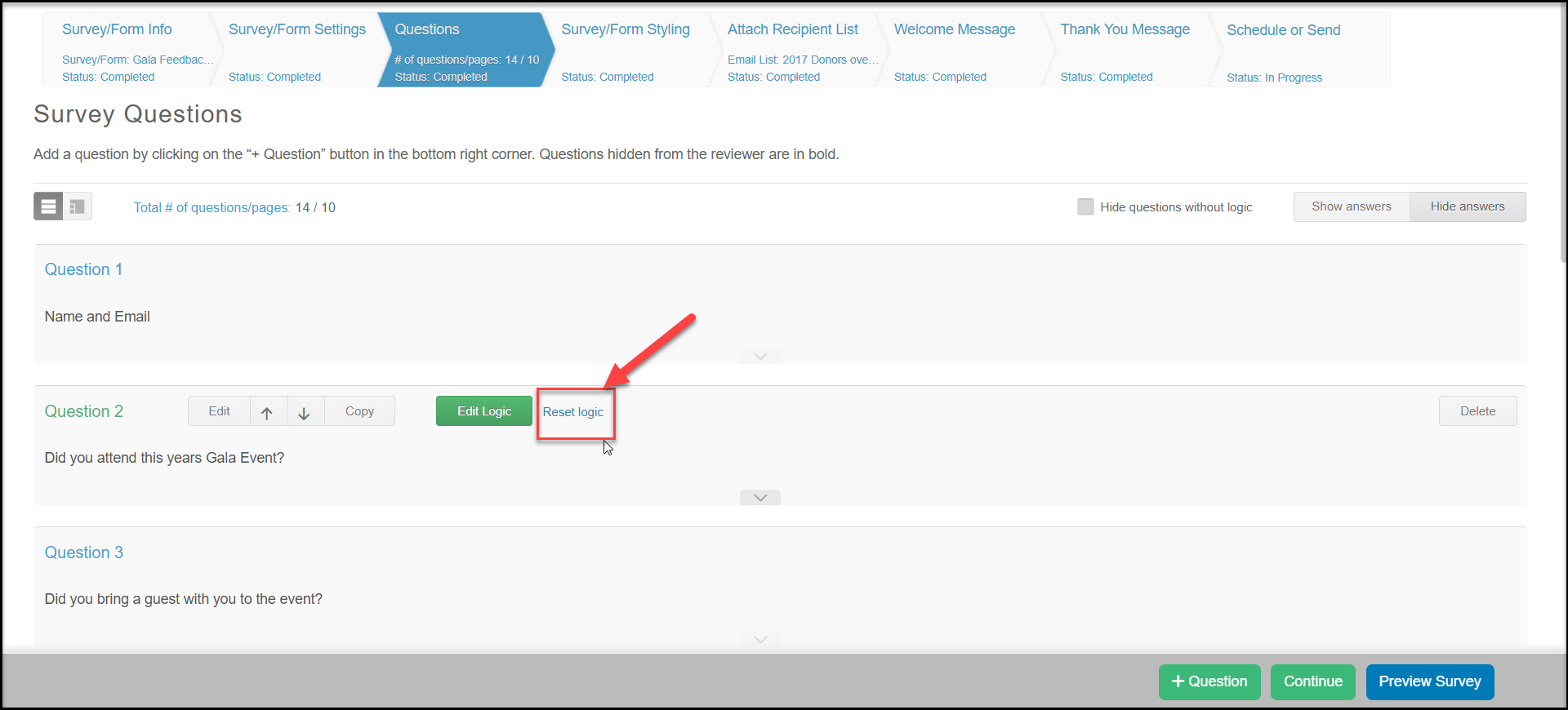
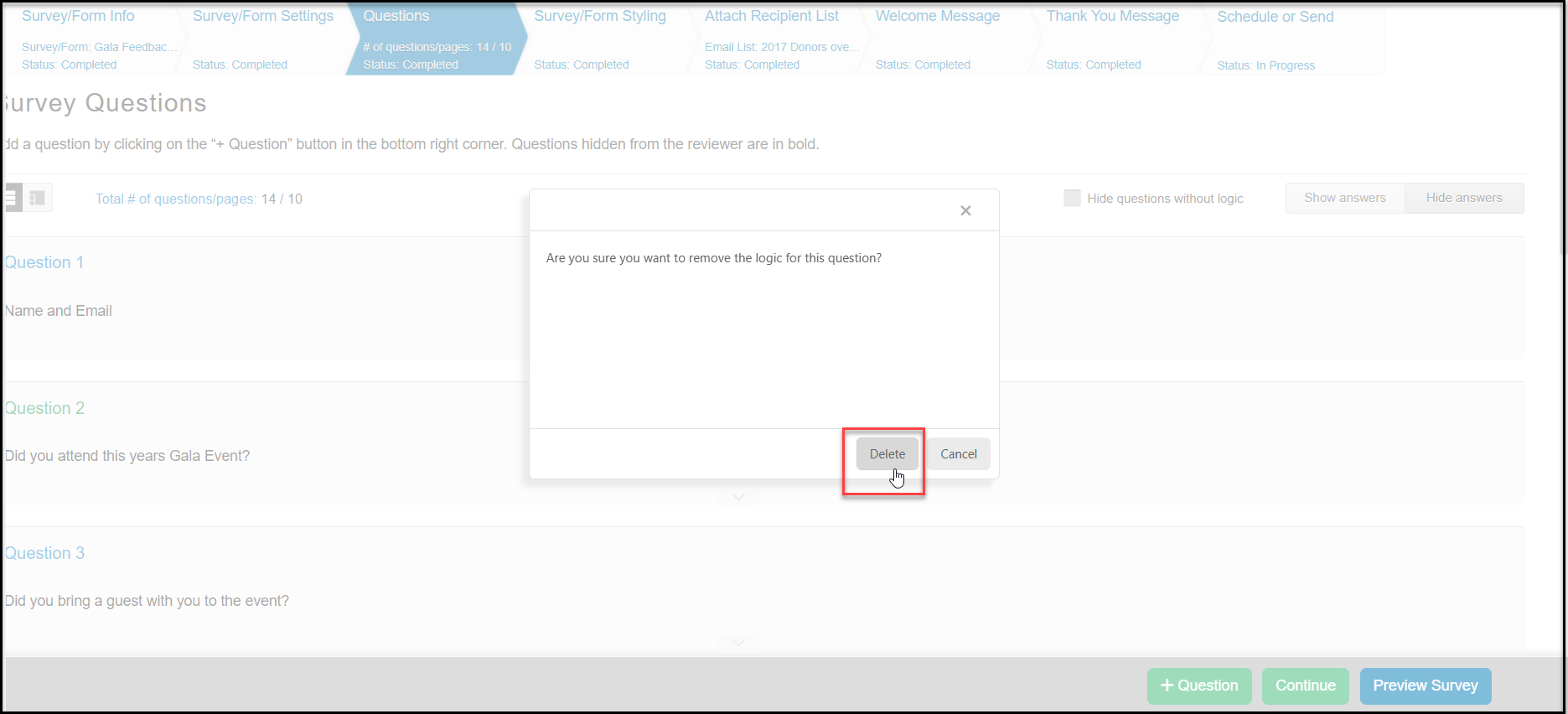
Yes, if you have setup the skip logic for a specific question, you can easily change or remove it. Place your mouse over the question and select either the Edit Logic button to change the logic or the Reset Logic button to remove the logic. If you edit the logic, the window will appear where you can make your changes. If you reset the logic, you will be presented with a confirmation message. If you want to remove the logic, click Delete.
Removing logic will not delete the questions that were associated with your previous logic path. Be sure to delete or change any questions as needed once the logic is removed. Keep in mind that deleting questions also deletes any responses that were previously provided.
Was this article helpful?