Does my logo or company name appear on my survey or poll?
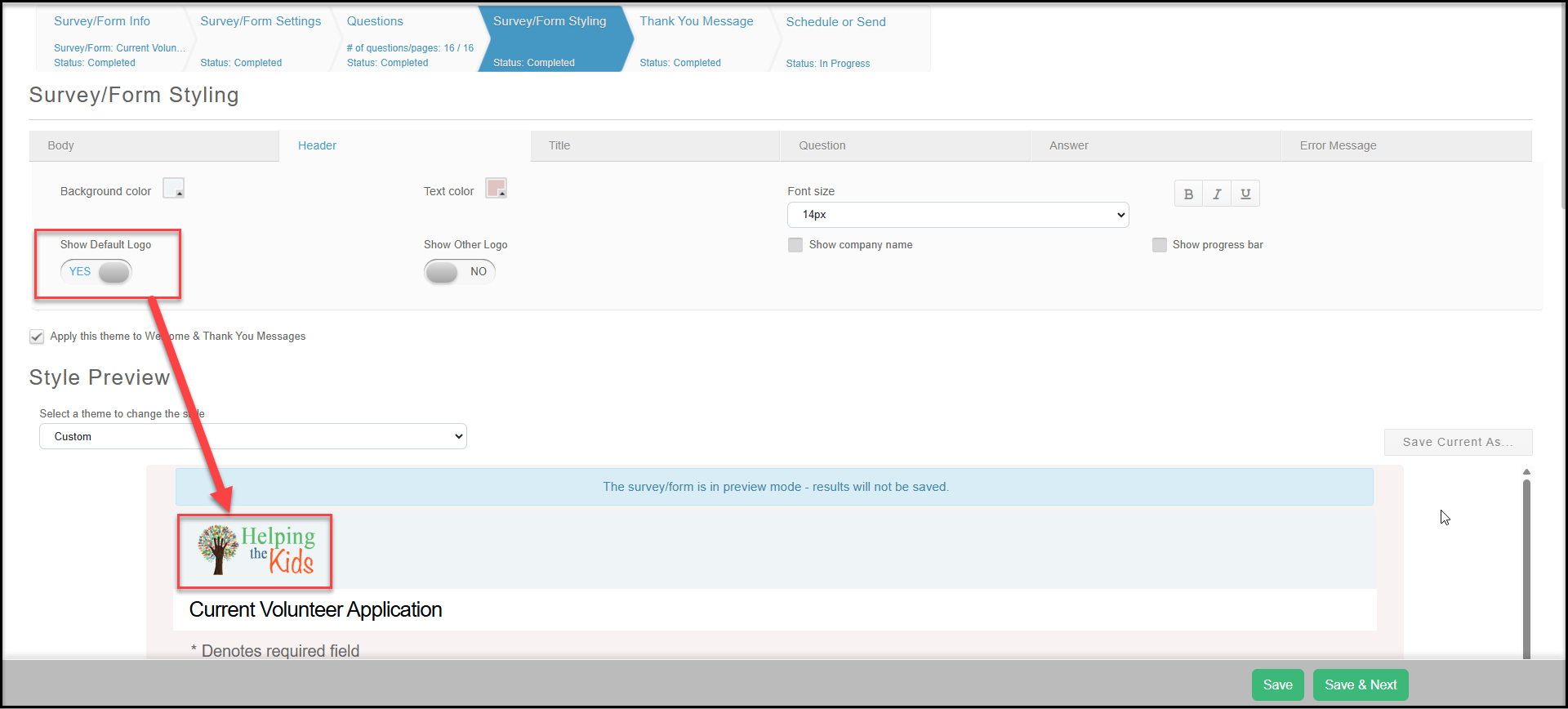
You can decide for each survey or poll whether to show your logo or company name or not. To make this selection, go to the Header tab on the Survey Styling step in the Survey Wizard. There is a checkbox labeled Show Default Logo. Check the box to include your default logo. The logo that is saved in your Account Settings section is the logo that will be used. If the box is not checked, your logo will not appear for this survey or poll.
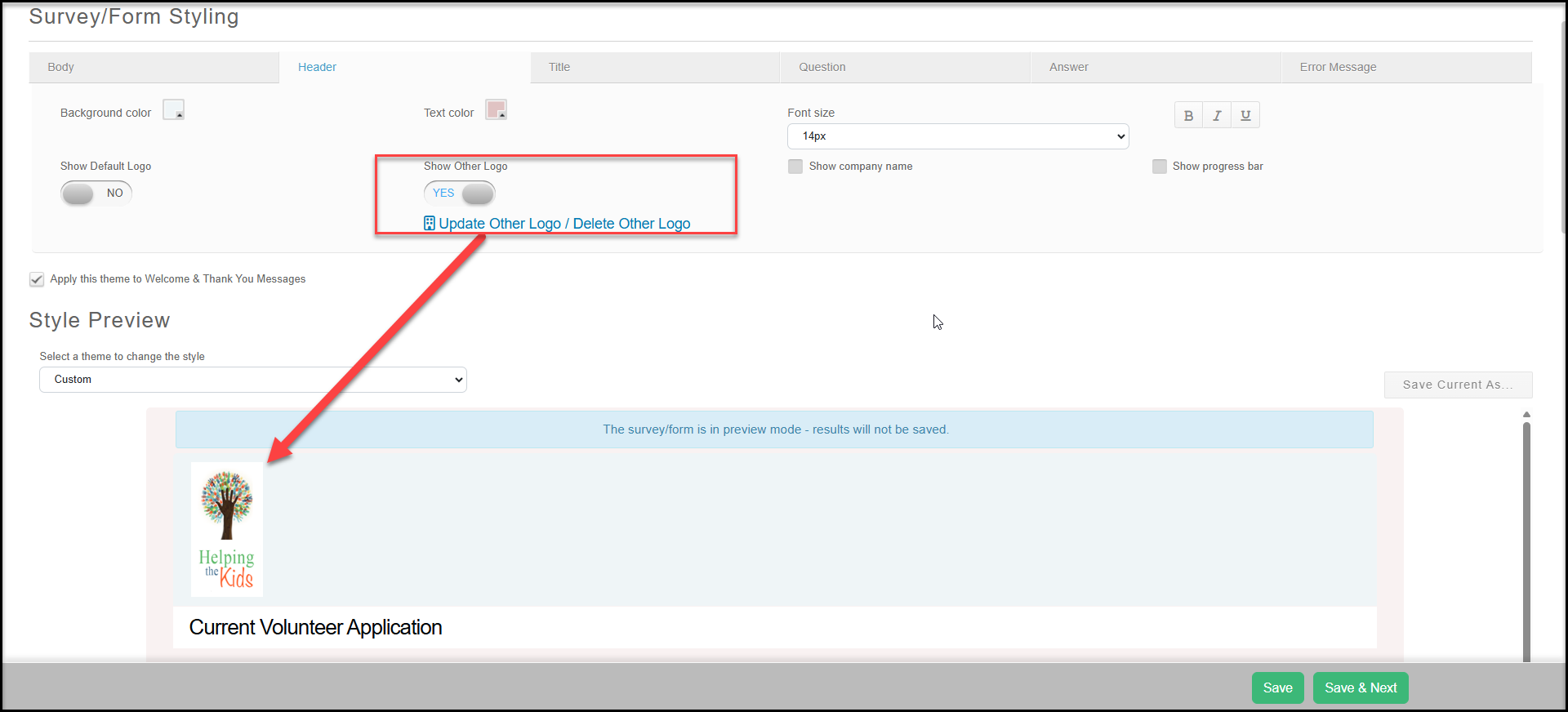
If you prefer to use an alternative image or logo, check the box Show Other Logo to use the alternative logo in your Account Settings. Click on the link below the toggle that says Update other logo/Delete other logo to upload a new image from your computer. Note that changing this logo will also change the logo used on any other pages which use the Show Other Logo feature.
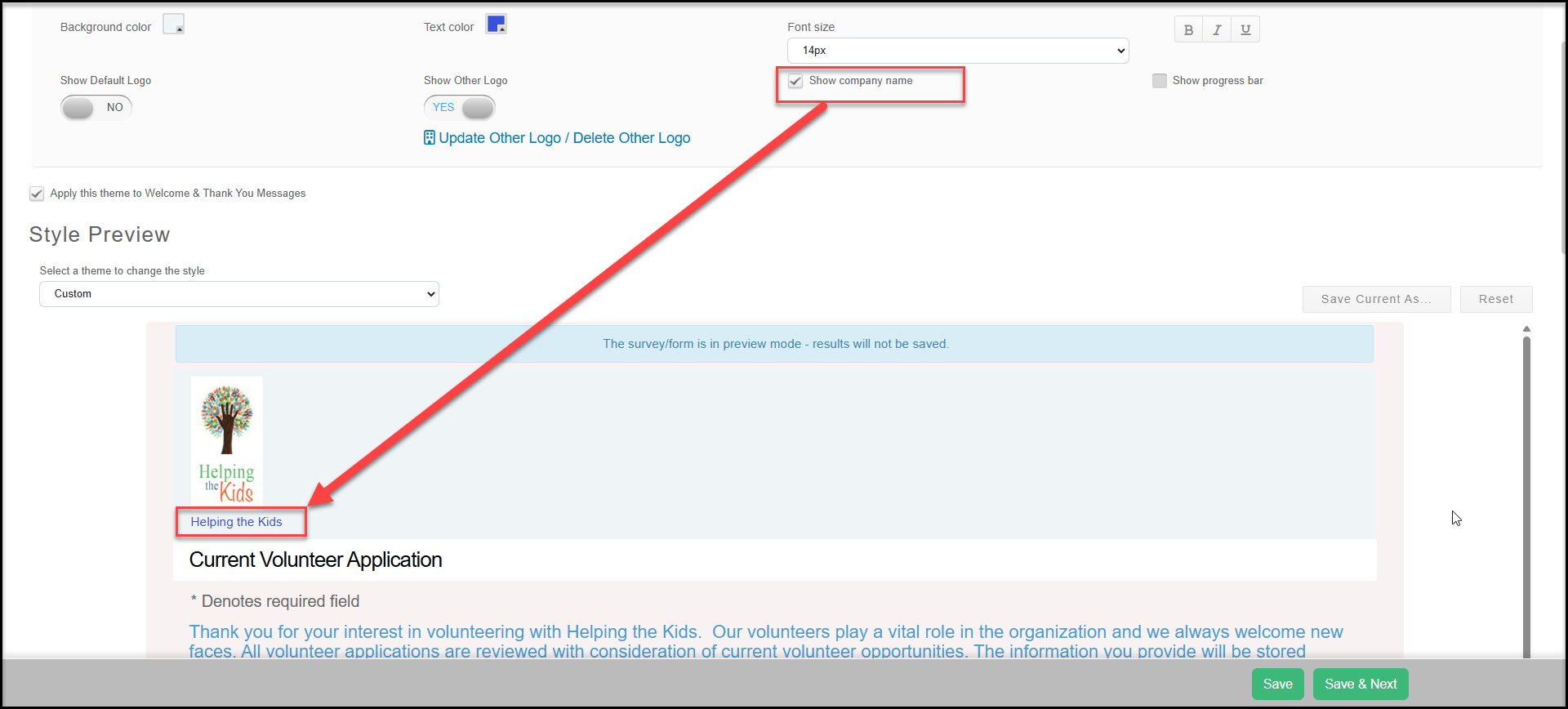
You can also add your company name to the top of the page by checking the box Show company name. The name of your organization saved in your Account Settings will be shown under the logo.