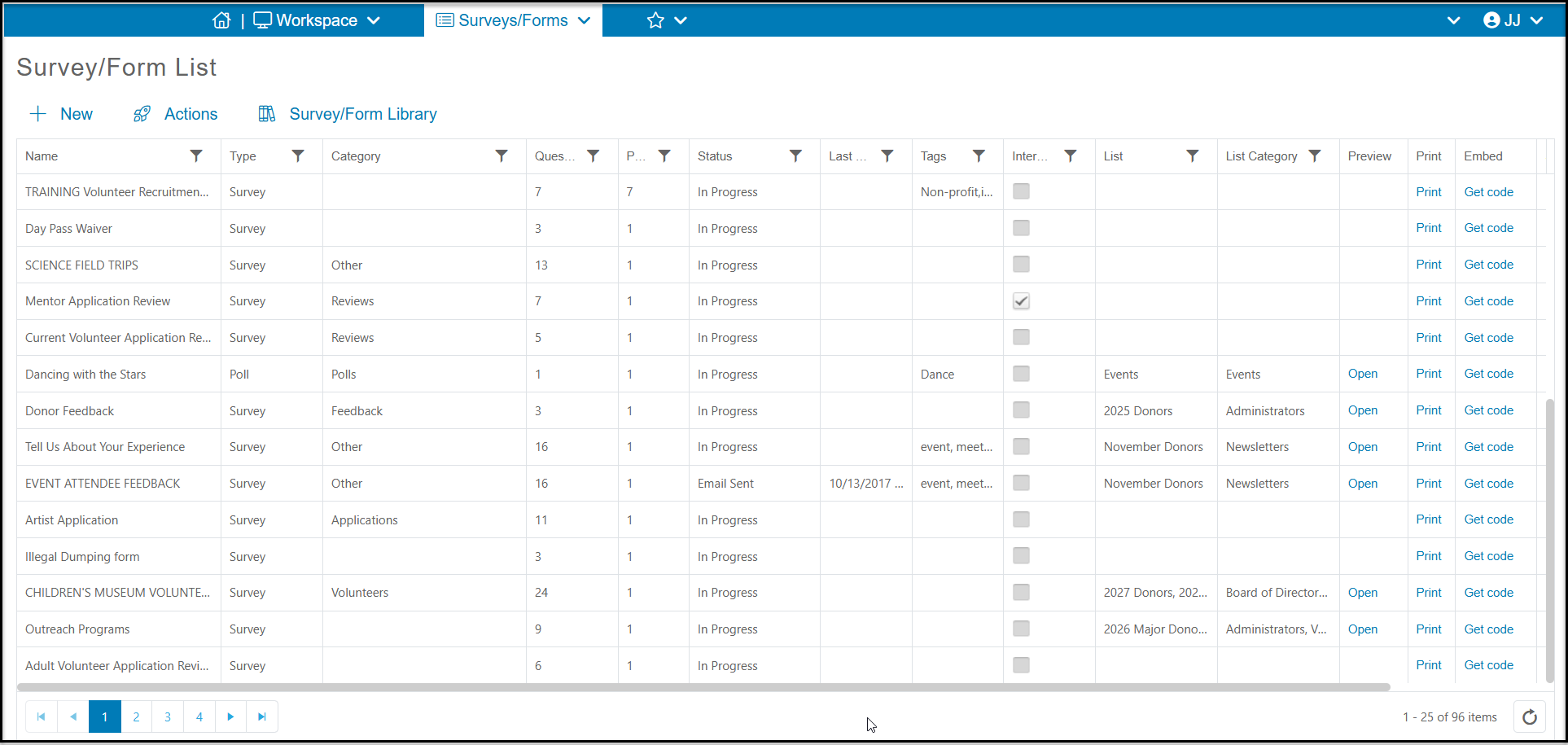
If your survey or poll status on the Survey/Form List page is In Progress, then you can edit any details within the survey. To edit an In Progress survey, select the appropriate survey or poll and click on View/Edit at the top of the grid.
If your survey has been distributed by email you can still make changes, however the survey will not be resent. Only new respondents will see any changes to the survey questions or thank you email.
Note that making changes to the survey will affect the Survey/Form Results grid. For example, if you delete a question, the responses from any previous submissions will also be deleted. If you rename or change the answer options, those changes will also be reflected on the results grid. Before making changes, you can export your current responses using the Actions menu on the Survey/Forms Results grid to keep the historical information already provided.