
Help center/Surveys/Forms Module/Surveys/Forms List Page - Creating Surveys, Forms, Polls, and Applications
Can I preview or see the questions in a particular survey without editing it?
Updated Jun 19, 2026·1 min read
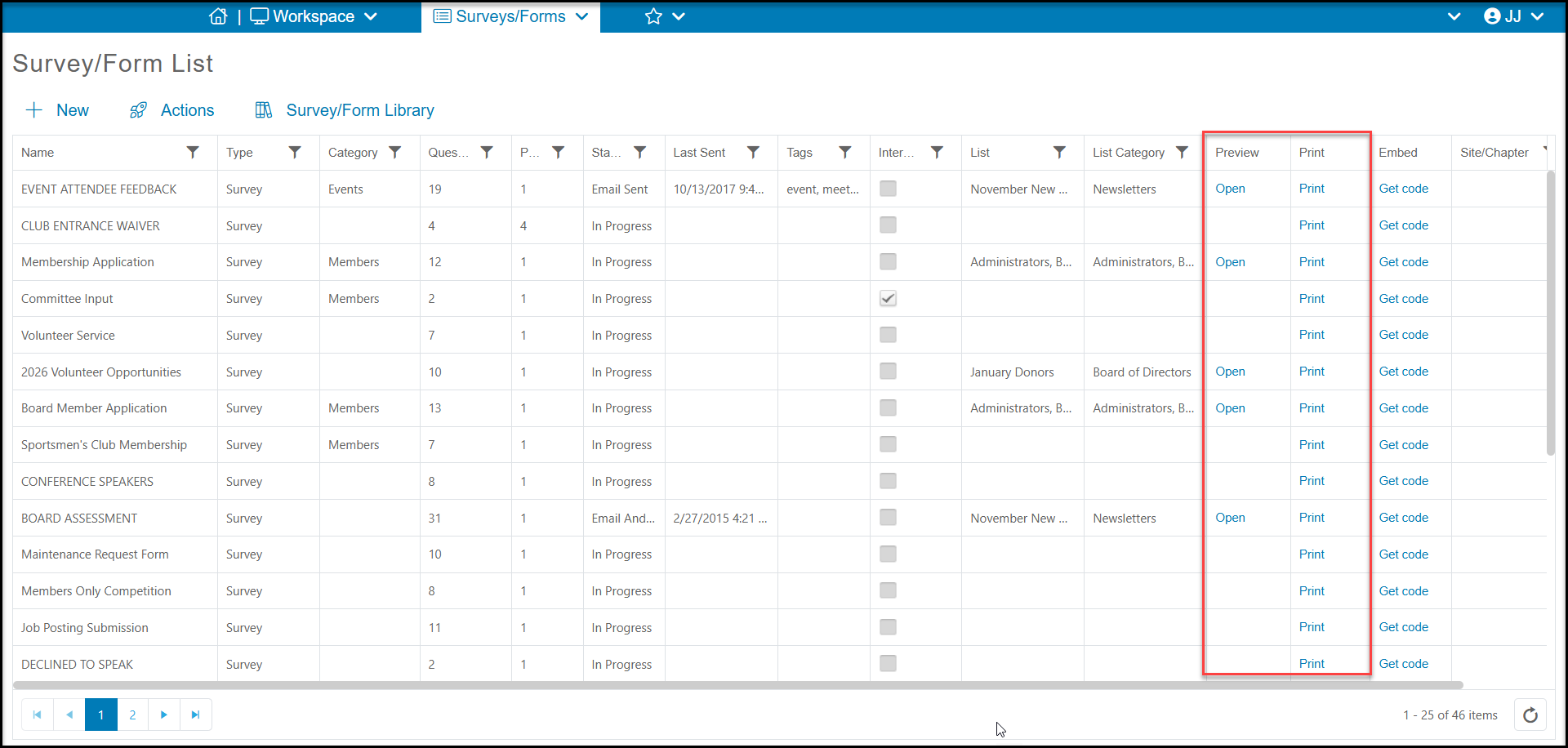
Yes, you can select either Preview or Print from the Survey List to view the questions.
The Preview option will walk you through the survey as if you were taking it. It is only available for those surveys that are sent via an email campaign. This is the same way that your recipients will view the survey. You can answer the questions, but your answers will not be saved.
The Print option will condense your survey questions onto one page (rather than one question per page) and open in a new browser window. You can print from your browser if desired. Note that surveys with logic will show the questions in the order they are entered and follow up questions will not appear.
Was this article helpful?