
What if the related constituent doesn’t exist yet?
Updated Oct 16, 2026·1 min read
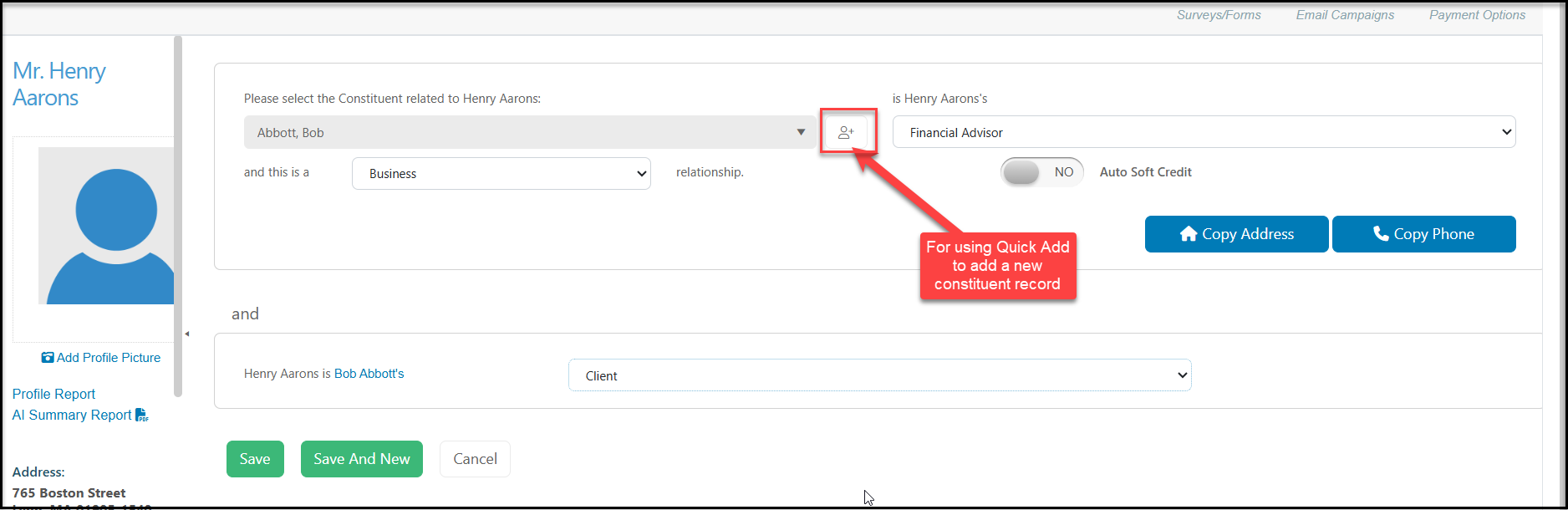
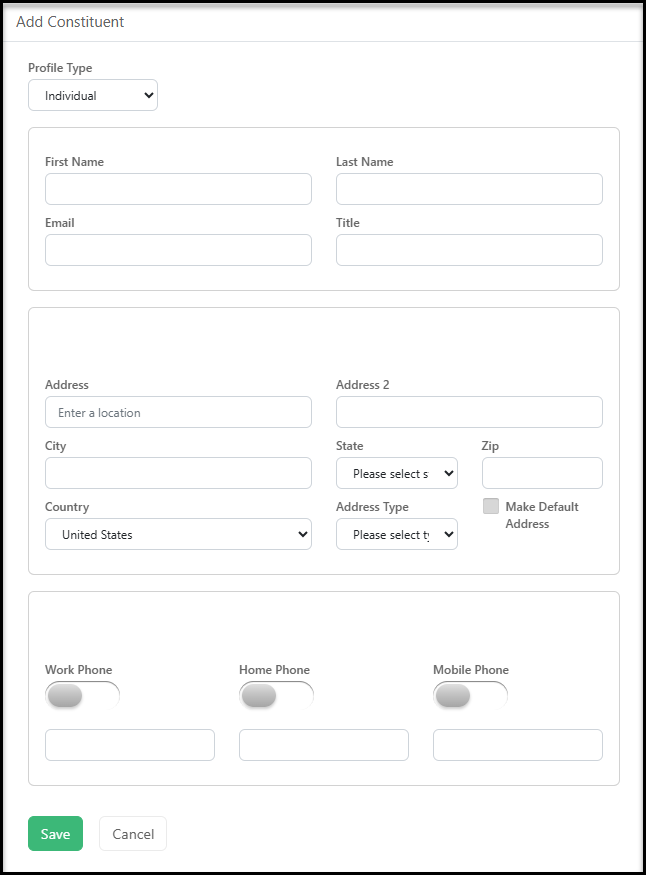
Once you are on the new relationship screen, you can add a constituent to AssociationSphere by clicking on the Add Constituent icon button that is next to the Select Constituent dropdown box. Enter the information for the new constituent and click Save to create the new record. This constituent will then appear in the dropdown box to select and you can continue to enter the relationship information.
Was this article helpful?