Relationships Overview
Overview of the softwares features for setting up relationships between constituents.
Constituent relationships allow you to link constituent records together so that you can see different types of connections like work, family, or groups.
There is no limit to the number of relationships a constituent can have and the types of relationships are editable. This allows you to customize the types of relationships you would like to track, for example:
- Spouses, partners, siblings, and other family relationships
- Employer and employee
- Client and service provider
- Church and church member
- School and alumni or student
- Neighborhood and neighbor
- Mentor and mentee
- Donor Advised Fund and fund advisor
- Business and board member
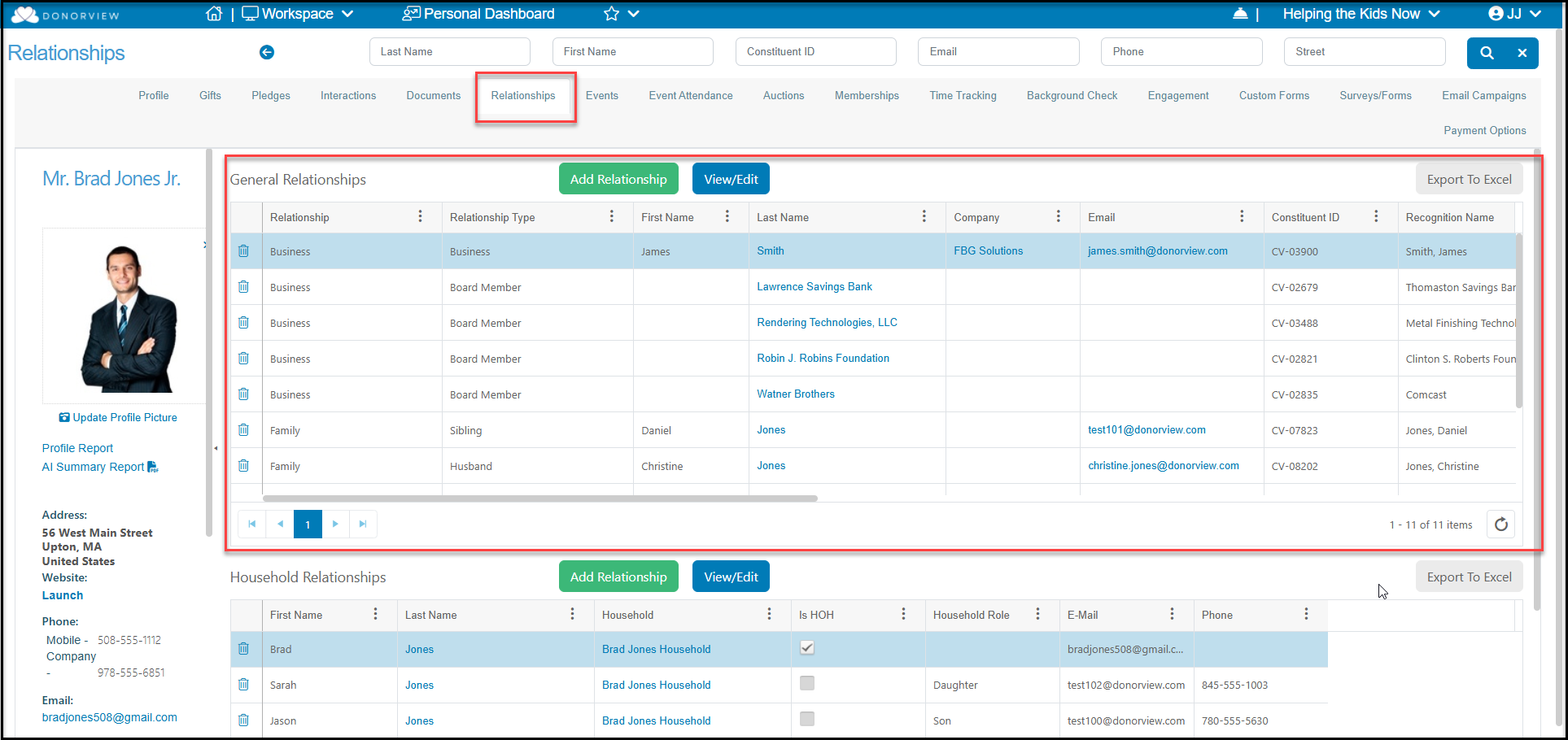
Constituent relationships are displayed on the constituent's profile under the Relationships tab in the General Relationships area. If this constituent is also part of a Household record, you will see those relationships at the bottom of the page. To learn more about Households, see this article: Creating a Household Constituent Record
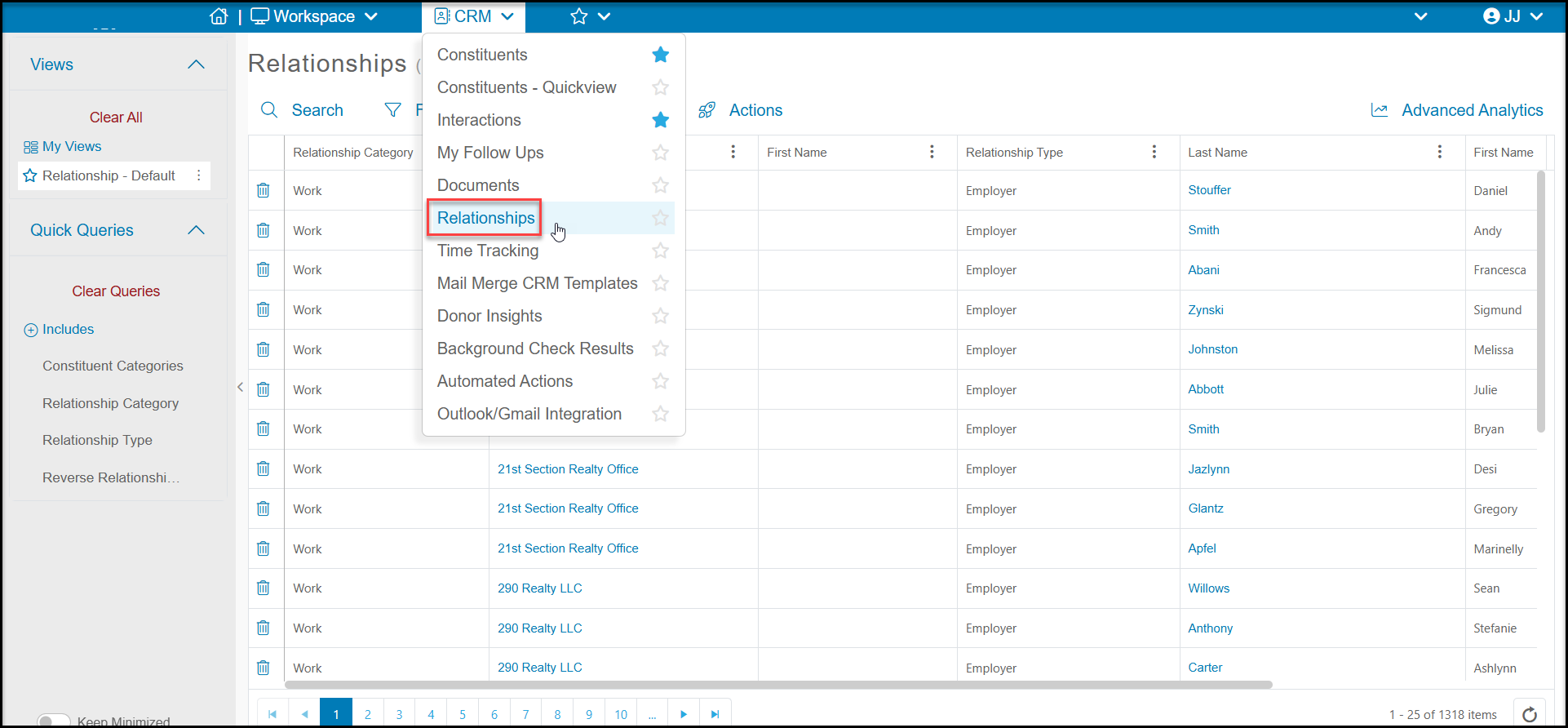
There is also a list of all relationships between all constituents on the Relationships grid in the CRM module.
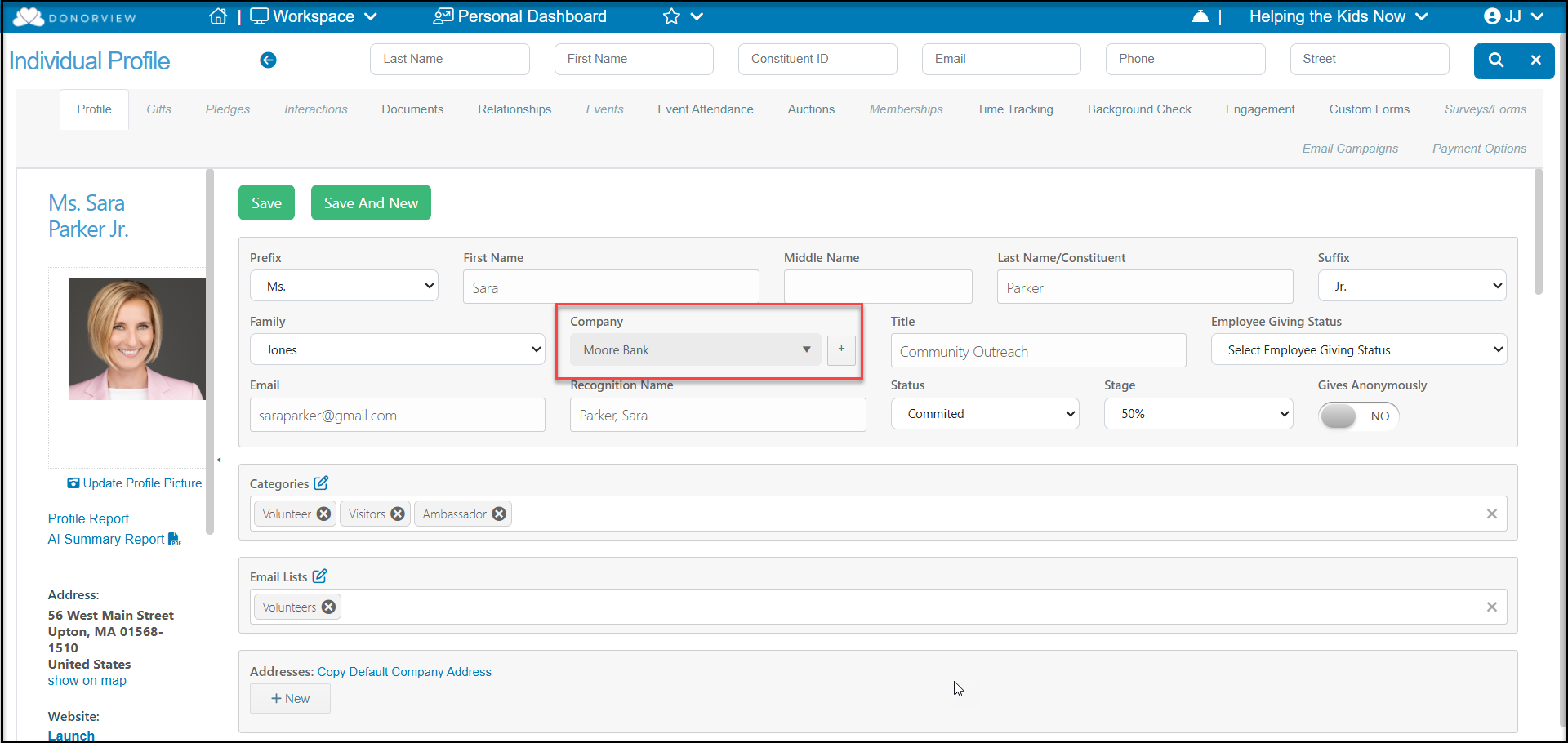
Employer-Employee relationships are also displayed in several places in the software. On a constituent's profile page, the name of their employer is shown in the Company field. On the Constituents grid, you can also see the name of the constituent's employer under the Company column.
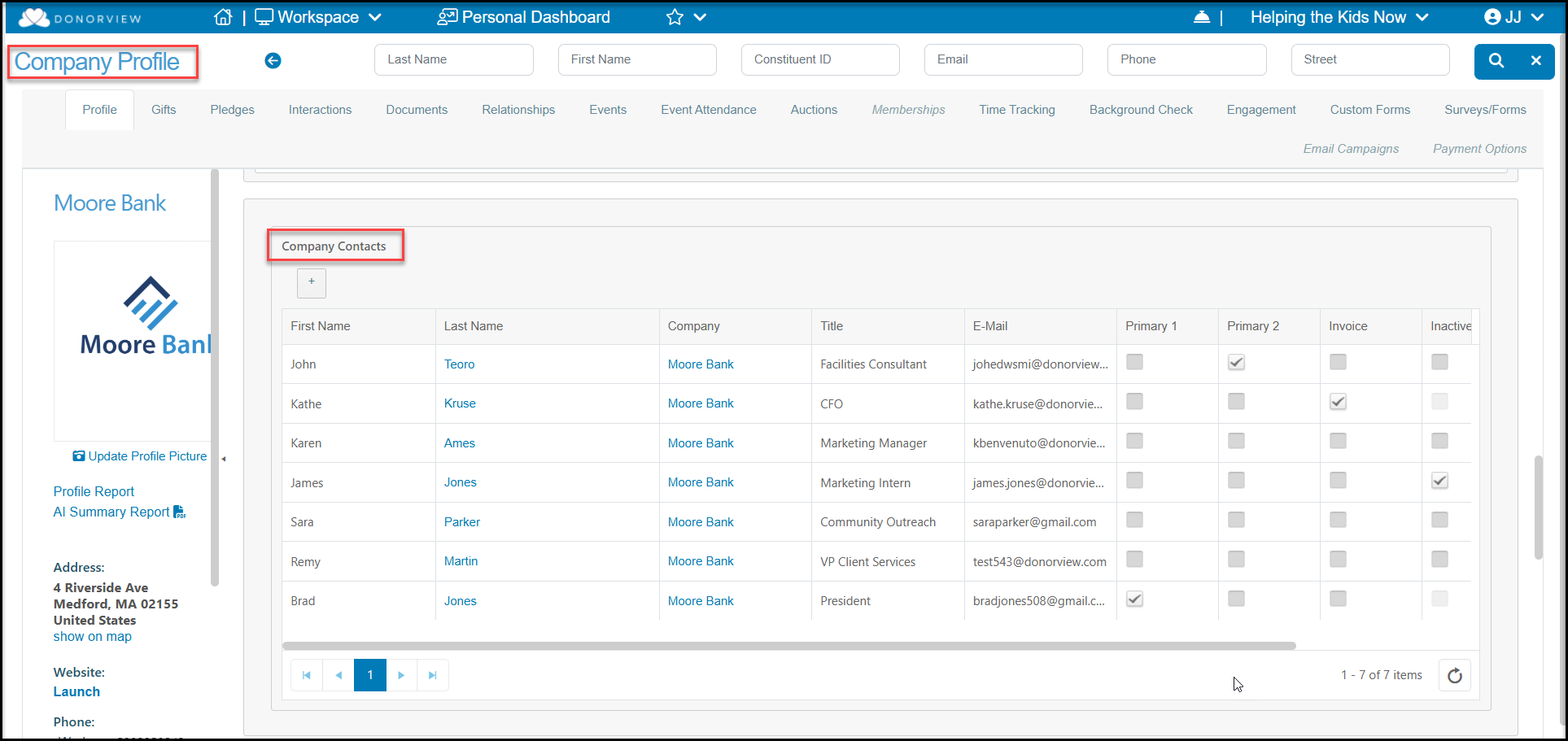
On a company's profile page, the names of all the constituents with an employee relationship with that company are listed under the Company Contacts. Note that this is a list of employees, not a list of members associated with the company's group membership. That information is posted independently under the Memberships tab.
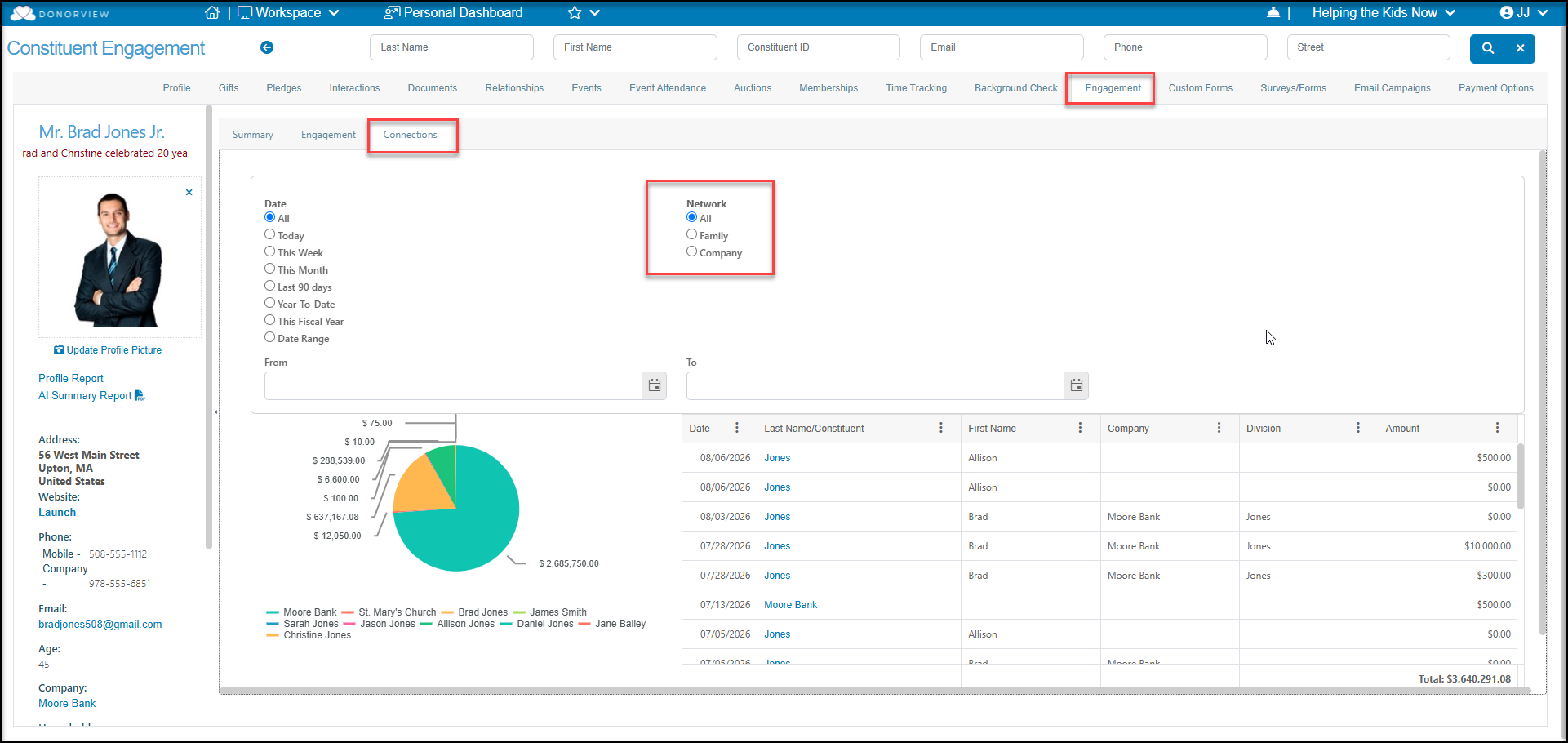
You can also see relationships and their impact on your organization in a constituent's Engagement tab on the Connections sub-tab where you can see the financial impact of their network.