
How do I log out of DonorView?
Updated Jul 17, 2024·1 min read
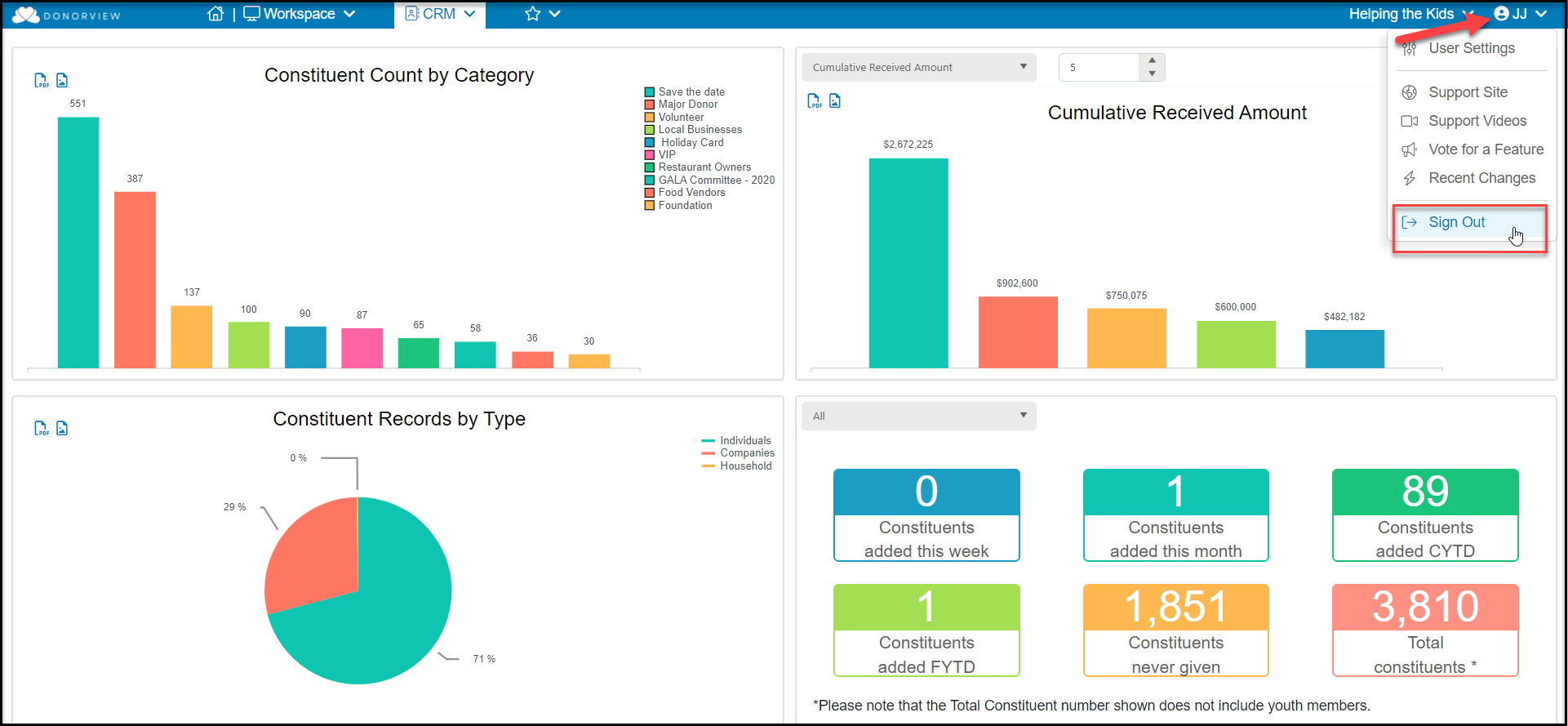
You can log out of DonorView by clicking the down arrow next to your initials in the top right part of your screen and then clicking on the “Sign Out” button. DonorView also automatically logs you out after a certain duration of inactivity during your session.
Was this article helpful?