Survey/Forms Results - Detailed
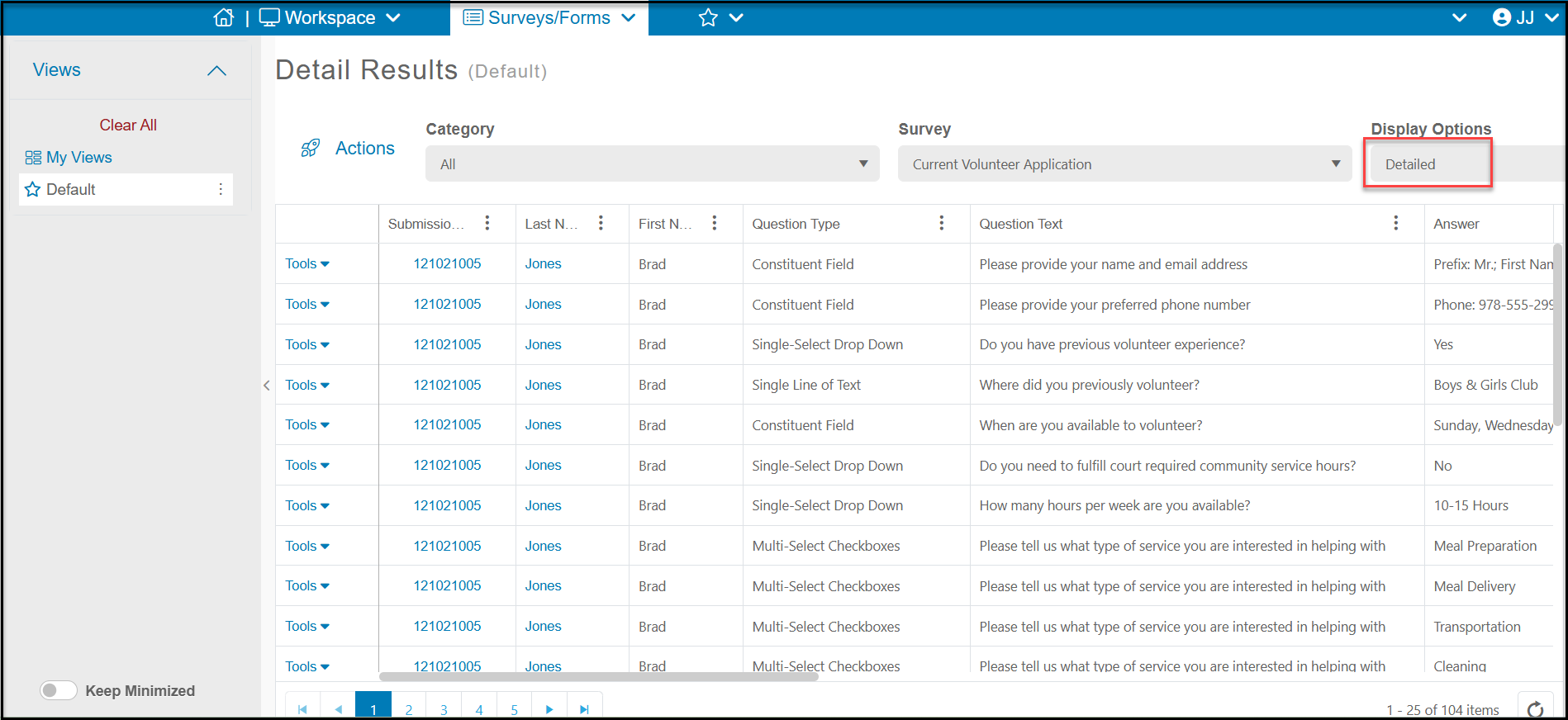
Instead of showing each respondent on a row like the Detailed - Long Form view, the Detailed display option will show each individual question and response on its own row. When there are multiple questions in a survey, you will see the same Submission ID on the left for the respondent for all their questions.
This display also includes the Question Type and Question Text as columns on the grid, so you could add a filter to these columns to see all the responses to a specific question type or question on your grid if desired.
Questions that are multi-select will show each response as its own row, as shown in the example for the question "Please tell us what type of service you are interested in helping with"," you can see each of the options the respondent selected on their own row.
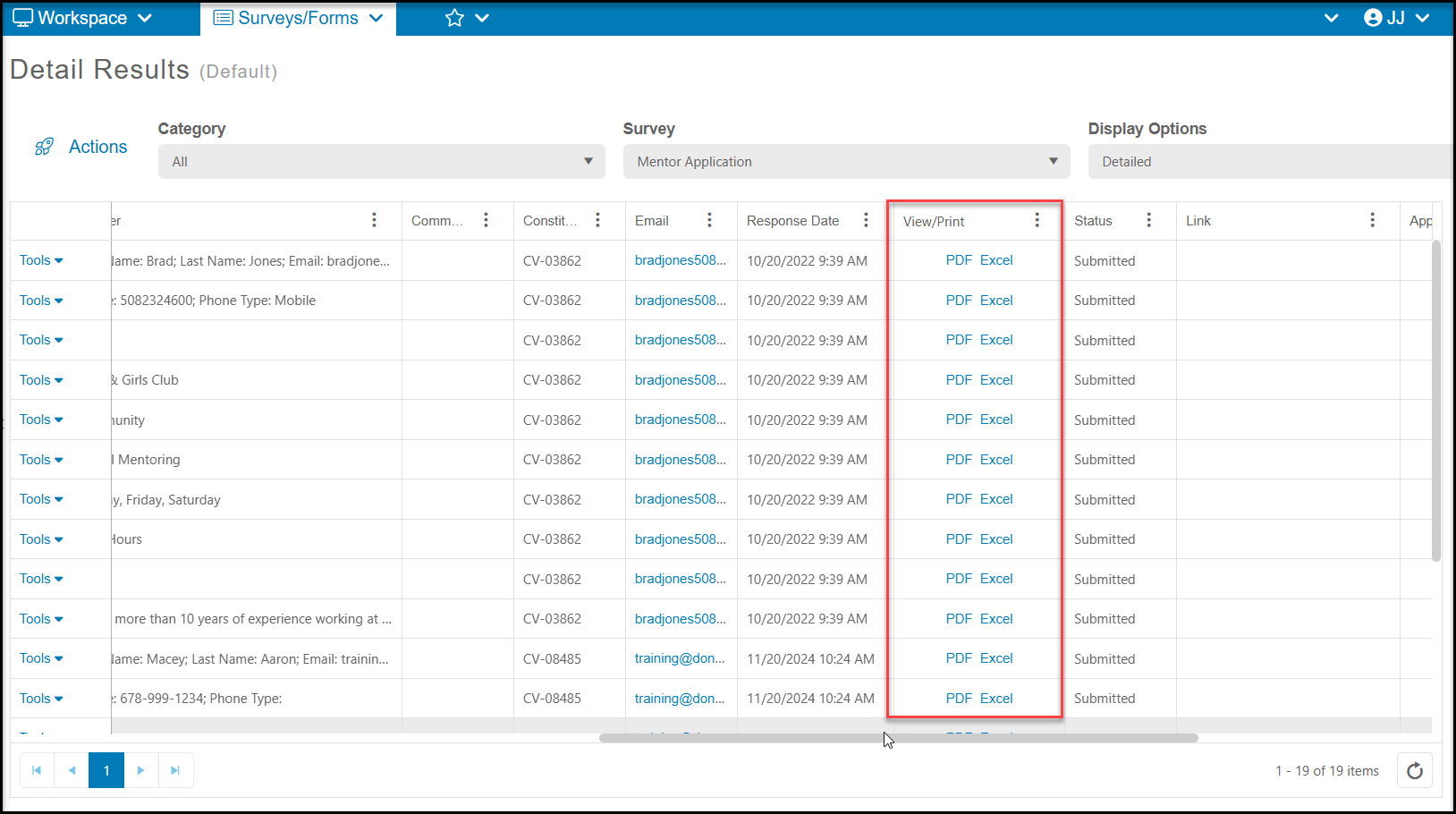
The Detailed display also has a column for View/Print, which allows you to download the constituent's responses as a PDF or Excel file. Note that the document upload links are not available in the Excel file version.