# What is the Constituents Grid?
> Source: https://support.donorview.com/what-is-the-constituents-grid | Updated: 2026-10-12T20:41:54Z
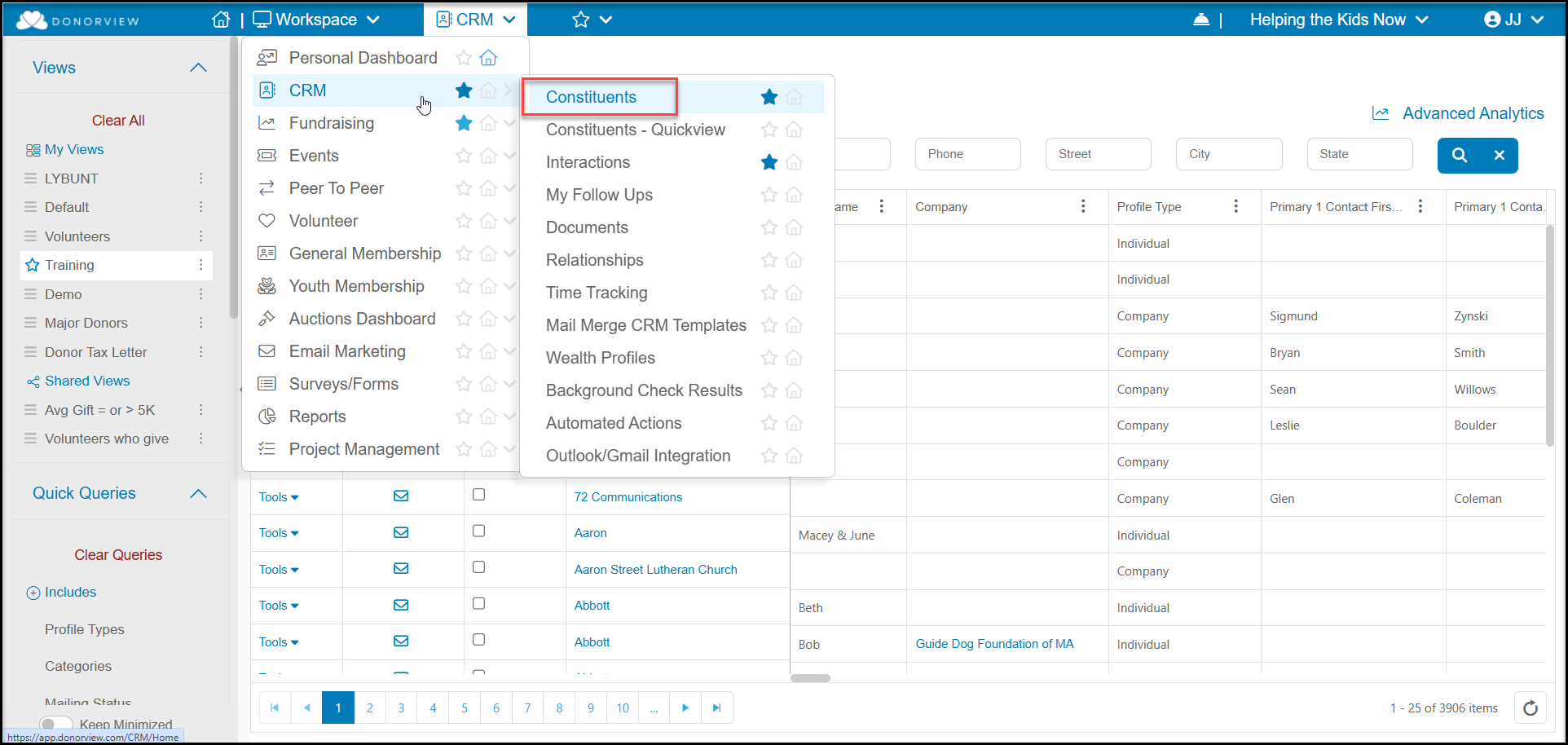
The Constituents grid is where you will manage your constituent records. It shows a list of all constituents in a grid format with basic information for each, such as constituent type, contact information, and summary information about that constituent. You can click on the name listed in the Last Name/Constituent column to view more detailed information about that constituent in their profile record.
 You can click on the name listed in the Last Name/Constituent column to view more detailed information about that constituent in their profile record. You can also view the details by using the **Tools** menu and clicking **Edit** or by using the **View/Edit** menu at the top of the grid and selecting **Profile**.
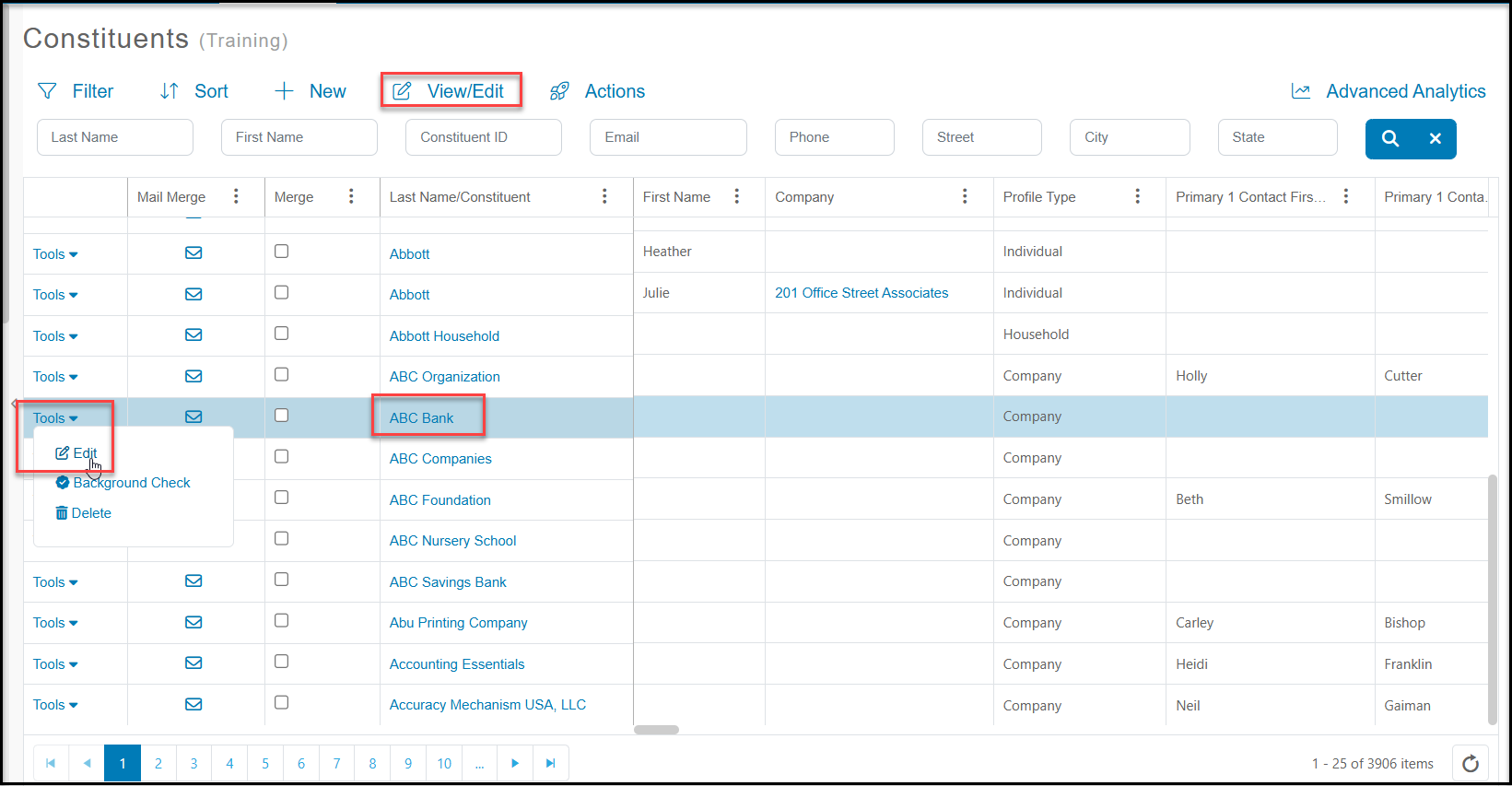 You can create reports, customize the columns shown, and add queries, filters, and sorts to change the view of the data. You can learn more about creating custom views in these articles "How to create a new View directly on a Grid" and "Creating a View with the View Builder."