# What is a Batch Update from the Actions menu?
> Source: https://support.donorview.com/what-is-a-batch-update-from-the-actions-menu-dv | Updated: 2024-08-14T14:08:20Z
A batch update allows you to update a group of records at one time, instead of updating each individual record. Batch updates are limited to a maximum of 500 records at a time on all grids except the Gifts grid, which does not have a limit. Batch updates are available from the Actions menu on the following grids:
- Constituents
- Interactions
- Gifts
- Events
- Event Attendance
- P2P Dashboard
- Volunteer Applications - Details
- Volunteer Registrations
- Volunteer Attendance
- Auctions
- Survey/Forms Results - Details
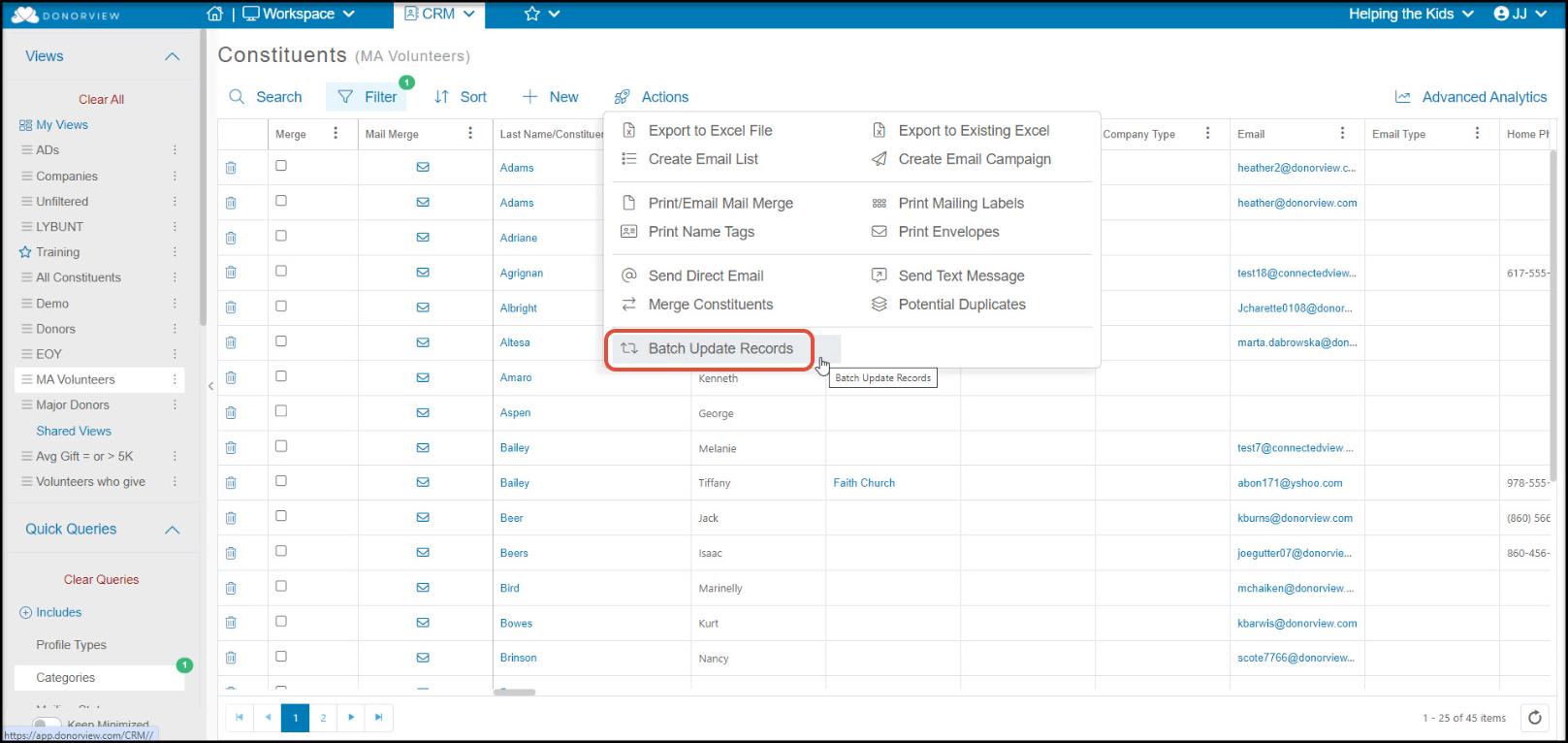 A batch update can update information on the constituent profile, add an interaction or follow-up, upload a document into the constituent's profile record, or add time tracking. On the Gifts grid only, batch update will also allow updates to gift record information.
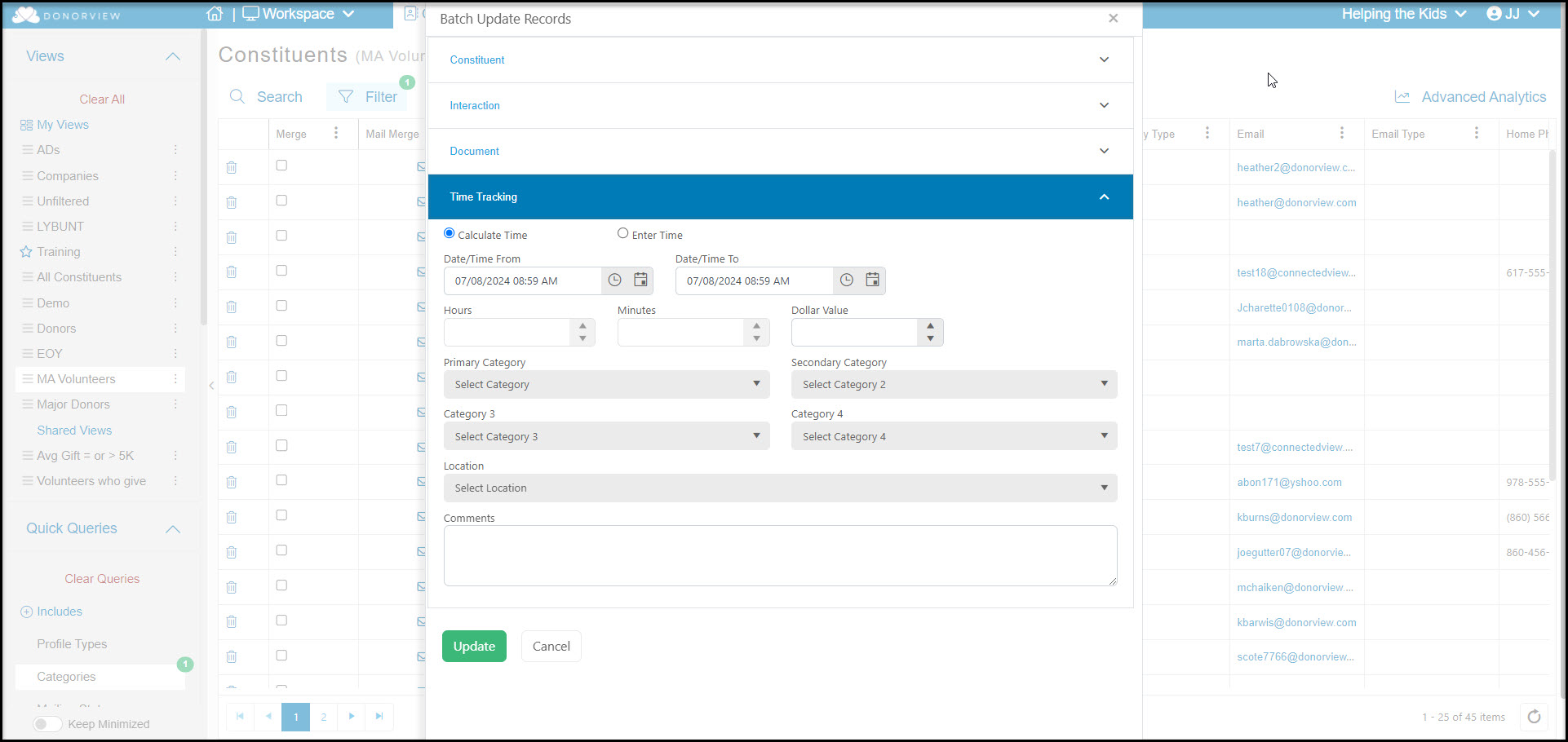 To learn more about each of these functions, please see the subsequent articles in this chapter.