What is a constituent category?
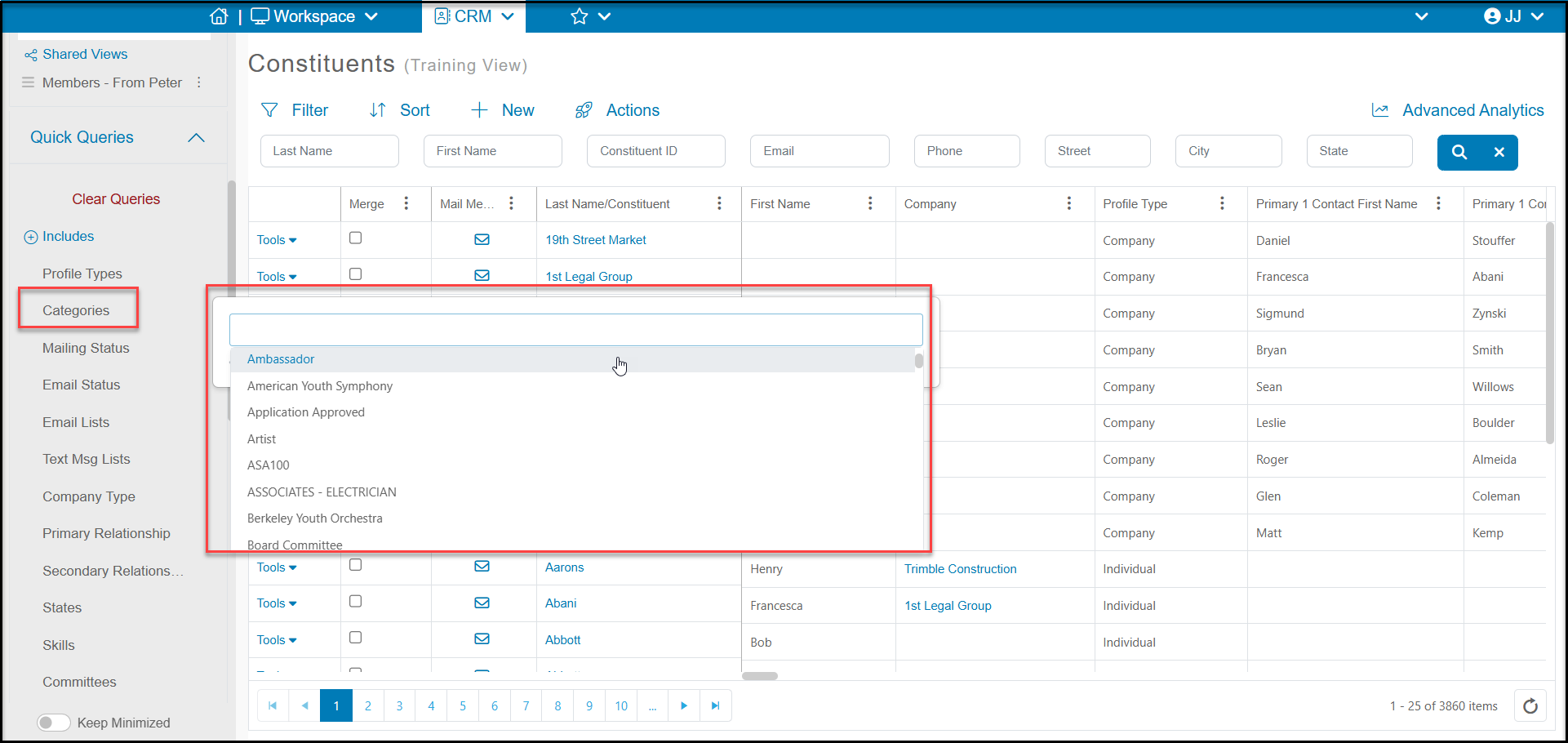
A constituent category is a way to group together constituents who have similar attributes. Categories can be used to quickly identify these groups for reports or communication. For example, you can create categories such as Volunteer, Alumni, Major Donor, etc. From the Constituents, Gifts, and Memberships grids you can use the Quick Queries menu to update your view to show constituents in the categories you have selected. This way you can produce a report of all giving this year for your Major Donors for example or send an email to just your Volunteers.
You can add, edit, and delete constituent categories from a constituent profile record. This article provides instructions for managing your constituent categories "Can I add, edit or delete Constituent Categories?" There is no limit to the number of categories you can create, but they are best used for high level sorting. If you need additional multi-select fields or custom fields for reporting, you can contact support@donorview.com to assistance in setting up these additional fields.
Constituent categories are a multi-select field, which allows you to assign a constituent to multiple categories as needed. You can add constituents to categories individually or in batch updates using the Actions menu. See this article for more about adding constituents to categories "How do I add a constituent to a category?"
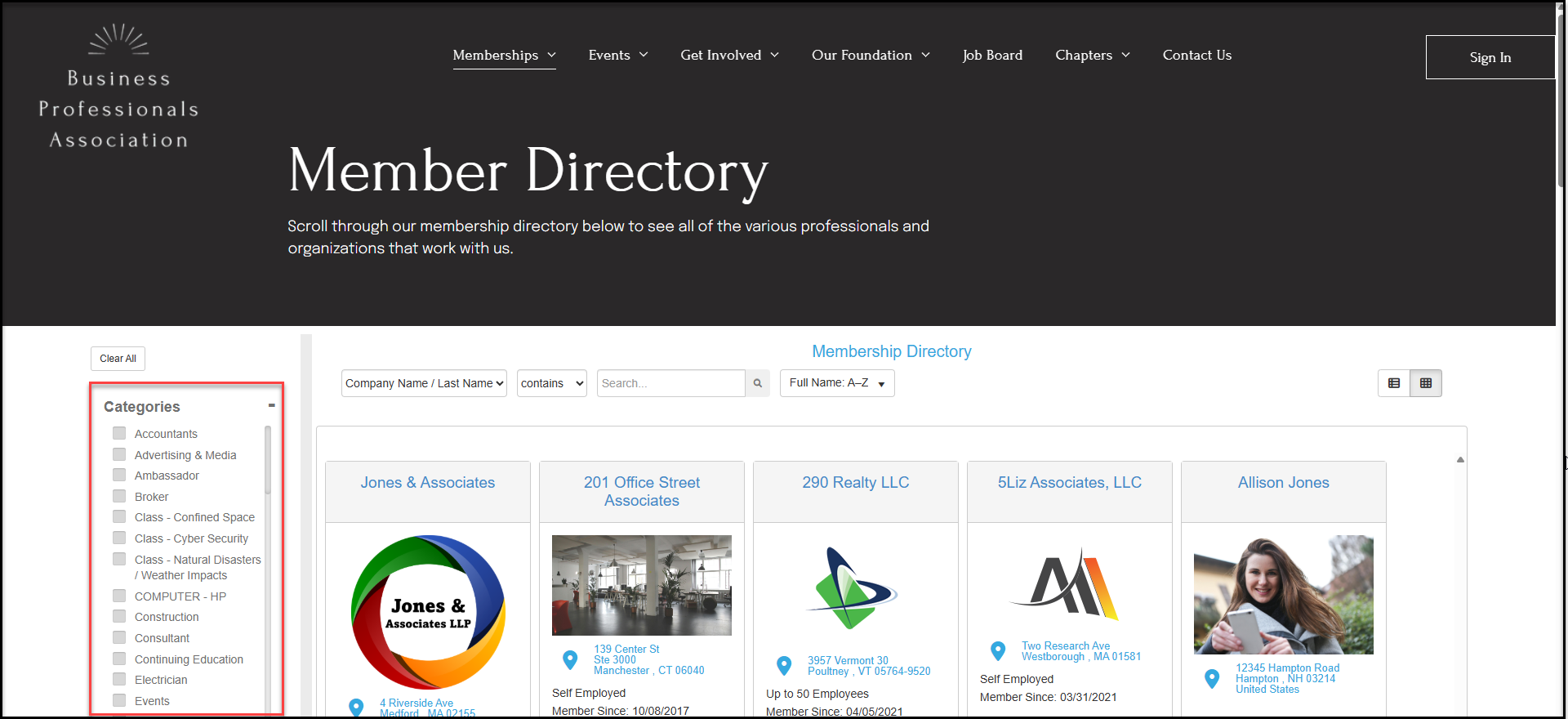
If you share a membership directory either publicly or privately via the Constituent Portal with members only, categories are also available for searching for members who fall into the categories you have established. Categories can be set to "Private," so only internal users can see them, or publically visible.