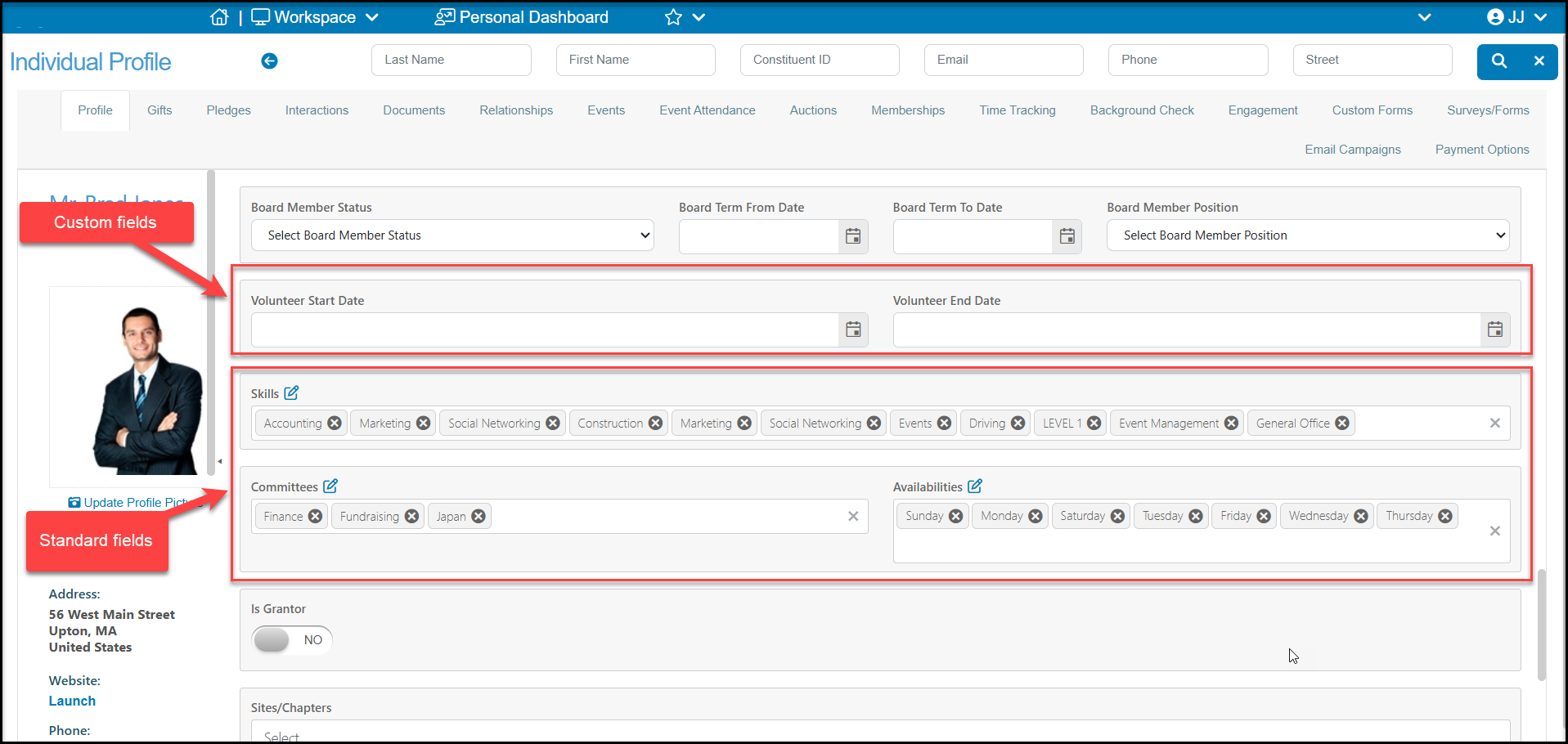
Volunteer information on a constituent's profile
Profile Page
Besides identifying a volunteer with the Constituent Category of "Volunteer" the profile page also has built in fields for tracking volunteer activities.
Skills - Multi-select field where you can set up any types of skills or specialities you would like to identify for the volunteer.
Committees - Multi-select field to track what committees this person serves on.
Availabilities - Multi-select field to identify when this volunteer is available to work.
Board Member Status - for organizations that track board service as volunteer time, you can also track their current status, Board Term Dates and Board Member Position.
You can also request custom fields related to your volunteer programs. The software automatically tracks volunteer time on the Time Tracking grid and there are summary fields on the Constituents grid as well, however you may have some special dates or other data you wish to track. In the example below, the organization is tracking Volunteer Start Date and End Date, which are dates they are manually entering. The software does automatically track the date of their first time tracking record as First Date on the Time Tracking grid. If you need any custom fields, you can request them from support@donorview.com.
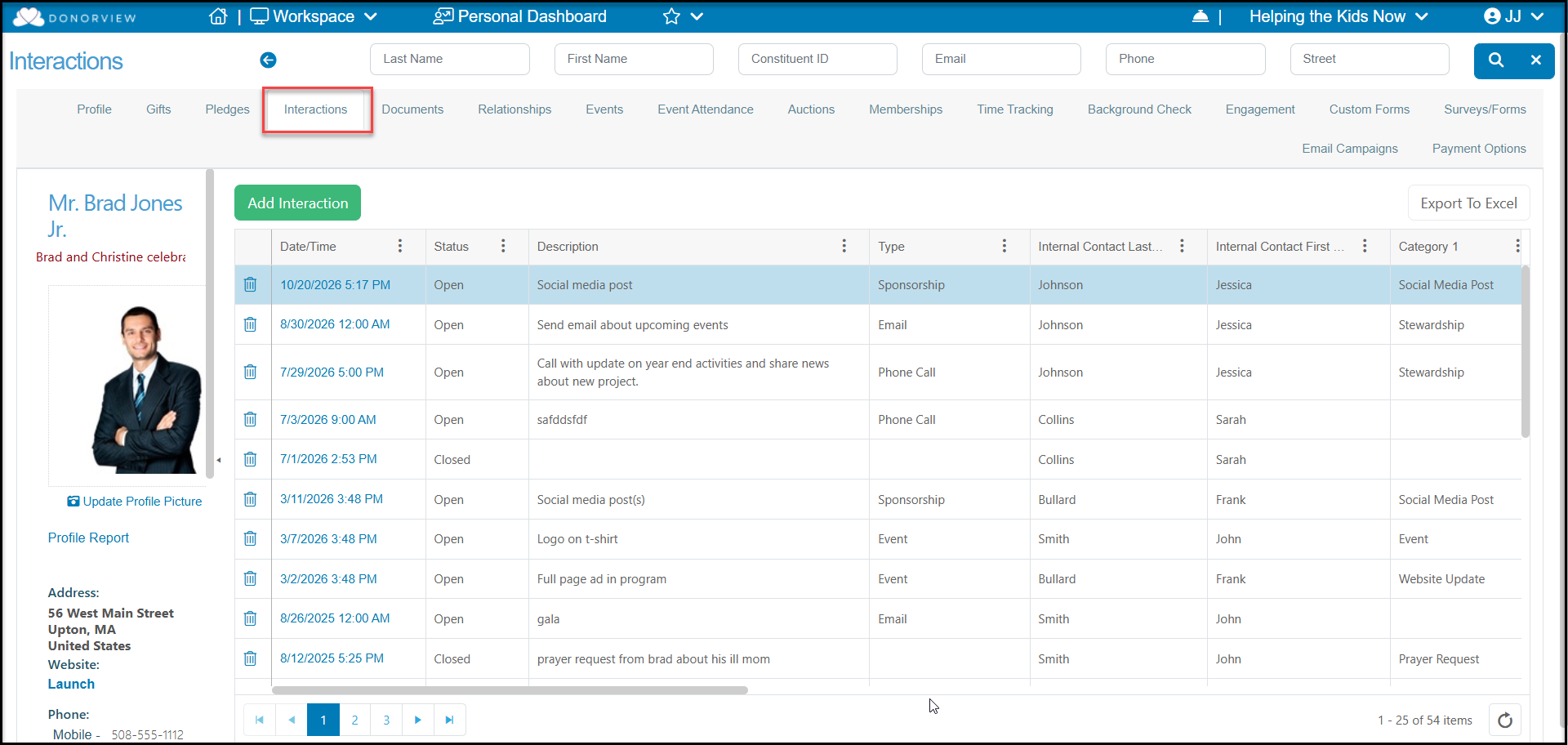
Interactions Tab
On the Interactions tab you can record any special meetings, communications or other notes you wish to track about the volunteers. All interactions for all constituents are also shown on the Interactions grid in the CRM Module.
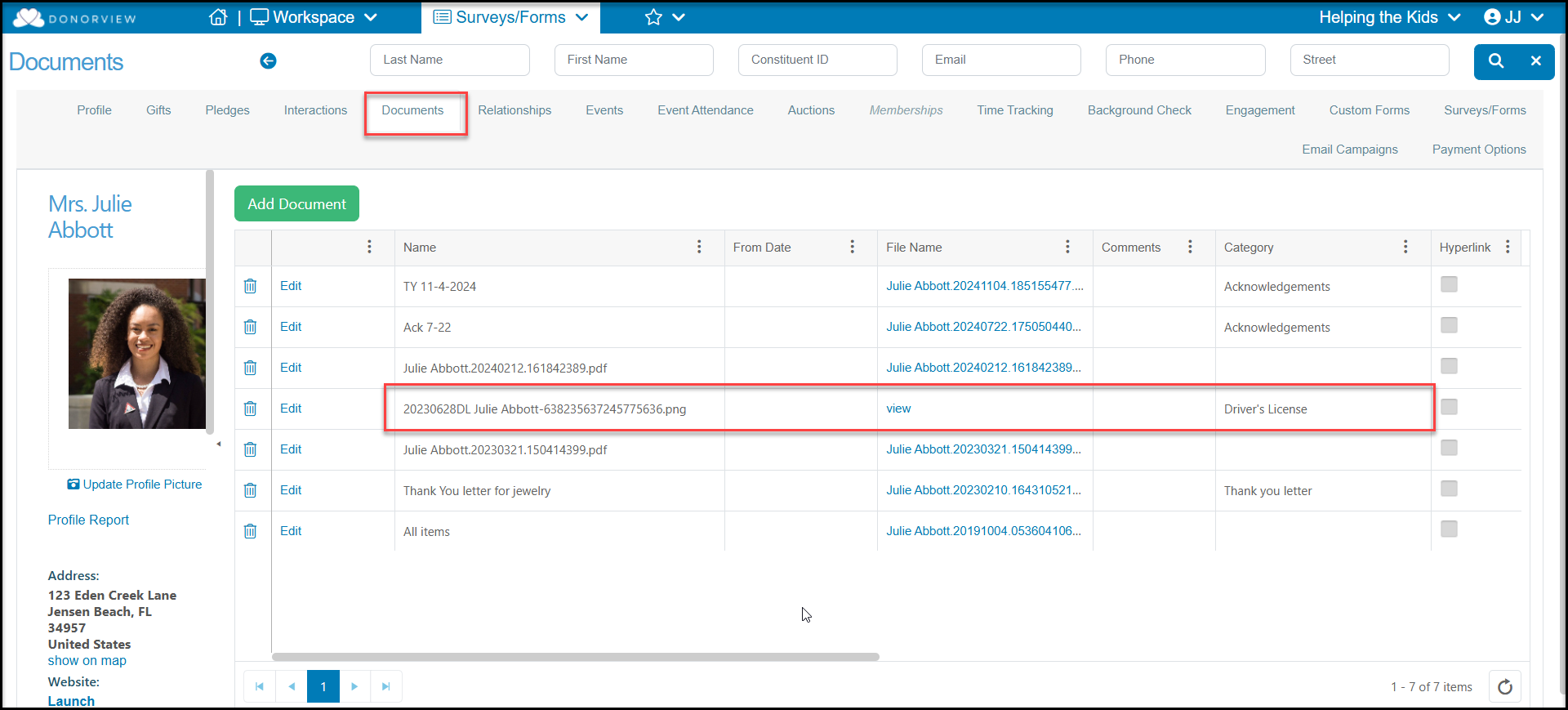
Documents Tab
If you collect documents like driver's licenses, resumes, waivers, or other information from your volunteers, you can collect them via surveys, events and the Advanced Portal, or you can directly upload them to the constituent's Documents tab. This information is stored in the constituent's record and also available on the Documents grid to see documents from all constituents.
Events and Event Attendance Tabs
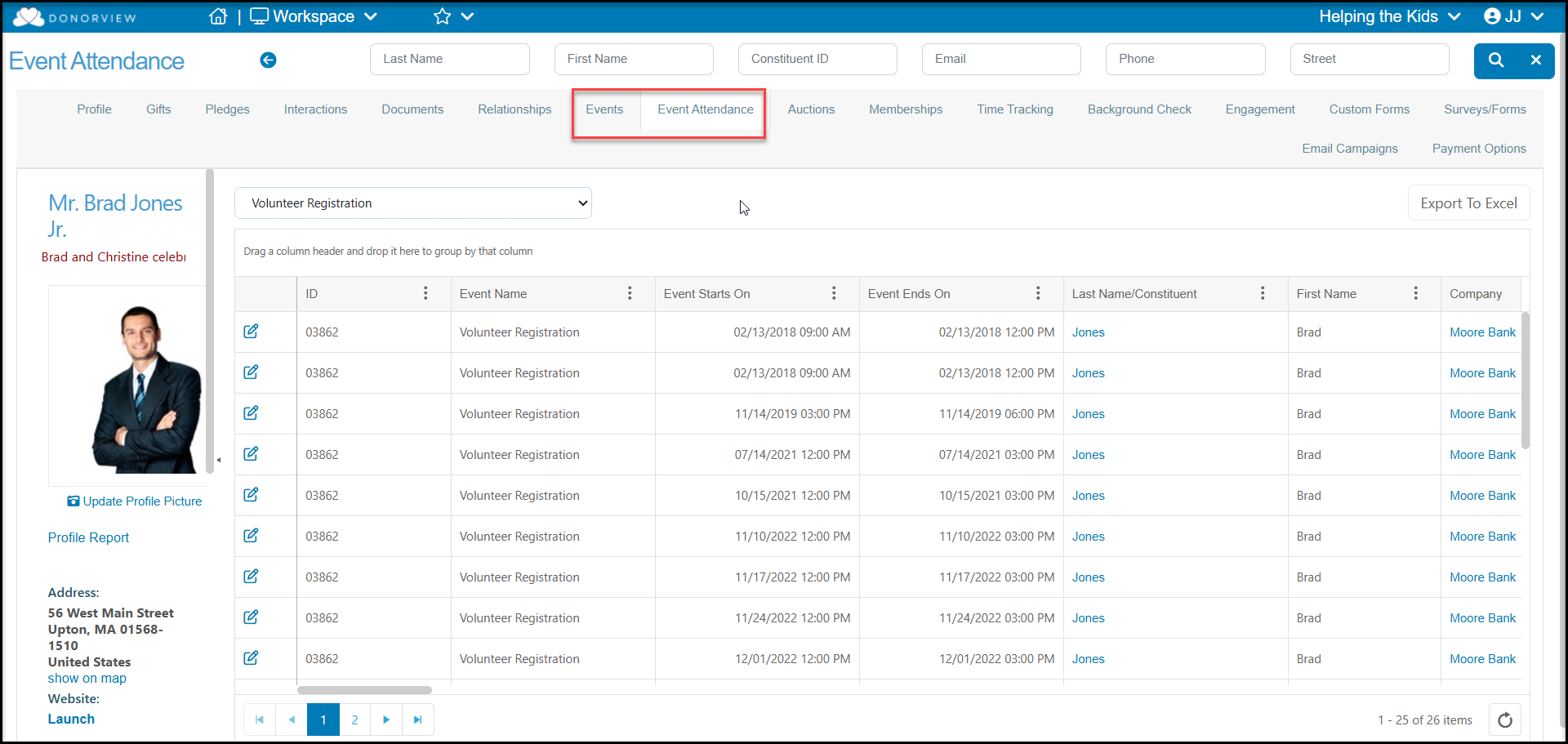
If you are creating volunteer events, the Events tab allows you to see the volunteer events that the constituent is registered for and the Event Attendance tab allows you to see the check in and out history for all the events.
Time Tracking Tab
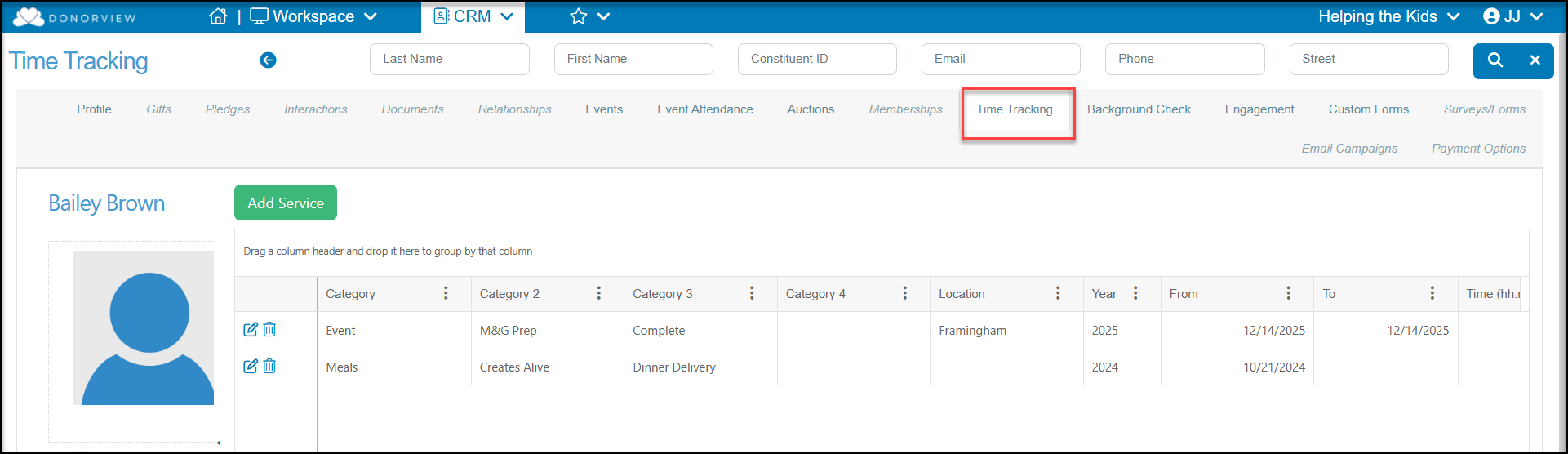
The constituent's Time Tracking tab lets you see the constituents time tracking history. You can also Add Service and edit the individual time records.
Background Check Tab
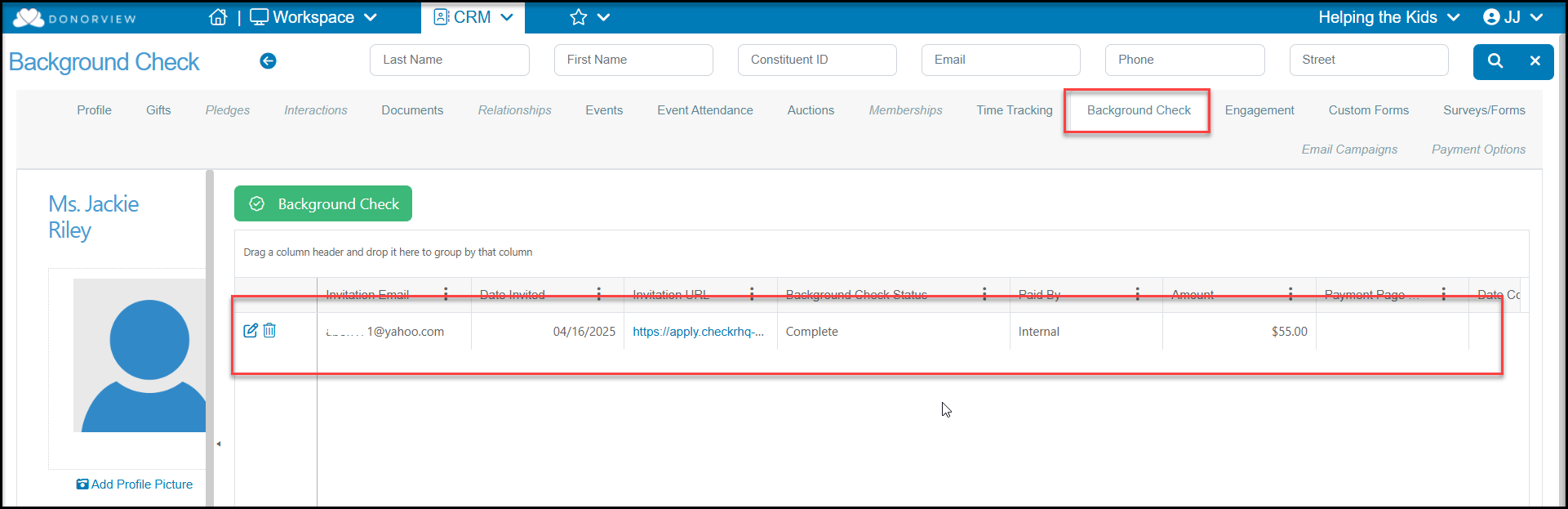
The Background Check tab will show all the background checks initiated for this constituent and you can see the status, notes, and a link to the report.
Custom Forms Tab
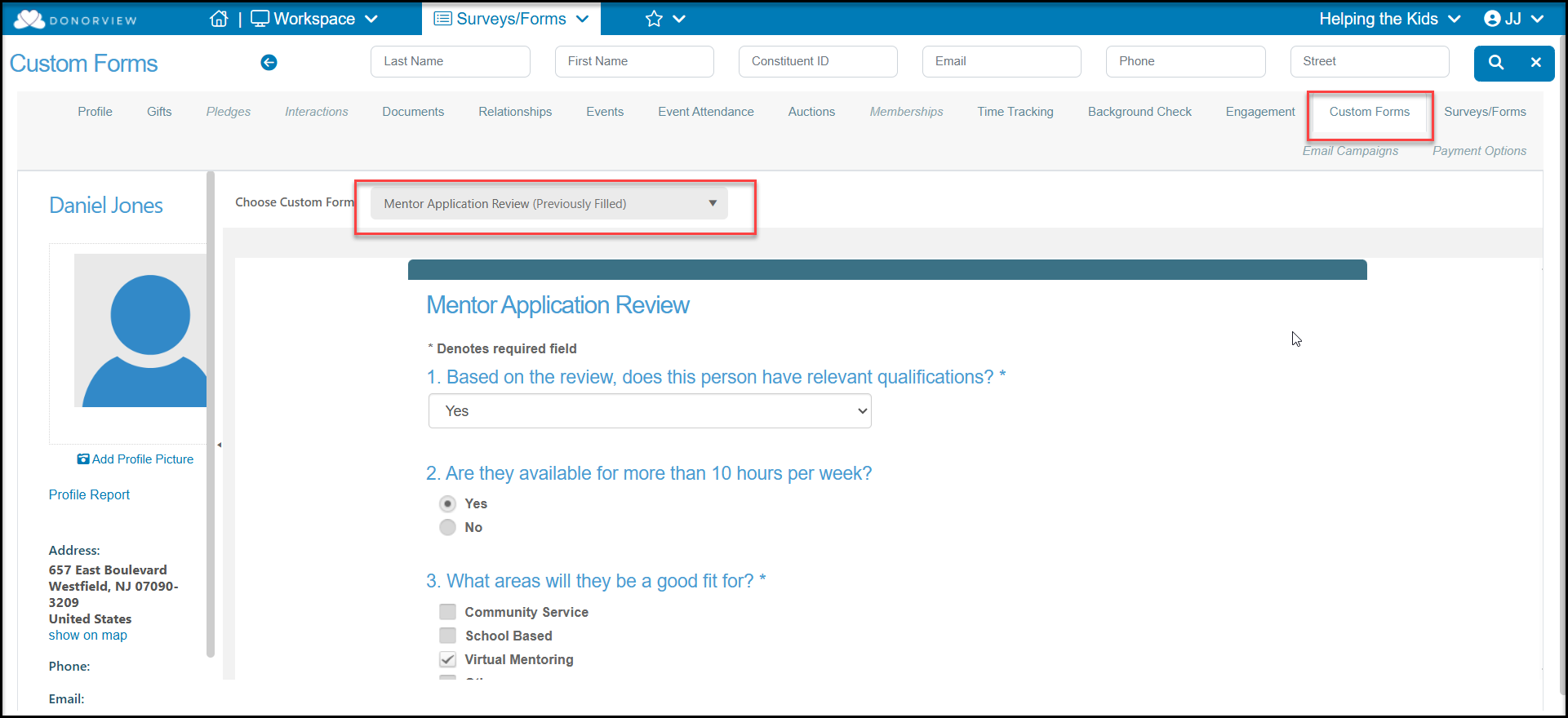
The Custom Forms tab is used for Internal Surveys where you are tracking information for internal use only. This feature is often used for evaluations. You can see previously completed information and update as needed.
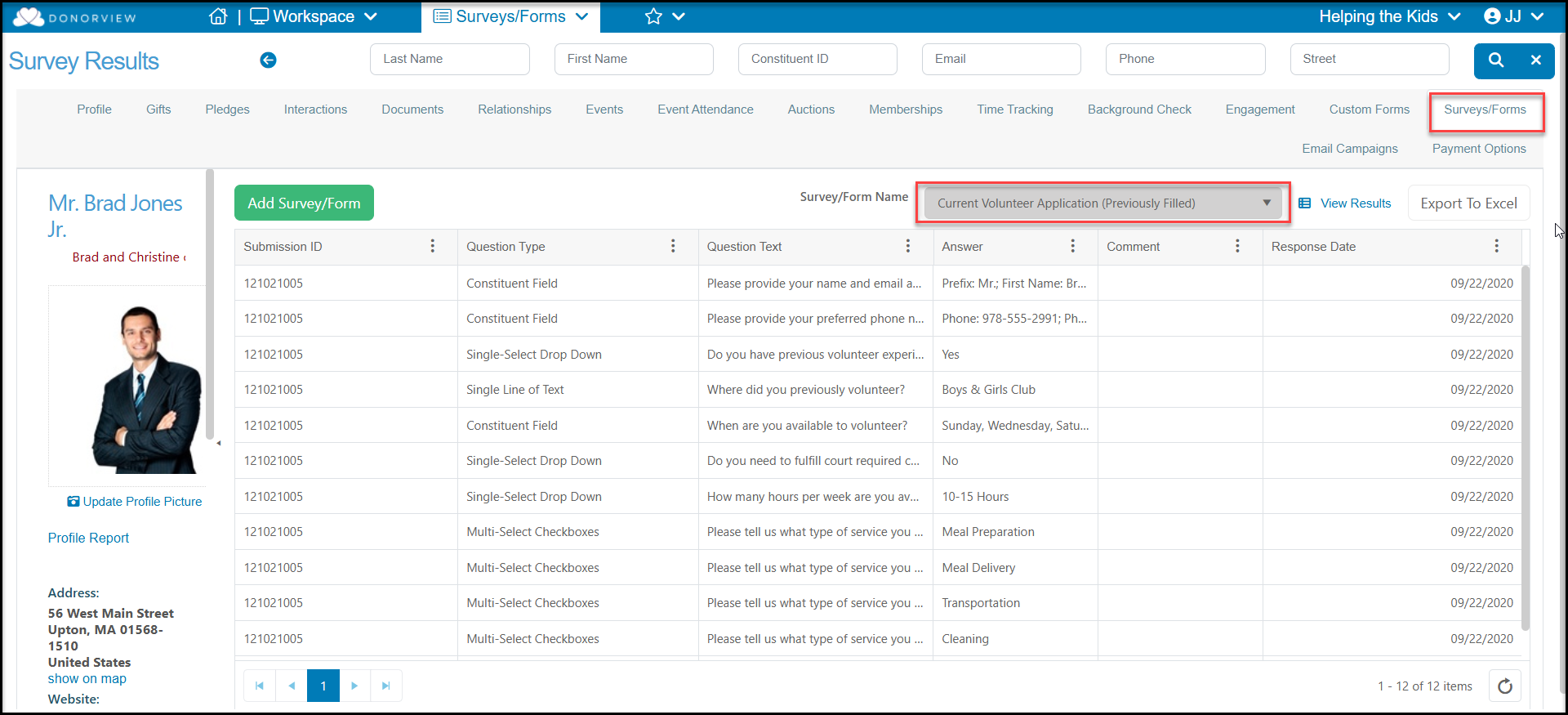
Surveys/Forms Tab
The Surveys/Forms Tab allows you to see the responses to surveys that the constituent completed, so you can see all the information submitted for things like volunteer applications. The survey responses cannot be edited, but you can click View Results to see the original submission, as well as links to any documents that were uploaded with the application.