
P2P Campaign Dates
Updated Jul 30, 2026·1 min read
For the P2P Campaign the dates are used as follows:
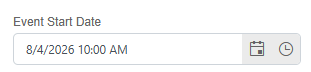
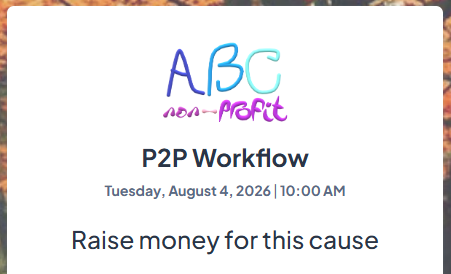
Event: If the P2P is an actual event, the Start date (and optionally End date) can be entered. The Start date is shown on the P2P login screen.
For example,
Fundraising: When the P2P participant/team pages are open to the public for making a donation.
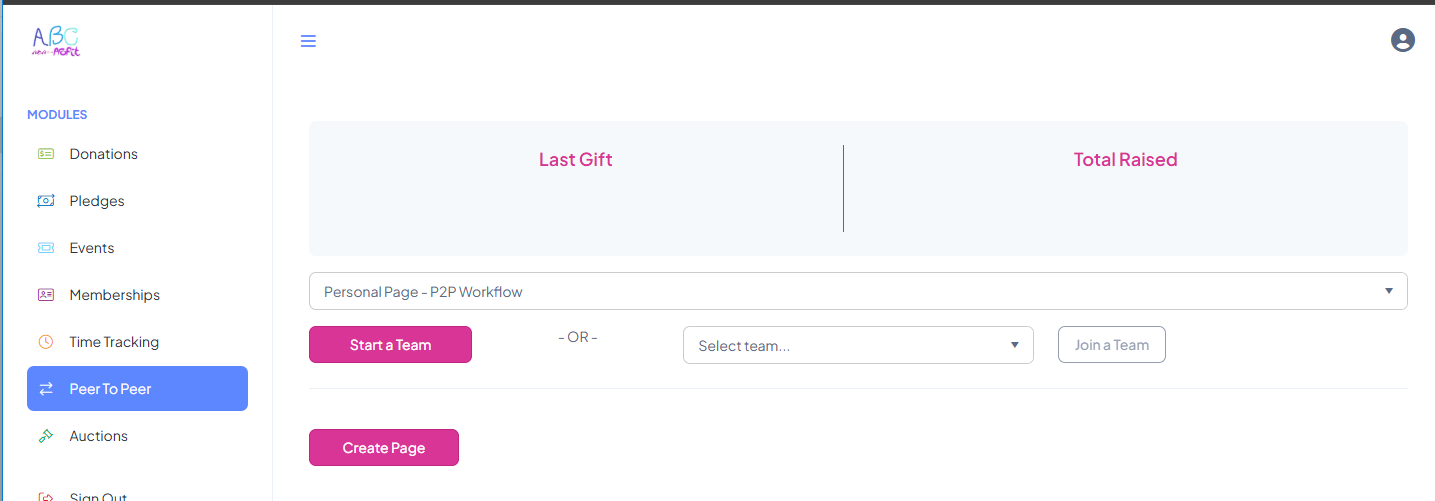
Active to Participant: When the P2P participant can log into the P2P Campaign (access it via the portal) to setup, edit/update their P2P pages.
For example,
Was this article helpful?