If a Constituent has been marked as the Head of Household, they will be given the ability to edit their Household Member’s Contact Information. This ability will be available within their Portal Account, and it is a feature that you can turn on or off. The setting for this feature can be found if you mouse over your organization’s name in the upper right corner of the software and click on “Portal Info.” Once on the Donor Portal Info screen scroll down to where it says, “Please select menu items that you want your portal users to see on their portals.” Here you will find an option called, “Household.” By checking the box next to that value, you will activate this feature within the portal. Click the green “Save” box at the bottom of the page. If you wish to deactivate this feature, uncheck the box next to “Household” and click the green “Save” button at the bottom of the page.
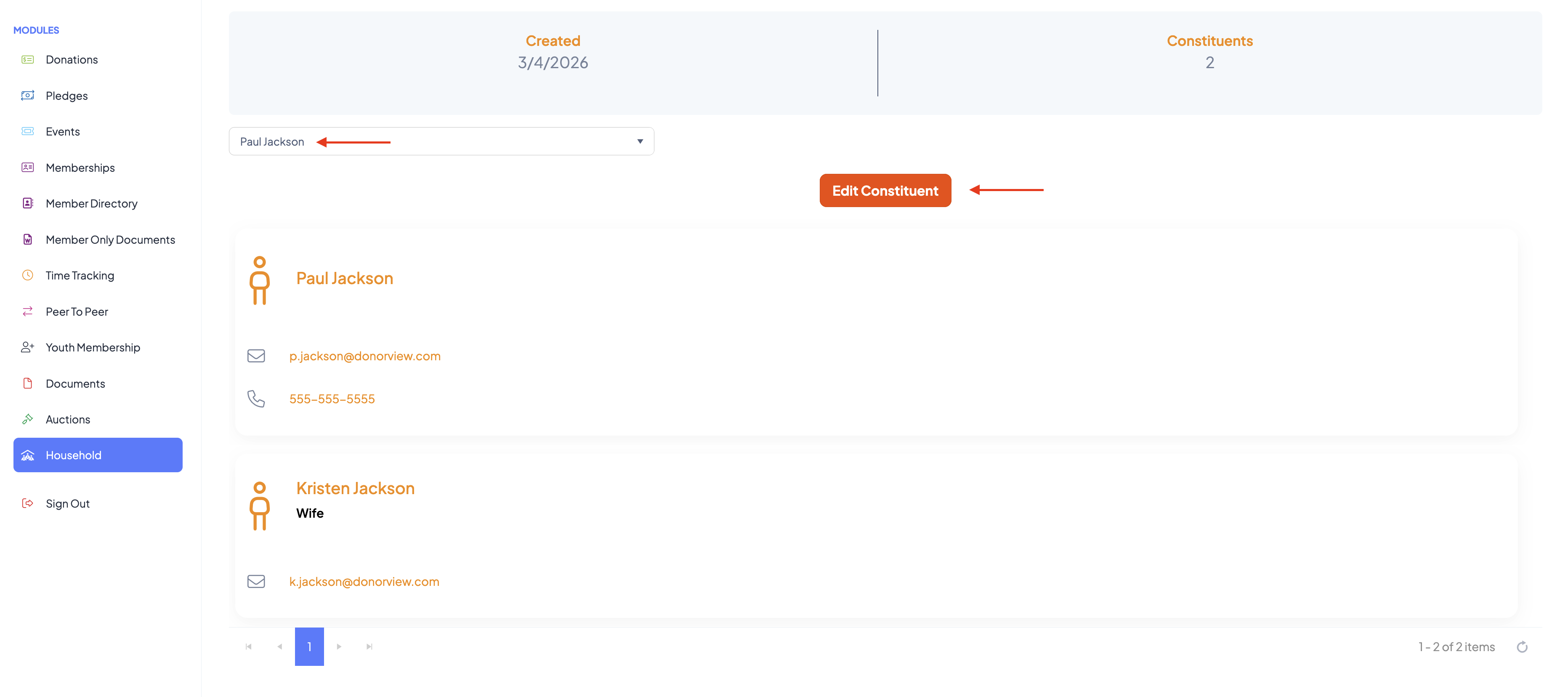
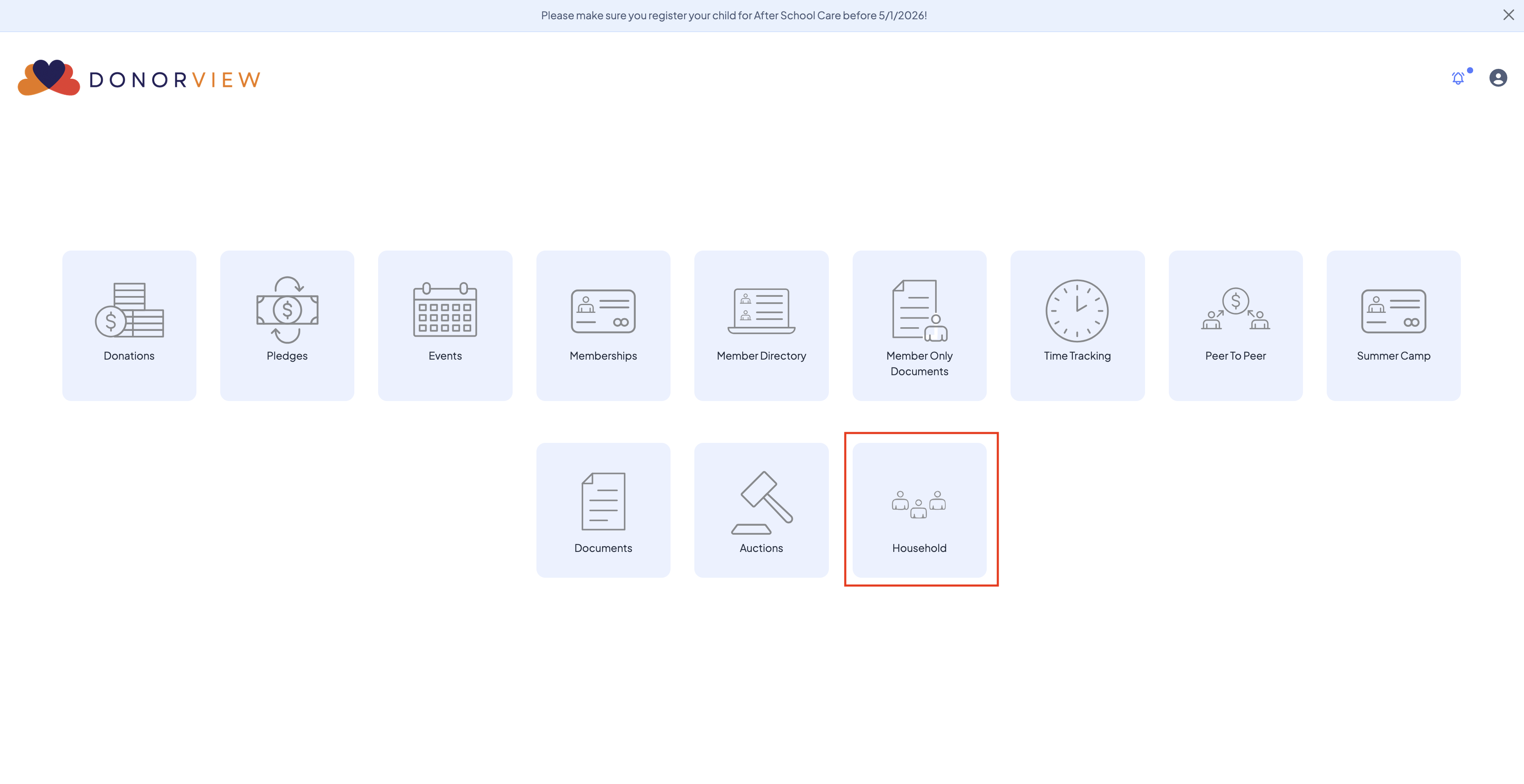
Within their portal account, the Head of Household will see a new menu option called “Household.” Once on their Household page they will see a grid which lists all the Member Constituents within their Household. To edit a Household members information select their name from the picklist and click the "Edit Constituent" button.