Can I copy an email campaign that I have already sent?
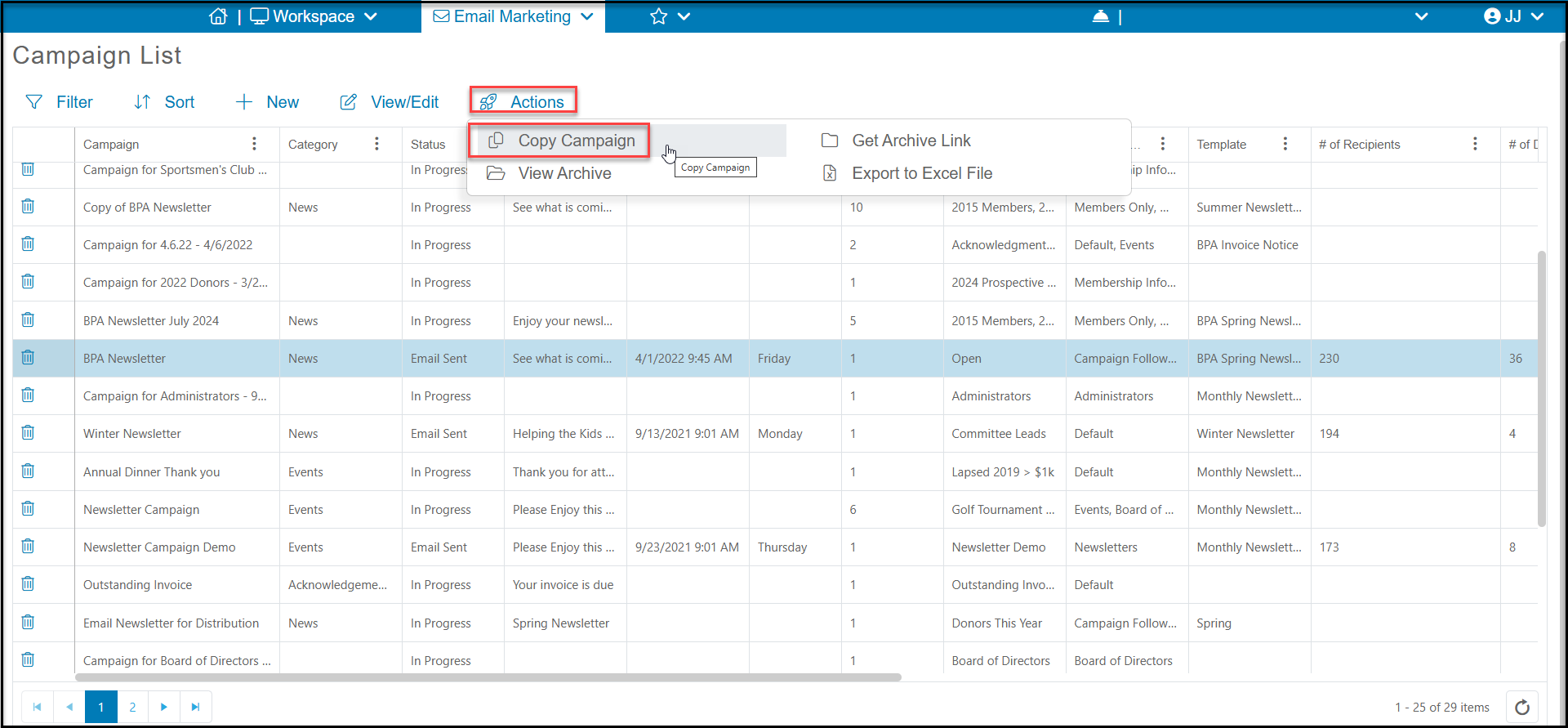
Yes. You can copy an existing campaign, whether it has been sent or not, by selecting the campaign on Campaign grid then selecting Actions>Copy Campaign.
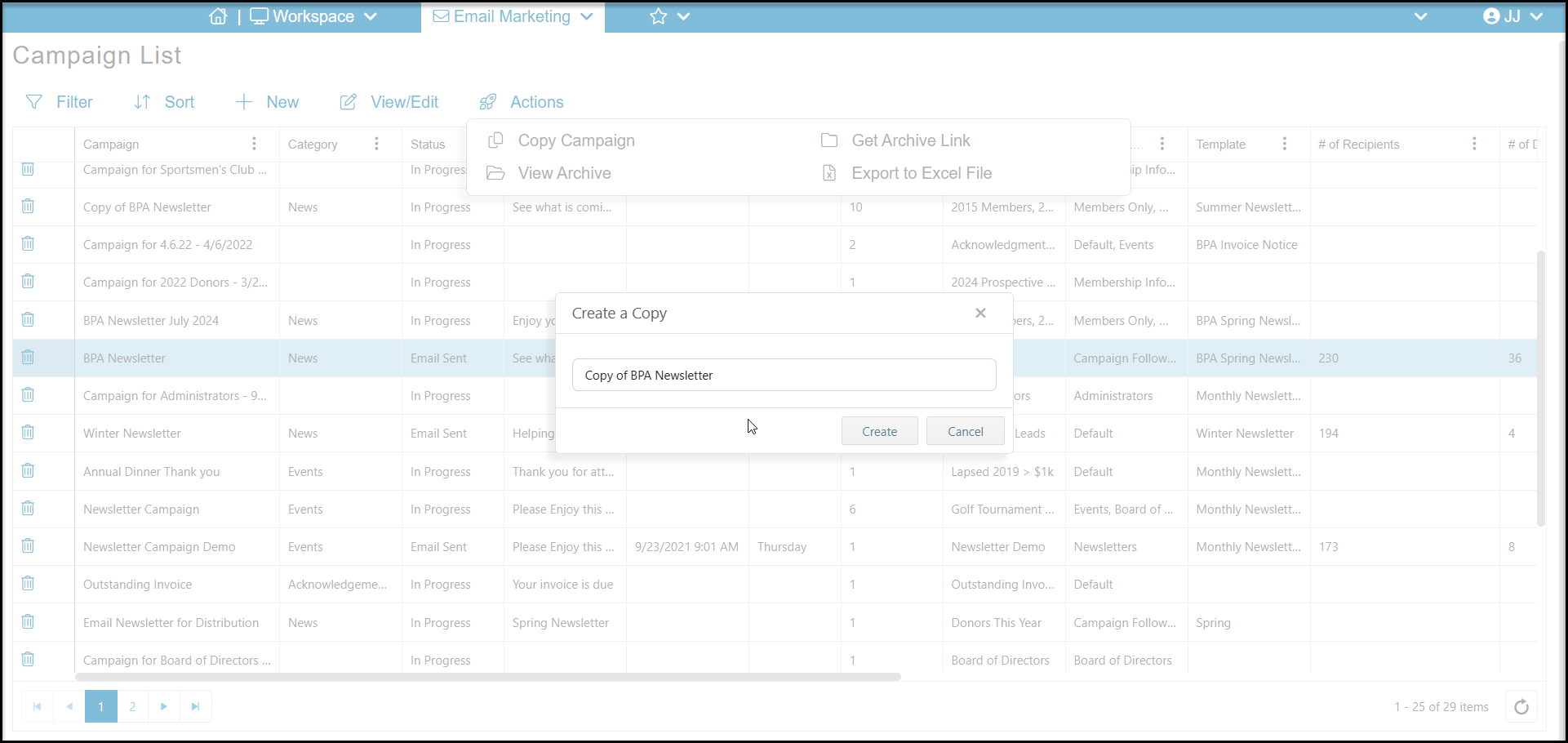
A new window will open to allow you to rename the campaign from its default of "Copy of Campaign Name." All of the information from the original campaign, including the campaign info, recipient list, and template will be carried over to the new campaign.
Once you click create, you can then select the new campaign and use View/Edit at the top of the grid to make any changes to the campaign you would like including updating or changing the recipients list and editing the template. After completing your changes you can send your campaign on the Schedule or Send tab. See this article "How do I create an email marketing campaign?" to learn more.