
What is a Mail Merge Template?
A mail merge template is used to create personalized letters. Mail merge templates utilize mail merge fields, which are identified in the letter with brackets and the word MERGEFIELD preceding the label of the data field used. Mail merge templates are used in several of modules including the CRM, Fundraising, Events, and Membership modules. Each module has its own library of mail merge templates because each template has access to the specific merge fields available in that module.
A mail merge letter allows you to insert data fields into your letter so that you can use the same letter for many constituents at once, and each letter will be personalized for each constituent. Instead of using a form letter and typing the name, address, salutations, amount and date information into each letter individually, the software will pull the data from your grid's view and populate those fields automatically. This can greatly improve the speed and accuracy of your acknowledgement process.
You do not need to know coding or any computer programming language, but you do need to be familiar with the various fields available in your records so that you can choose which ones you would like to include in your letters.
The merged document can be created as an Adobe pdf and emailed to the recipient(s) or a Microsoft Word document, which is downloaded for printing. The templates are created and edited in a Word-style editor that allows you to customize the text, insert images and tables, define the page layout, as well as select which merge fields you would like to include in the letter.
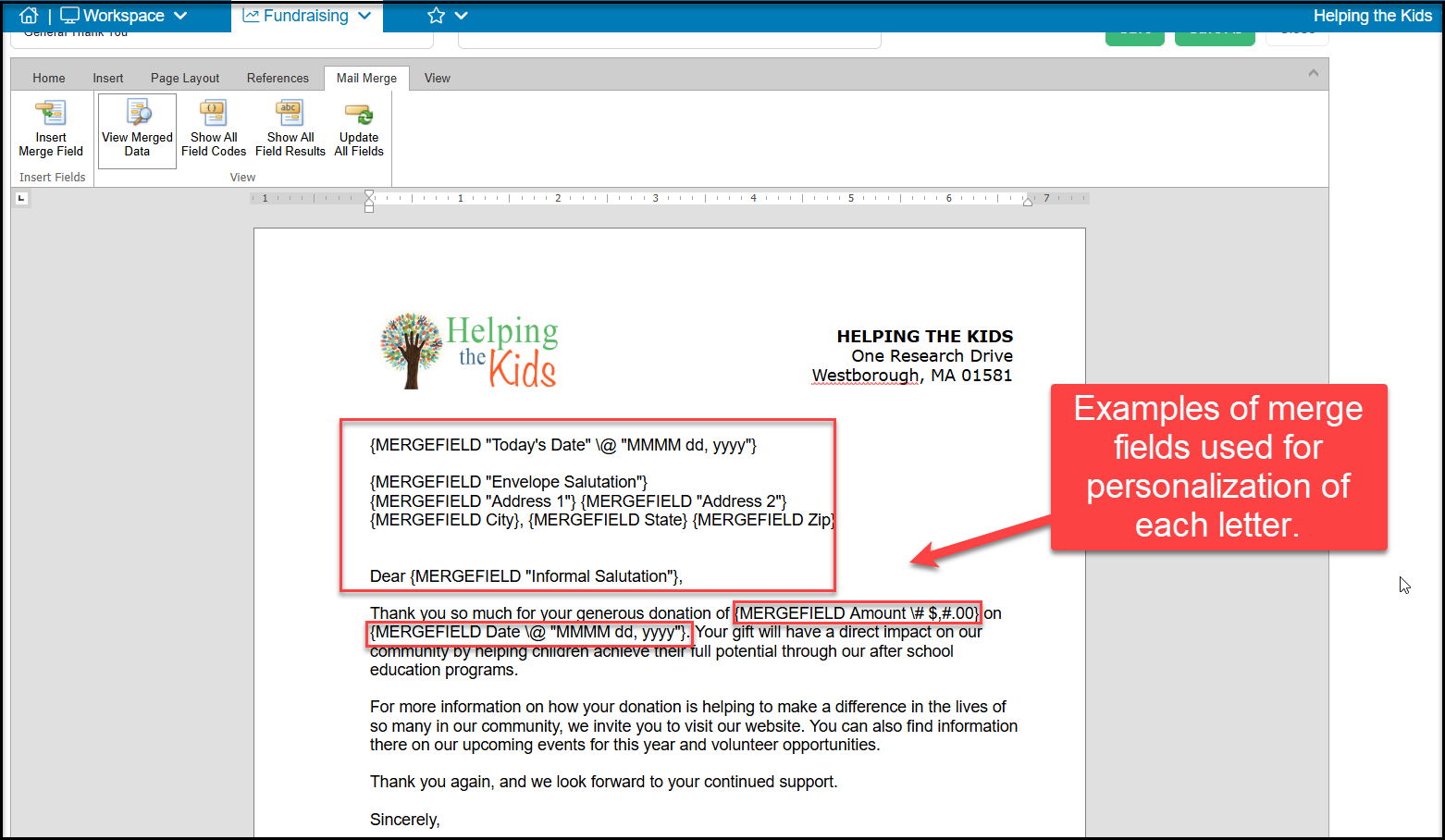
The mail merge fields that are available are those associated with the module for that library. For example, the the Mail Merge Gift Templates will have access to the constituent's contact information and transaction information, however it will not have access to membership or event data fields.
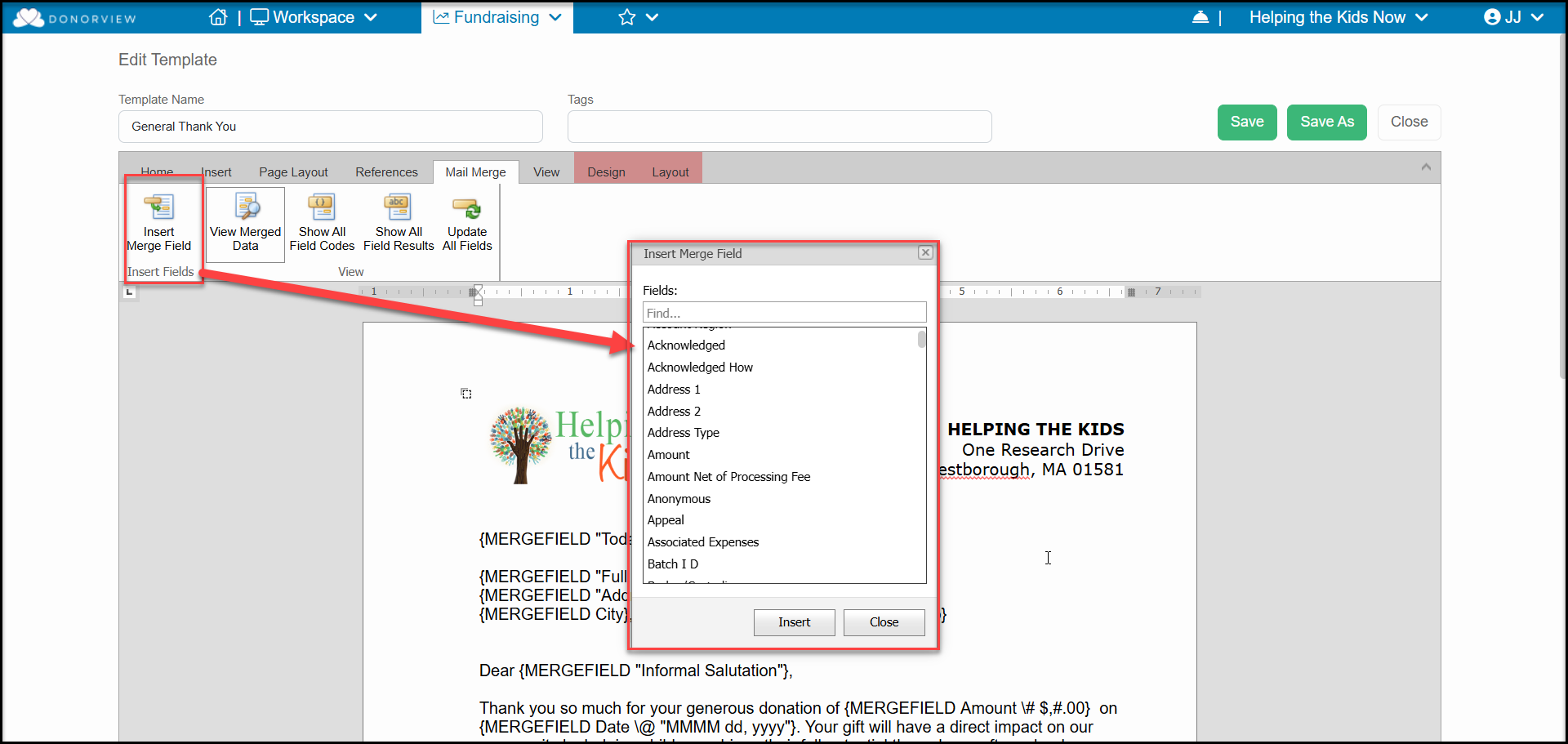
For step by step instructions for creating your mail merge letter templates, see this article "How do I create a Mail Merge Template?"