
What is a “hard bounce?”
When an email message is considered permanently undeliverable, this is labeled a “hard bounce.” Emails become undeliverable when the receiving address is invalid. In this case, the email client (e.g., Gmail, Hotmail, Yahoo, Outlook, etc.) will not try to redeliver the message again. To maintain a high delivery rate for all of our customers, as well as to save you the manual effort of keeping your lists clean, DonorView will automatically unsubscribe all of the hard bounced emails.
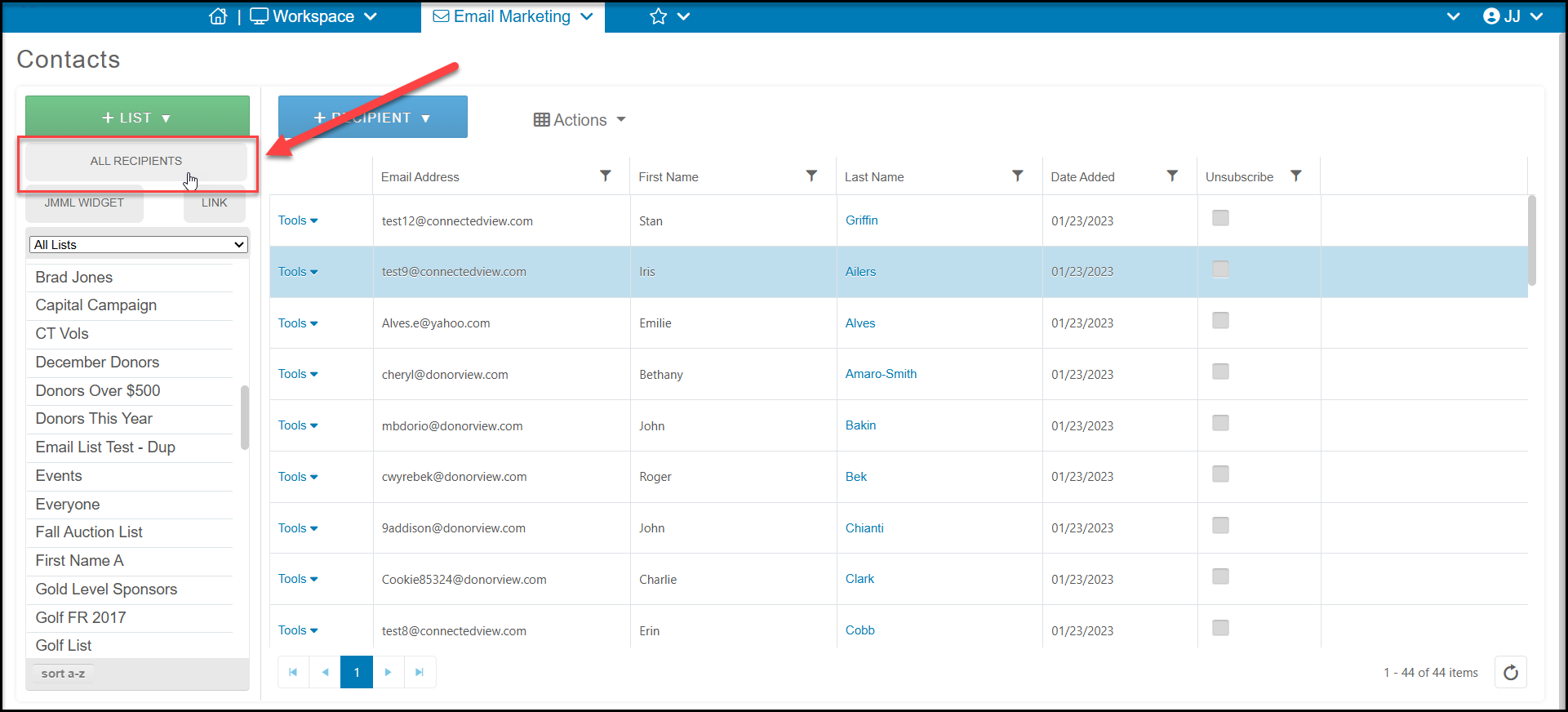
You can view the reason for the unsubscribe by viewing the campaign overview if the campaign has been sent in the last 12 months. The software does not keep data for campaigns sent more than 12 months ago.
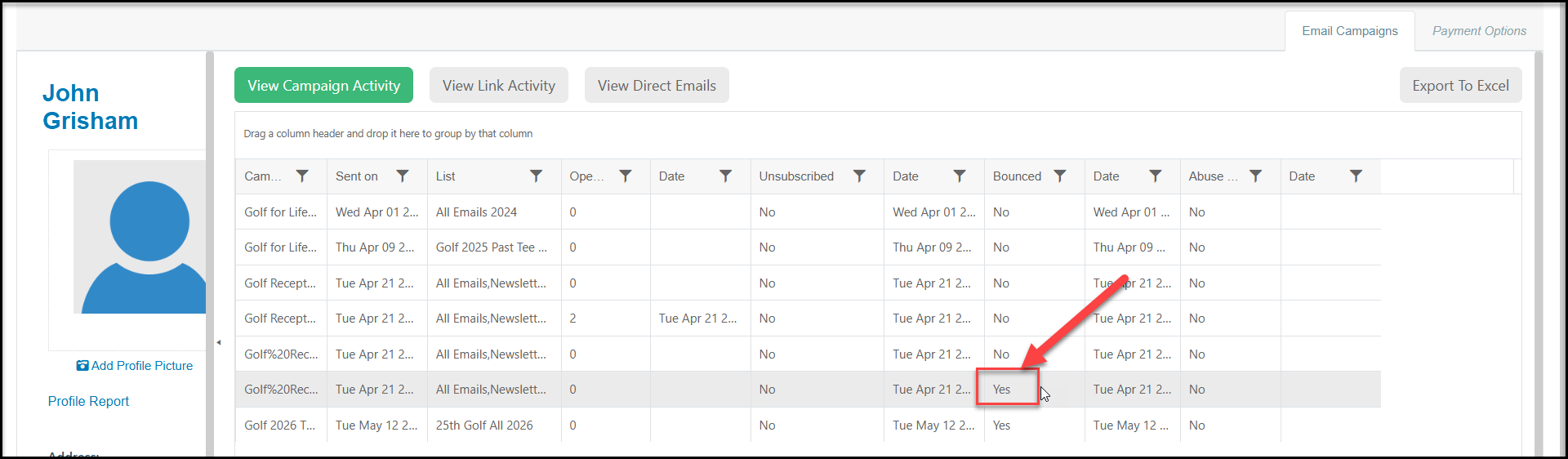
From the constituent's record, go to their Email Marketing tab and find the specific campaign where the Bounced column indicates YES.
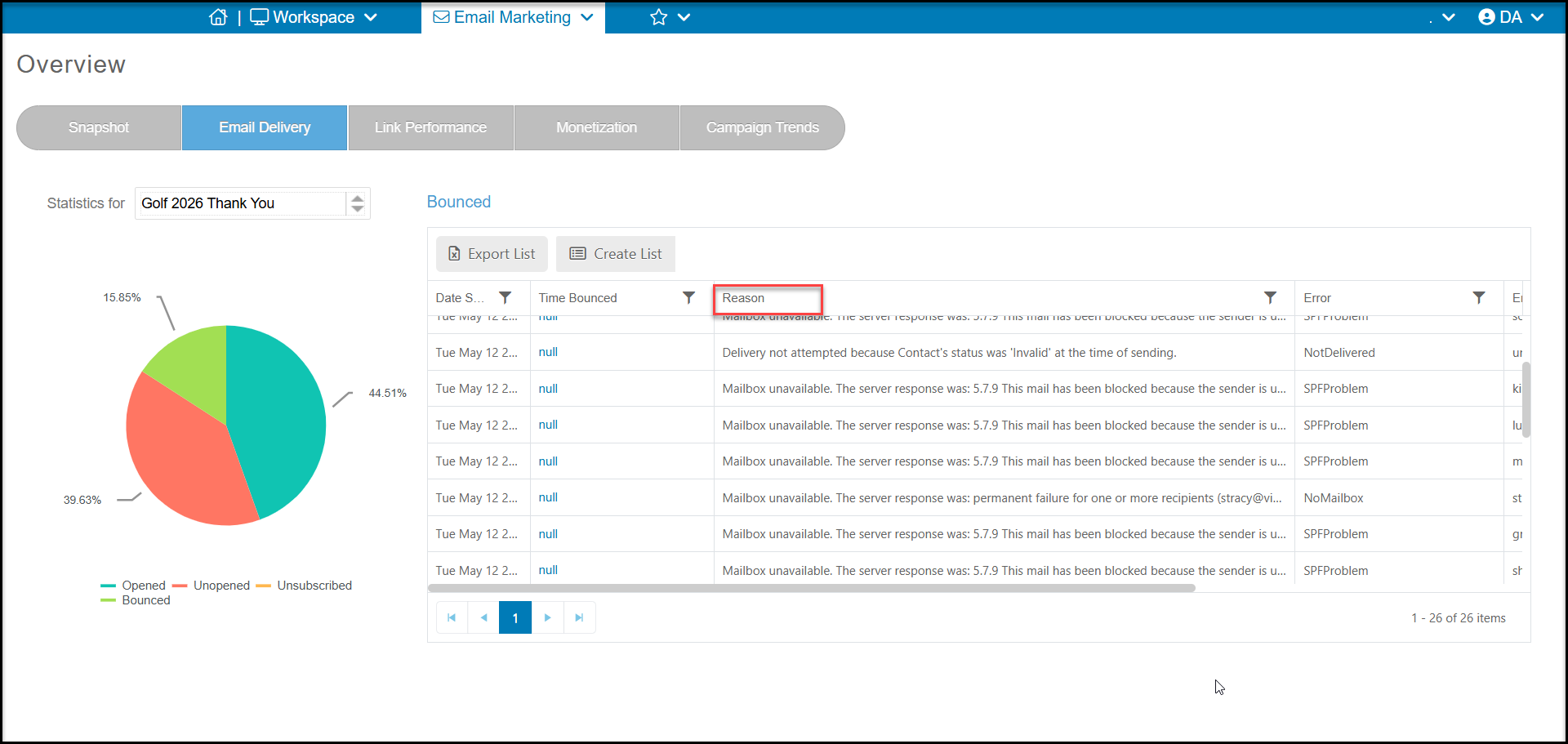
Then from the Email Marketing Overview page, select the campaign and go to the Email Delivery tab. Click on the Bounced part of the pie chart to see the specific reasons for the bounced status.
To avoid hard bounces, make sure you are only sending to the legitimate email addresses of people who have given you permission to contact them.