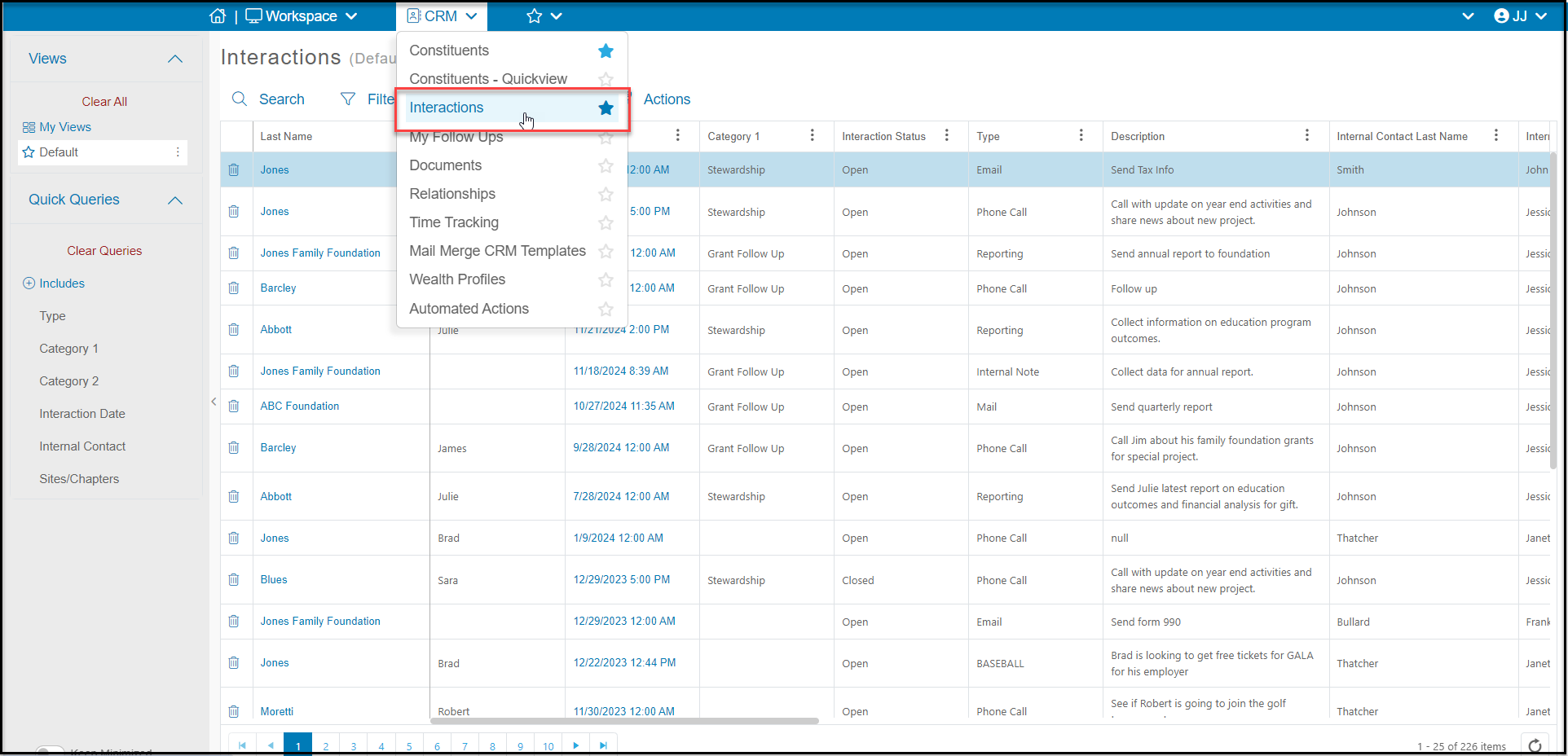
Located in the CRM Module, the Interactions grid shows personal contact, communications, notes, reports, and activities that you have recorded with your constituents. These communications can include things like phone calls, emails, and meetings that have occurred in the past or are upcoming. They can also include assigned tasks like deliverables that are due for sponsorships.


Like other grids, you can create custom views for reporting, add new interactions, export the data to Excel, and create email lists and do batch updates for the constituents in your view. 


Data on this grid includes information from the interaction record including:

  • Last Name and First Name and contact information of the constituent associated with the record
  • Date/Time the record was added
  • Status can either be Open or Closed
  • Internal Contact who either entered the record or was assigned to the activity
  • Interaction Type which is a customizable list
  • Category 1 and Category 2 which are also editable drop down lists
  • Description field you can record any details about the interaction
  • If this interaction is associated with a Follow up you can also see the Follow Up Date/Time, and Follow Up Type.  Note that each Follow up will also have its own row for the follow up interaction.