How do I see the pledges for a specific constituent?
From the Pledges - Summary grid, you can see a row for each pledge that has been committed by your constituents. There will be a separate row for each pledge, so a single constituent may have several rows if they have more than one pledge.
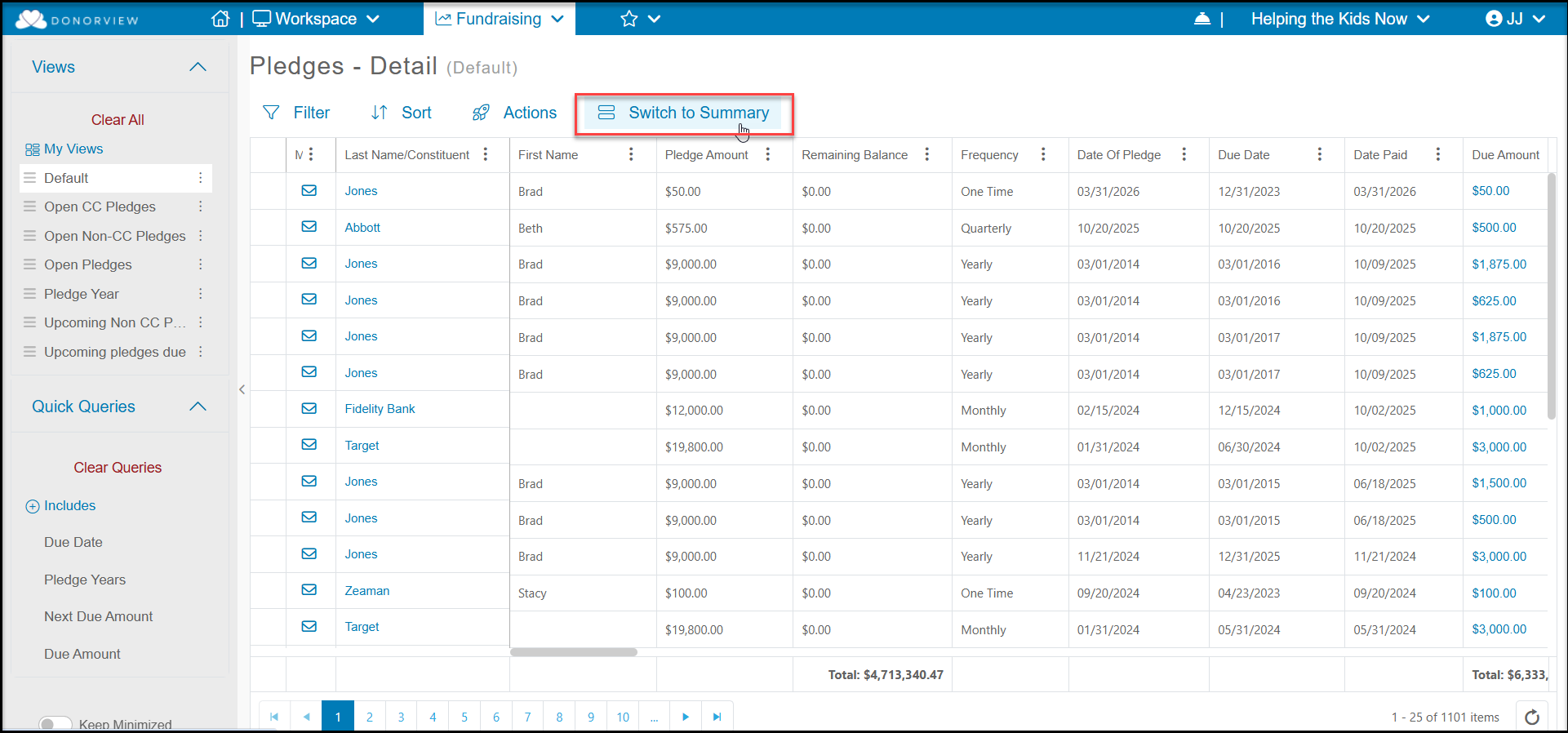
From the Fundraising Module > Pledges, click on the Switch to Summary link at the top of the grid to see the summary information for each pledge.
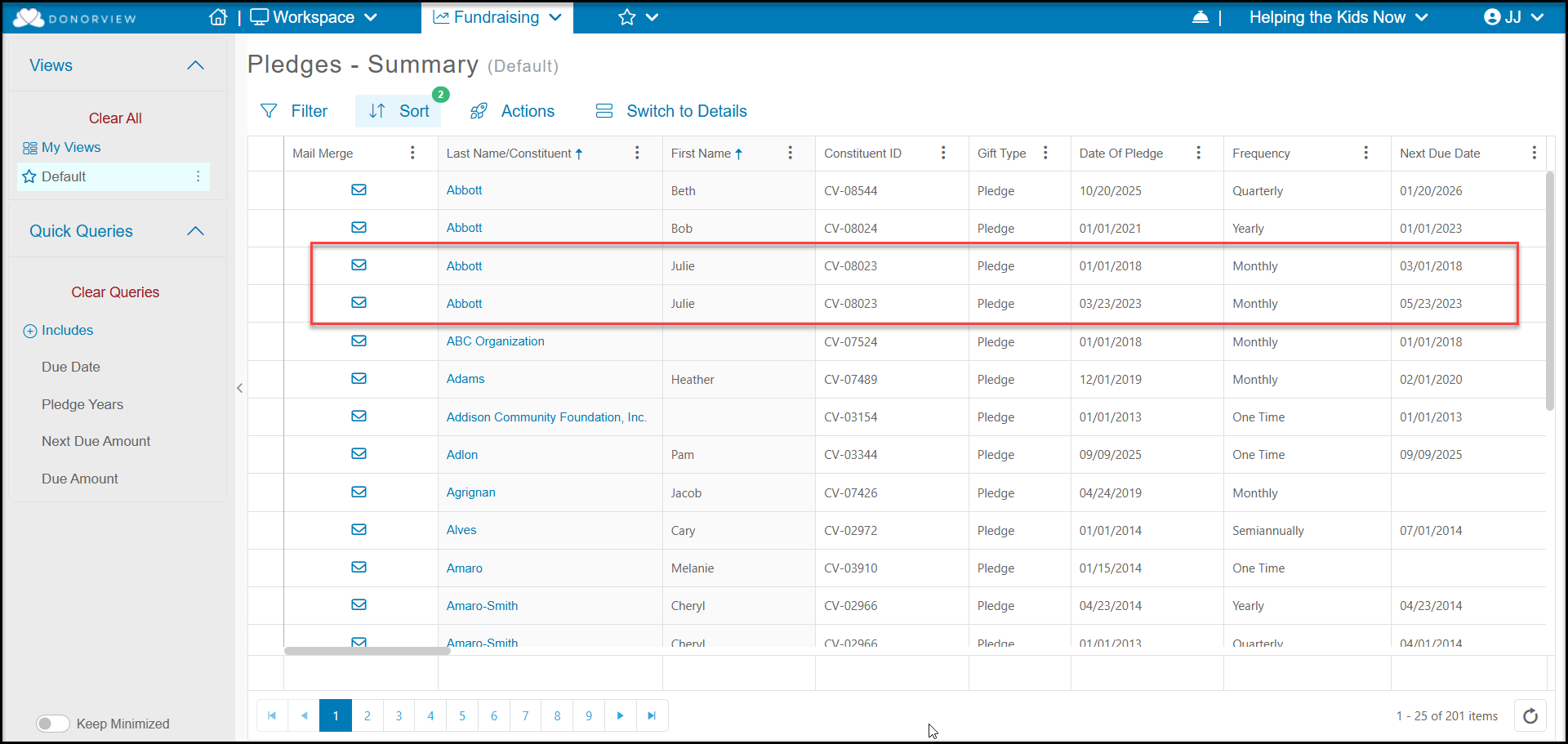
You can add a sort to the Last Name/Constituent Field and First Name to see each pledge for your constituents. In the example below, you can see Julie Abbott has made two pledges over the years.
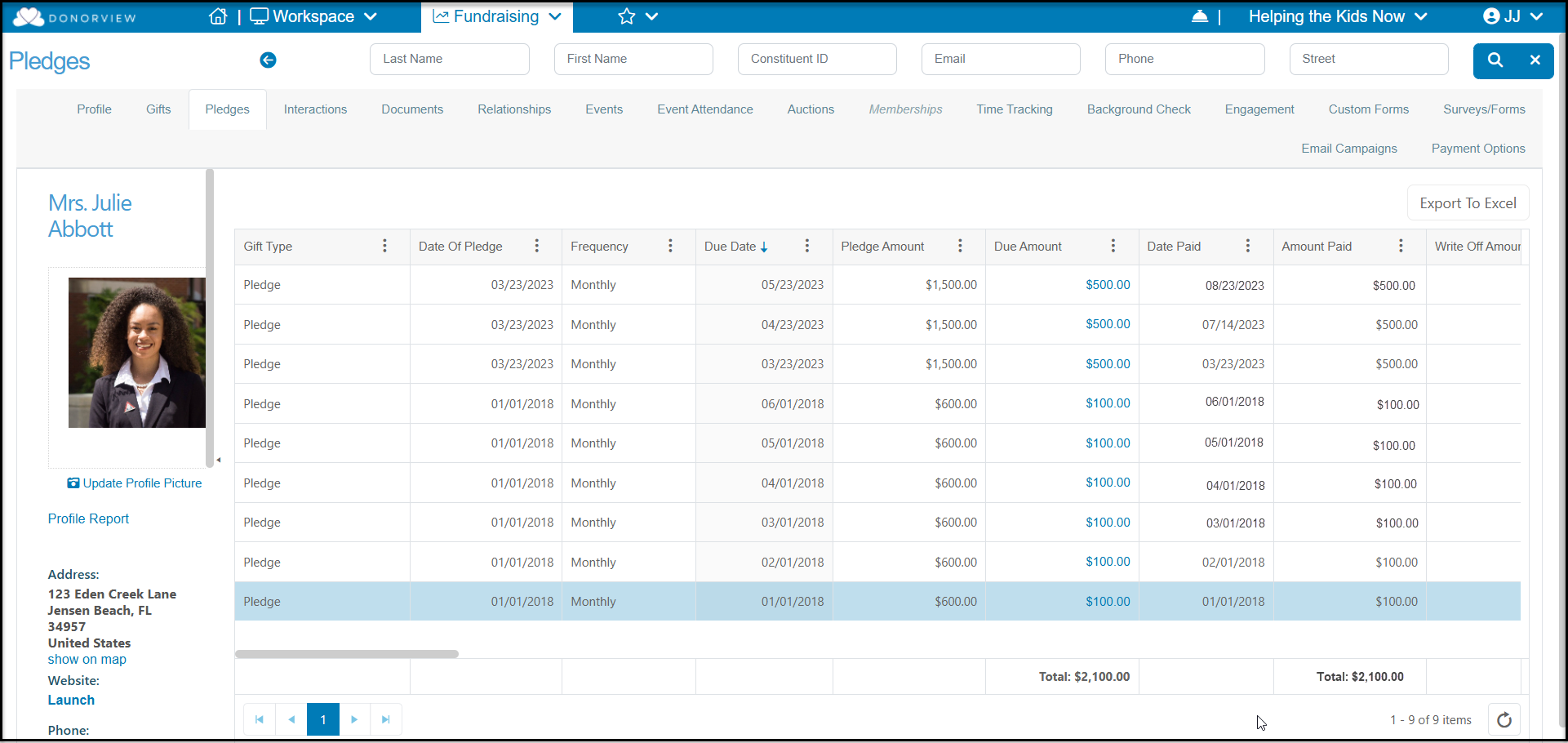
You can also view pledge information from a constituent's profile record on the Pledges tab, but this will show a Details view, showing a row for each pledge payment that is associated with each pledge. Also note that the constituent's Pledges tab and main Pledges grid only update once per day. So transactions recorded today will not show on these grids until the next morning.