# Portal Features for the Forum
> Source: https://support.donorview.com/portal-features-for-the-forum-dv | Updated: 2026-08-18T17:57:51Z
If you have the Advanced Portal activated you can request activation of the Forum feature. Once your forum is activated, you can include the link in your portal.
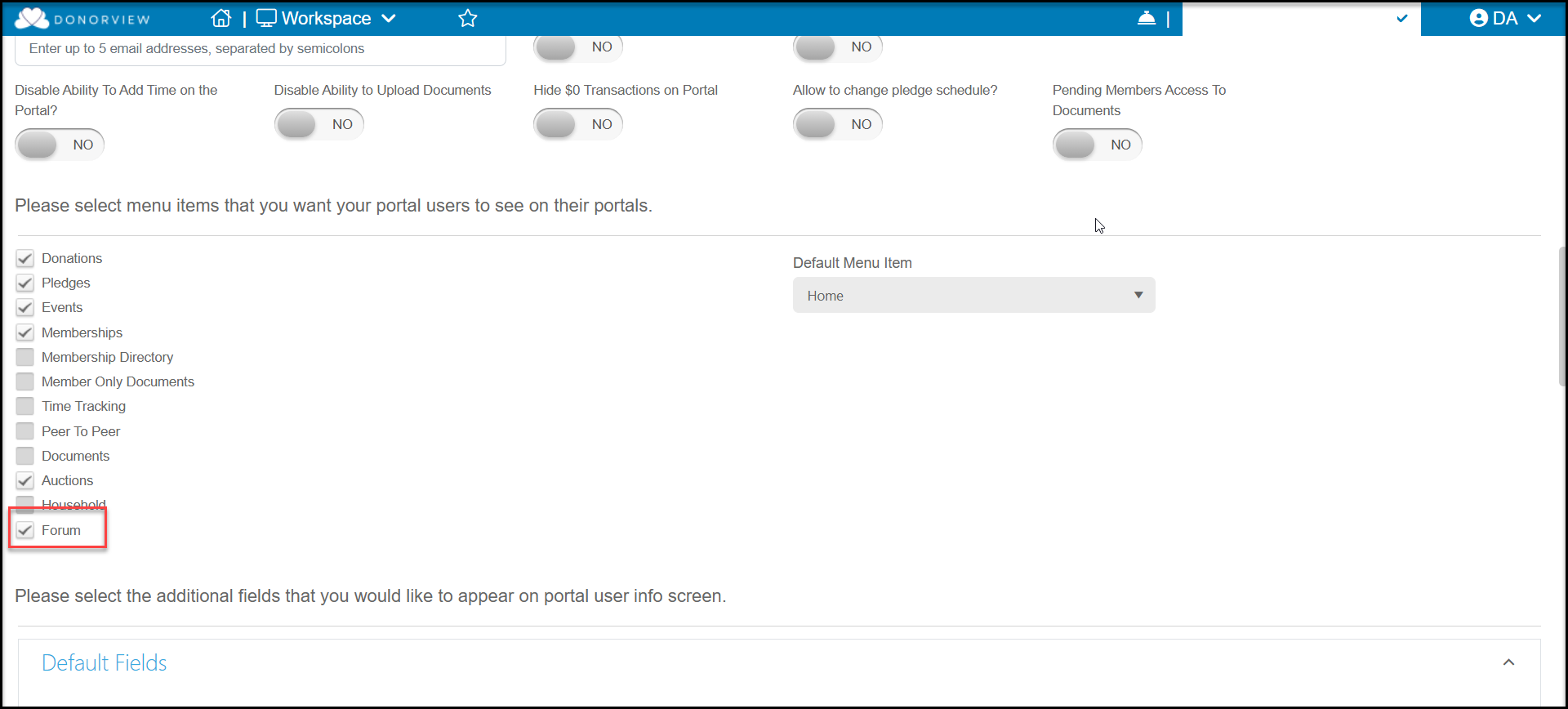
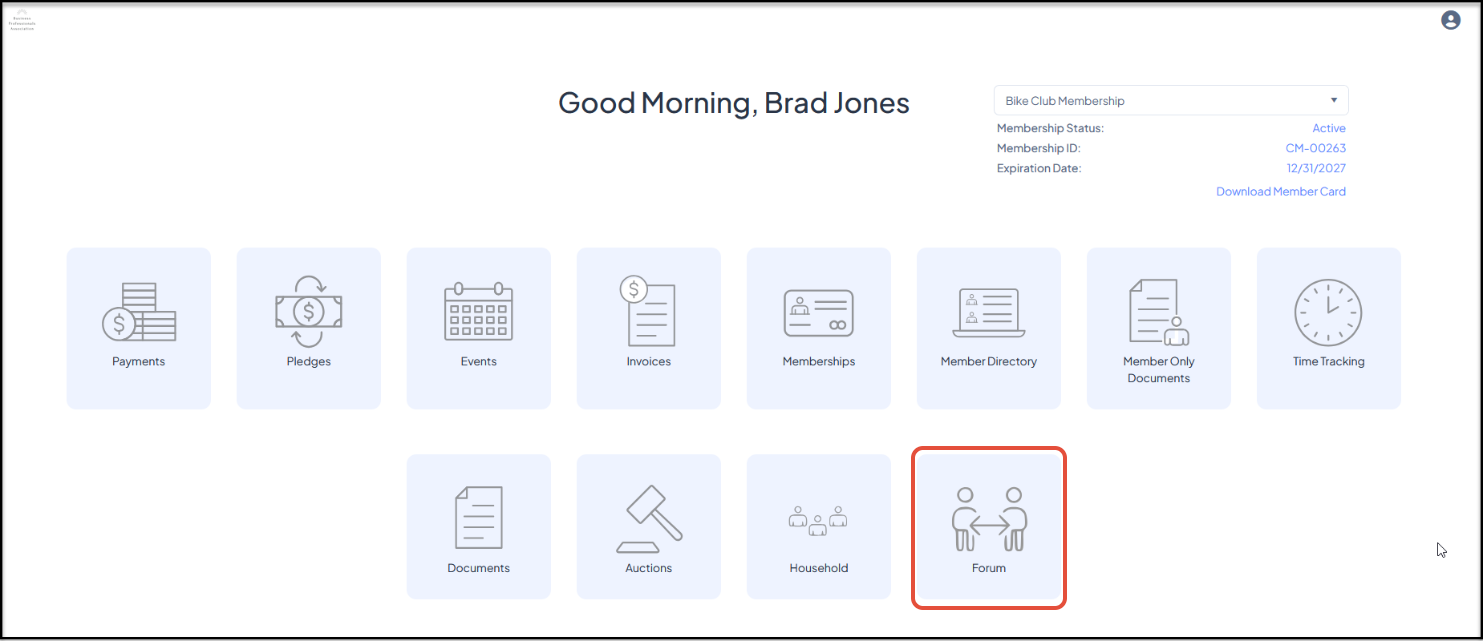 Your constituents can click on the **Forum** link to open the forum and see and add posts and participate in discussions.
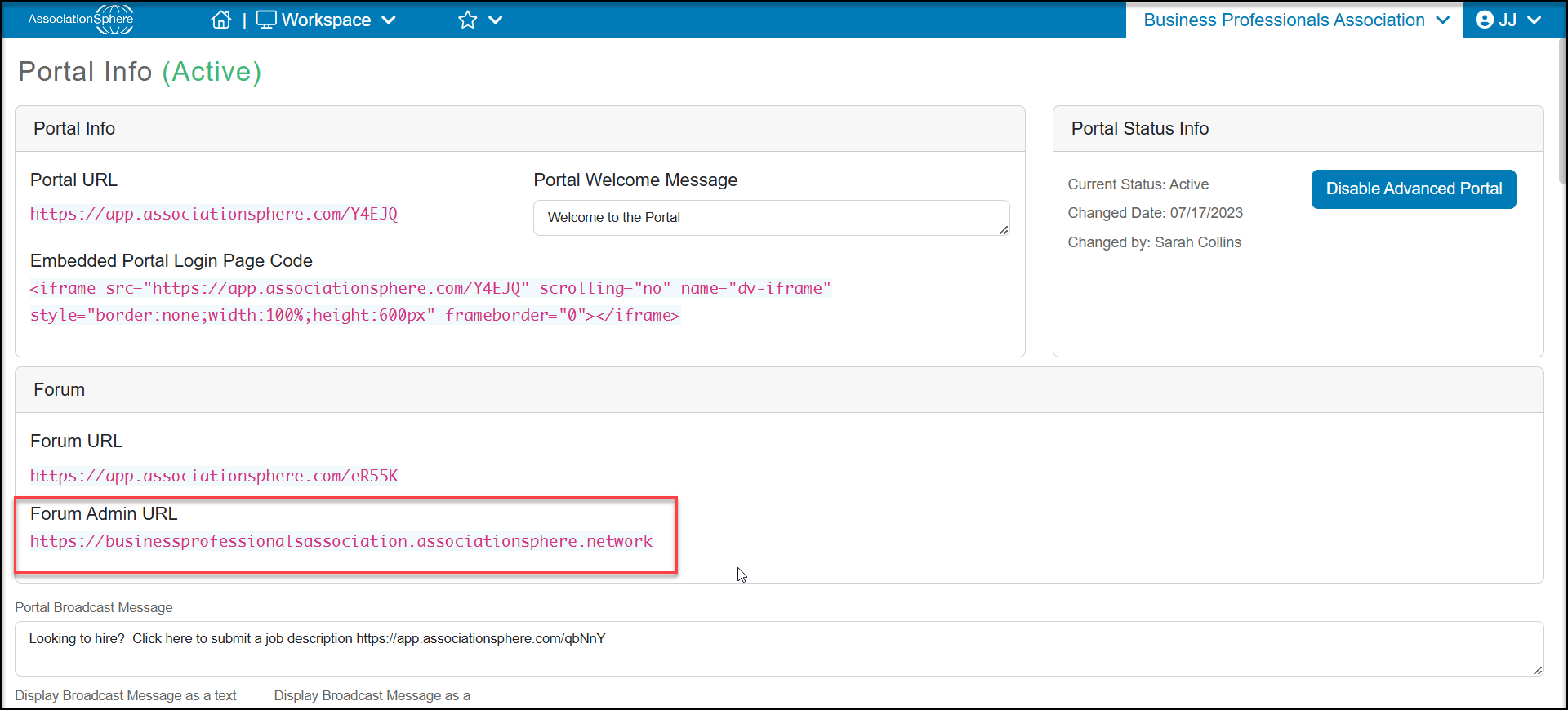
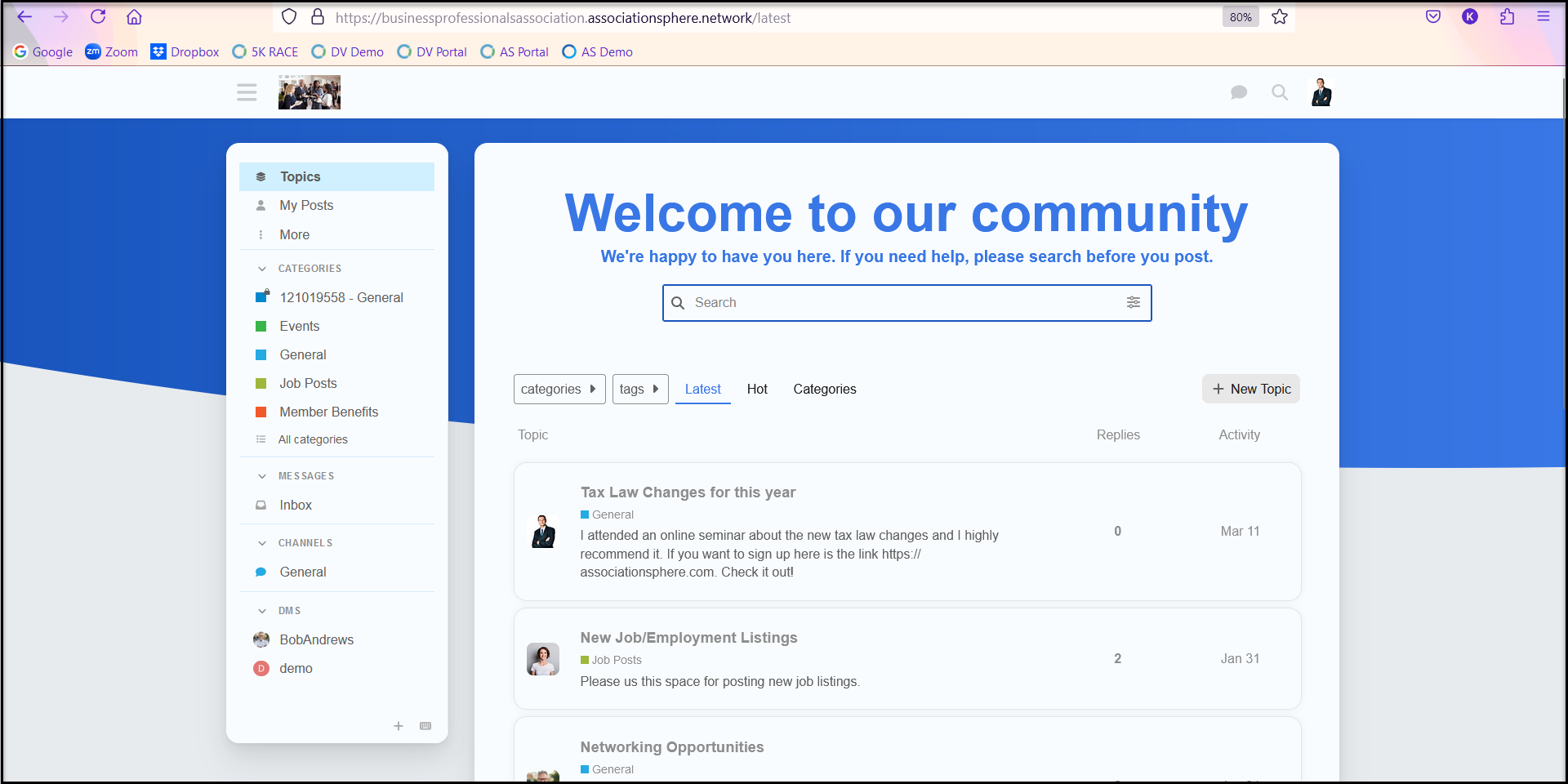 Admin users of your AssociationSphere account can manage the forum from the Forum **Admin URL link** on the Portal Info page.
 Please go to [https://meta.discourse.org/](https://meta.discourse.org/) for further support on the Forum.