# P2P Campaign Dates
> Source: https://support.donorview.com/p2p-campaign-dates | Updated: 2026-07-30T20:26:23Z
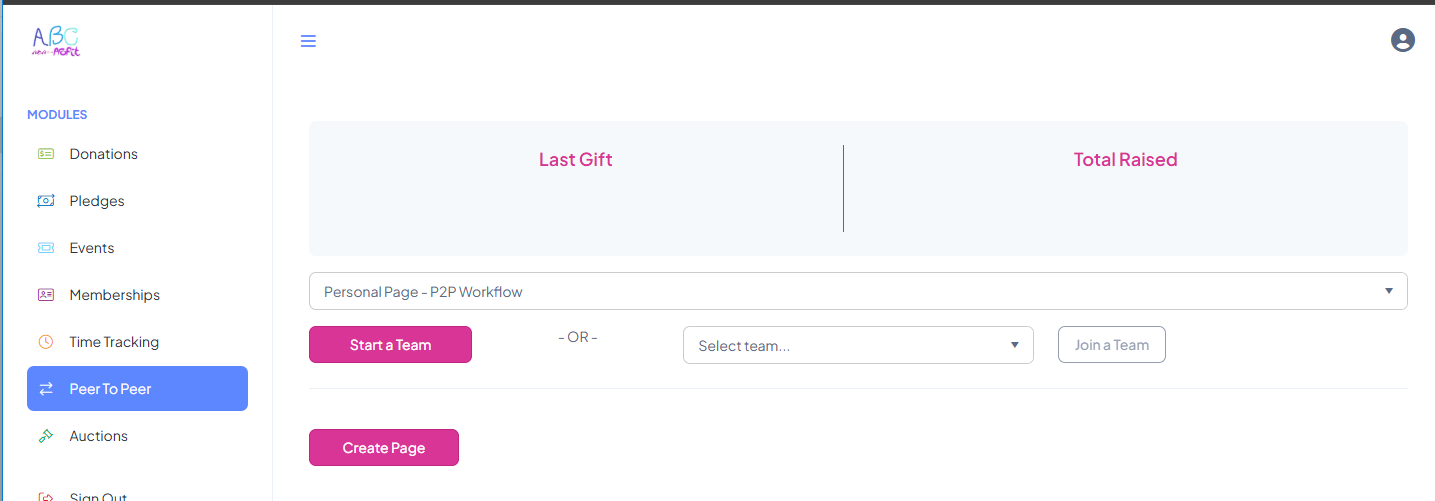
For the P2P Campaign the dates are used as follows:
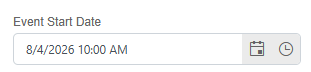
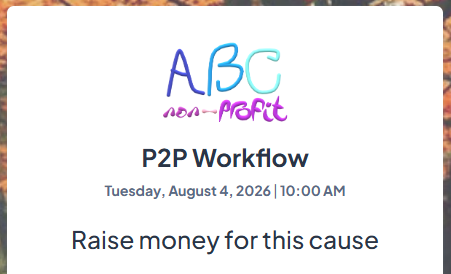
**Event:** If the P2P is an actual event, the Start date (and optionally End date) can be entered. The Start date is shown on the P2P login screen.
For example,
 **Fundraising:** When the P2P participant/team pages are open to the public for making a donation.
**Active to Participant:** When the P2P participant can log into the P2P Campaign (access it via the portal) to setup, edit/update their P2P pages.
For example,
**Fundraising:** When the P2P participant/team pages are open to the public for making a donation.
**Active to Participant:** When the P2P participant can log into the P2P Campaign (access it via the portal) to setup, edit/update their P2P pages.
For example,