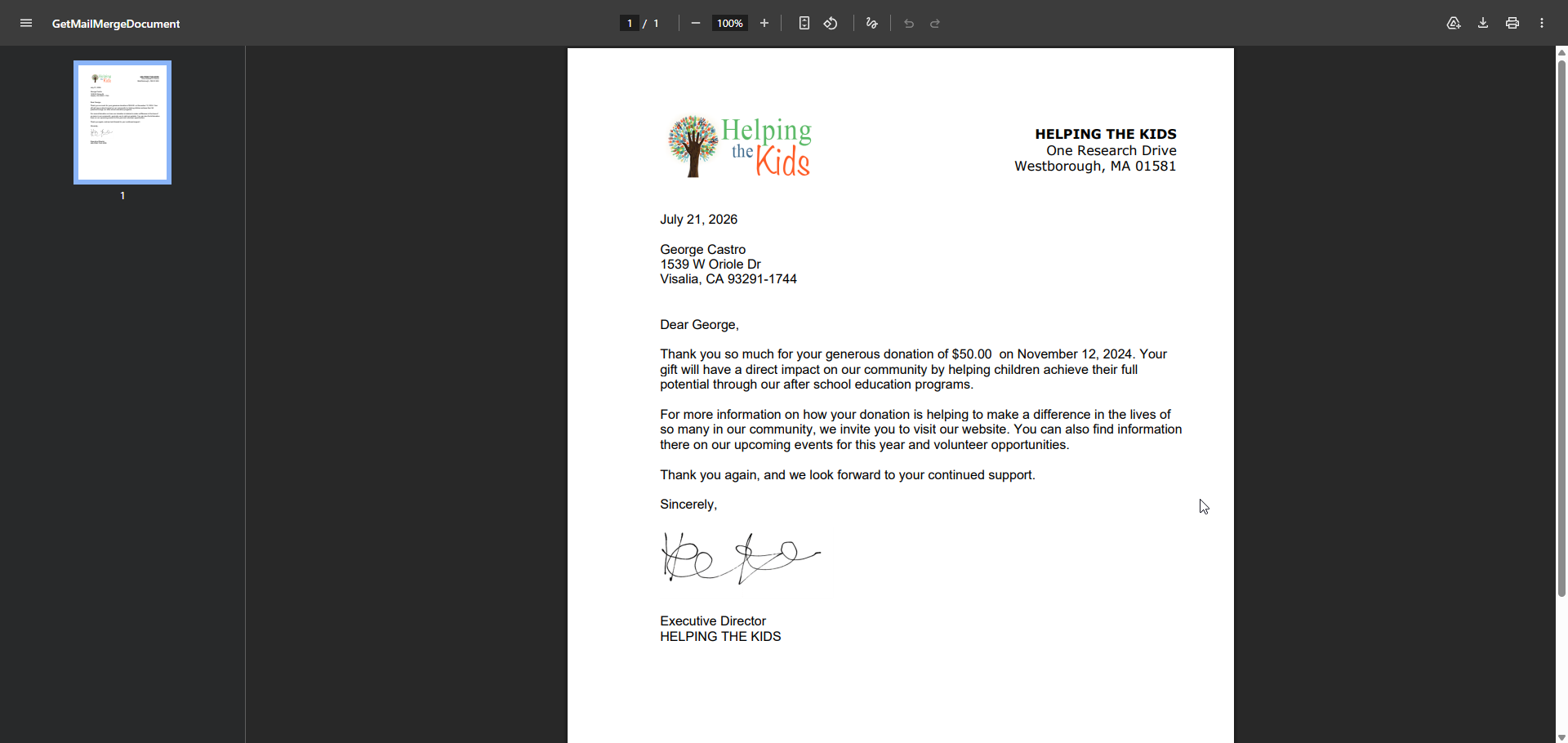
# Mail Merge Letter Password
> Source: https://support.donorview.com/mail-merge-letter-password-dv | Updated: 2026-07-21T19:51:40Z
In order to make mail merge letters more secure, any mail merge letters sent directly to a constituent through email are now password protected.
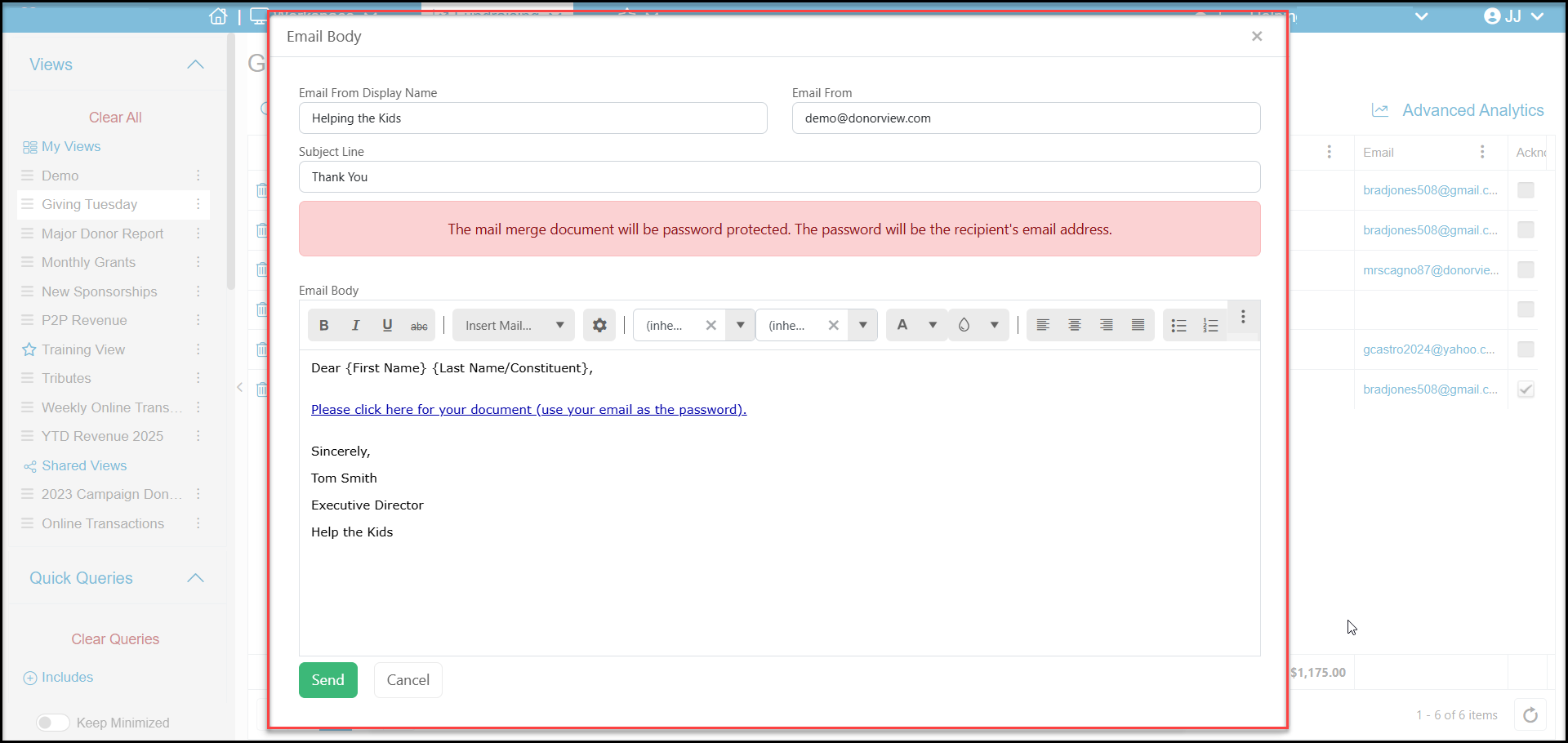 When the recipient clicks the link for their document in the email message, they will be asked to enter a password before viewing that letter. The password will always be that recipient's primary email addresses. Mail merge letters saved to a constituent's documents or portal account will not be password protected.
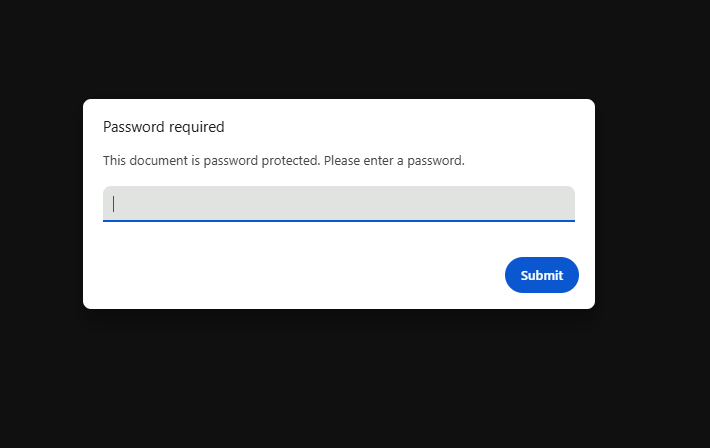 After the email address is entered and the recipient clicks **Submit**, the letter will open as a pdf file that they can print or download.