# I have scheduled a campaign to be emailed – can I unscheduled it or change the date?
> Source: https://support.donorview.com/i-have-scheduled-a-campaign-to-be-emailed-can-i-unscheduled-it-or-change-the-date-dv | Updated: 2026-07-02T20:59:29Z
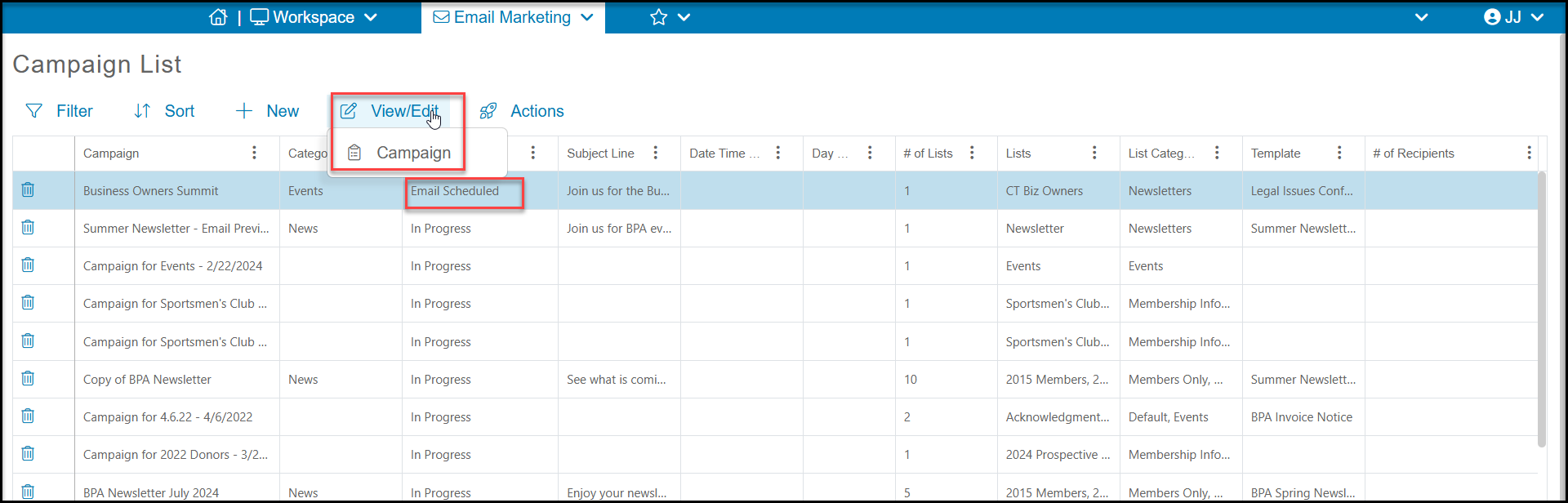
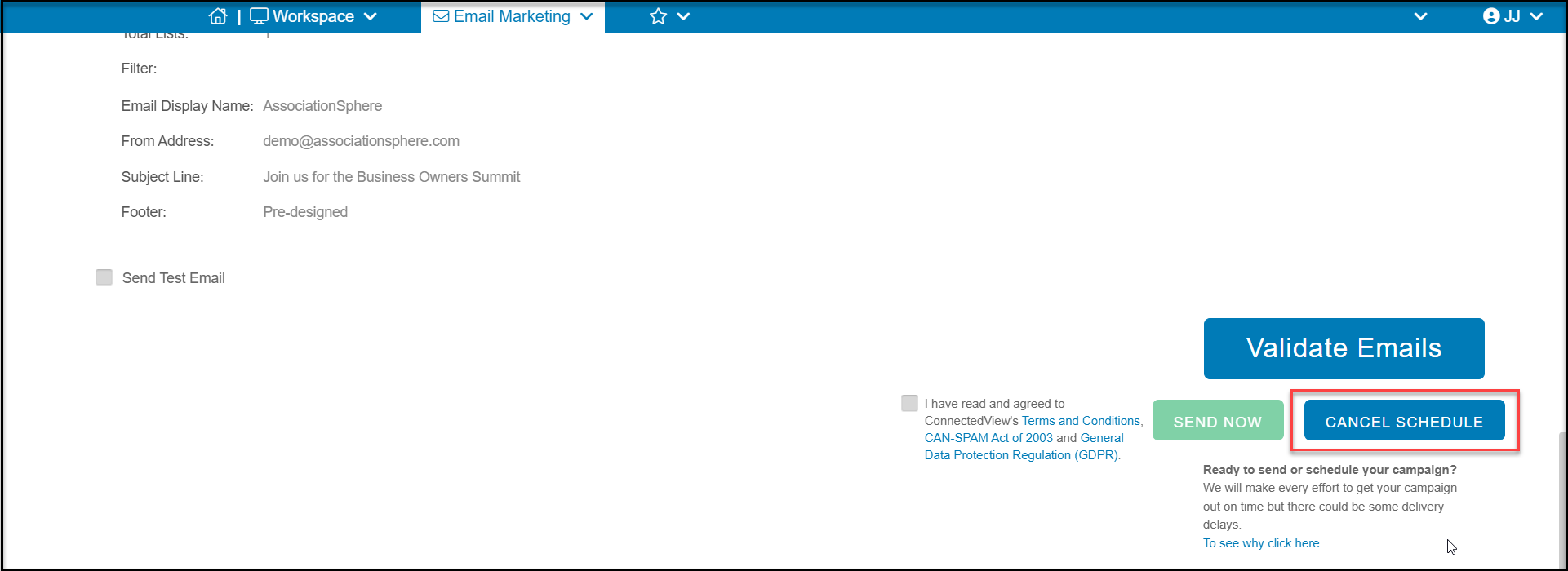
Yes. Select the scheduled campaign from the Campaign List grid and use View/Edit > Campaign to open the campaign. On the Schedule or Send tab, click on the blue **CANCEL SCHEDULE** button in the bottom right hand corner. The campaign will revert to draft mode and you can reschedule or send immediately using the **SEND NOW** button.