# How to I edit an existing School Year or Membership Type?
> Source: https://support.donorview.com/how-to-i-edit-an-existing-school-year-or-membership-type | Updated: 2025-06-19T18:19:19Z
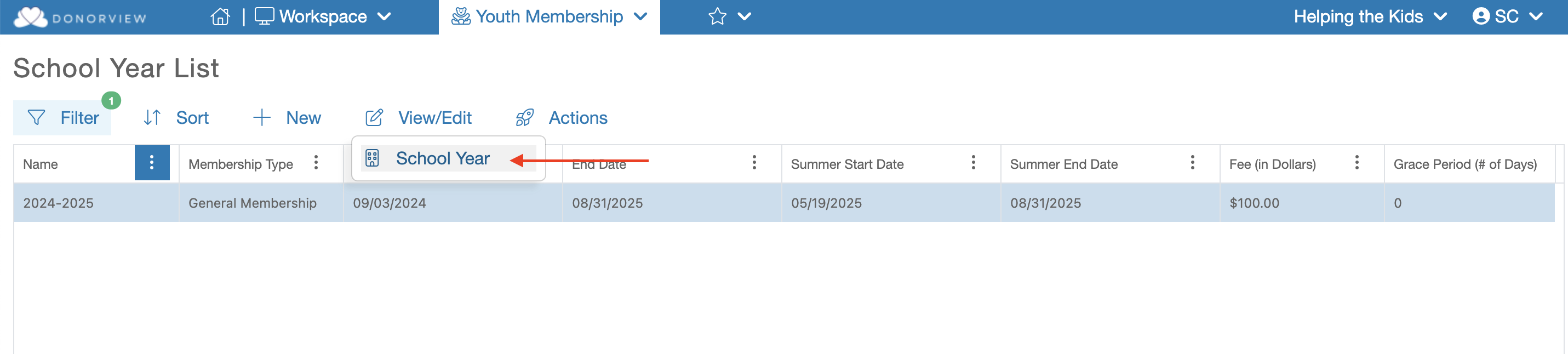
On the School Year List grid select the specific School Year
or Membership Type. The row will be highlighted in blue and you can mouse over the “View/Edit” menu and click on "School Year". This will launch the setup for this School year.
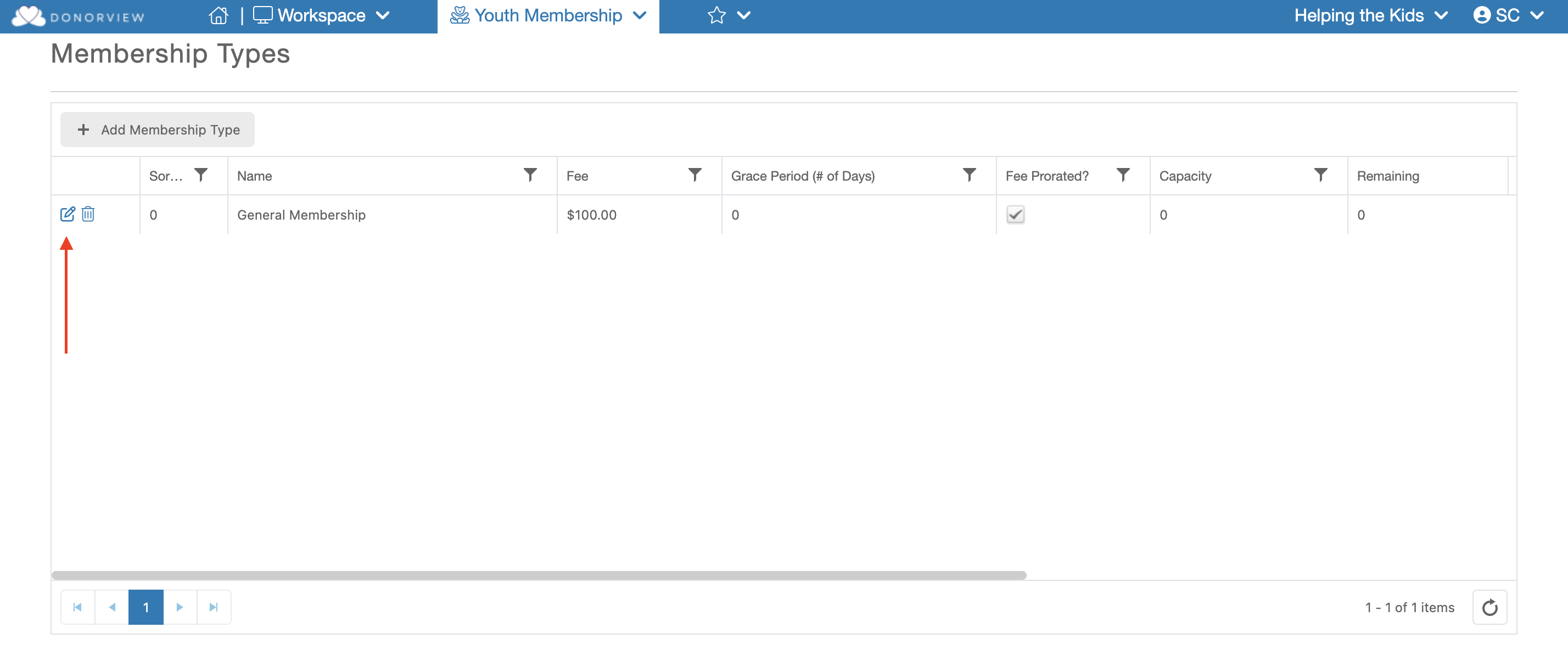
 If you are editing the Membership Type scroll down to the Membership Type grid and click the blue “Edit” (Paper & Pencil) icon. This will launch a dialog window for the selected Membership Type.