# How does the Wait List work on a Session?
> Source: https://support.donorview.com/how-does-the-wait-list-work-on-a-session | Updated: 2025-06-19T18:56:03Z
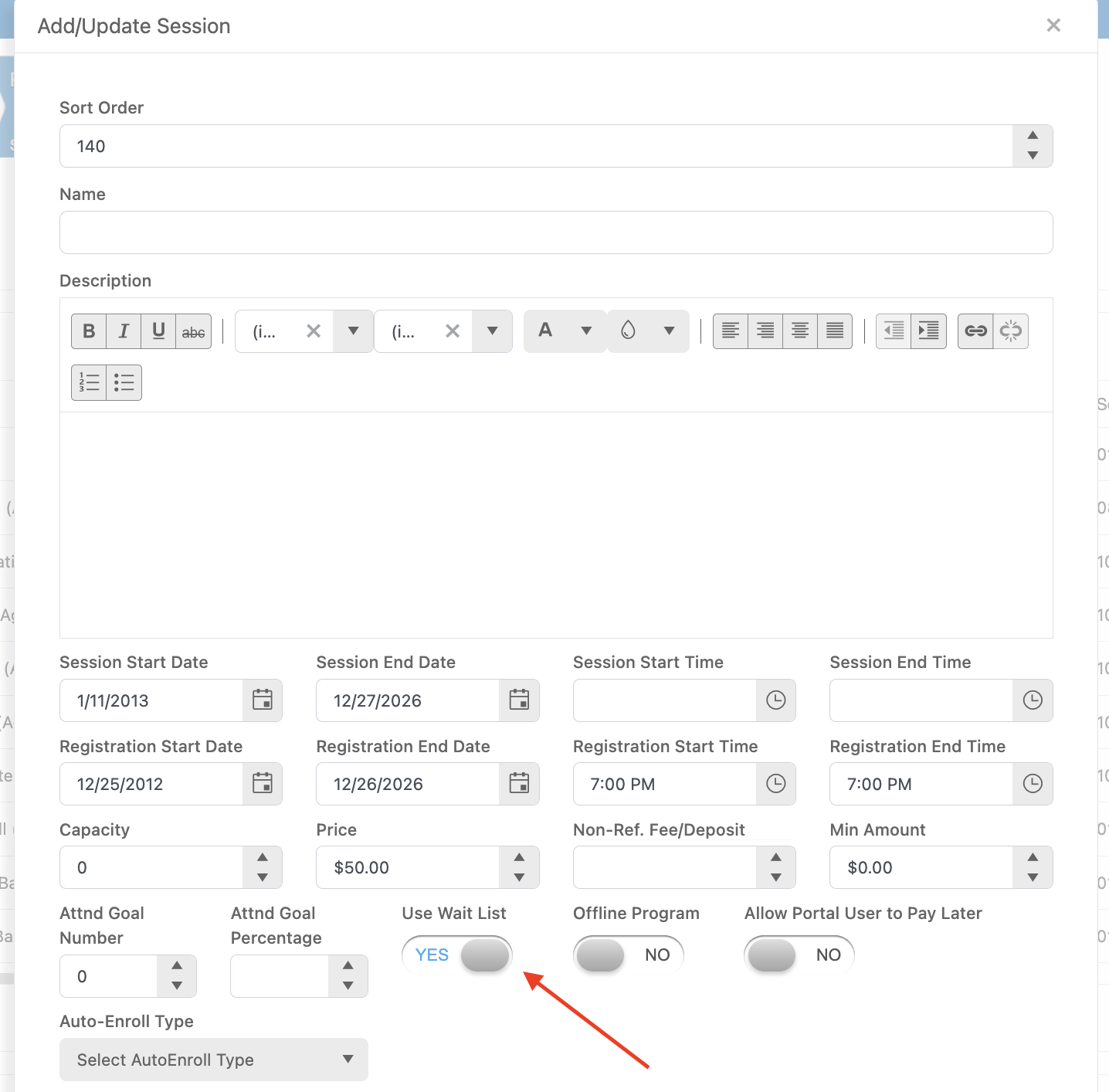
The wait List allows for members to add their name to a list
after the capacity for that session has been reached. The member isn’t required
to pay any money to be placed on this list and during the enrollment they are
alerted that they are being added to a Wait List.
 You will be able to view those on the Wait List on the Enrollment grid. This is also the place where you can change their status from Waiting List to Enrolled and enter their Session Payment.
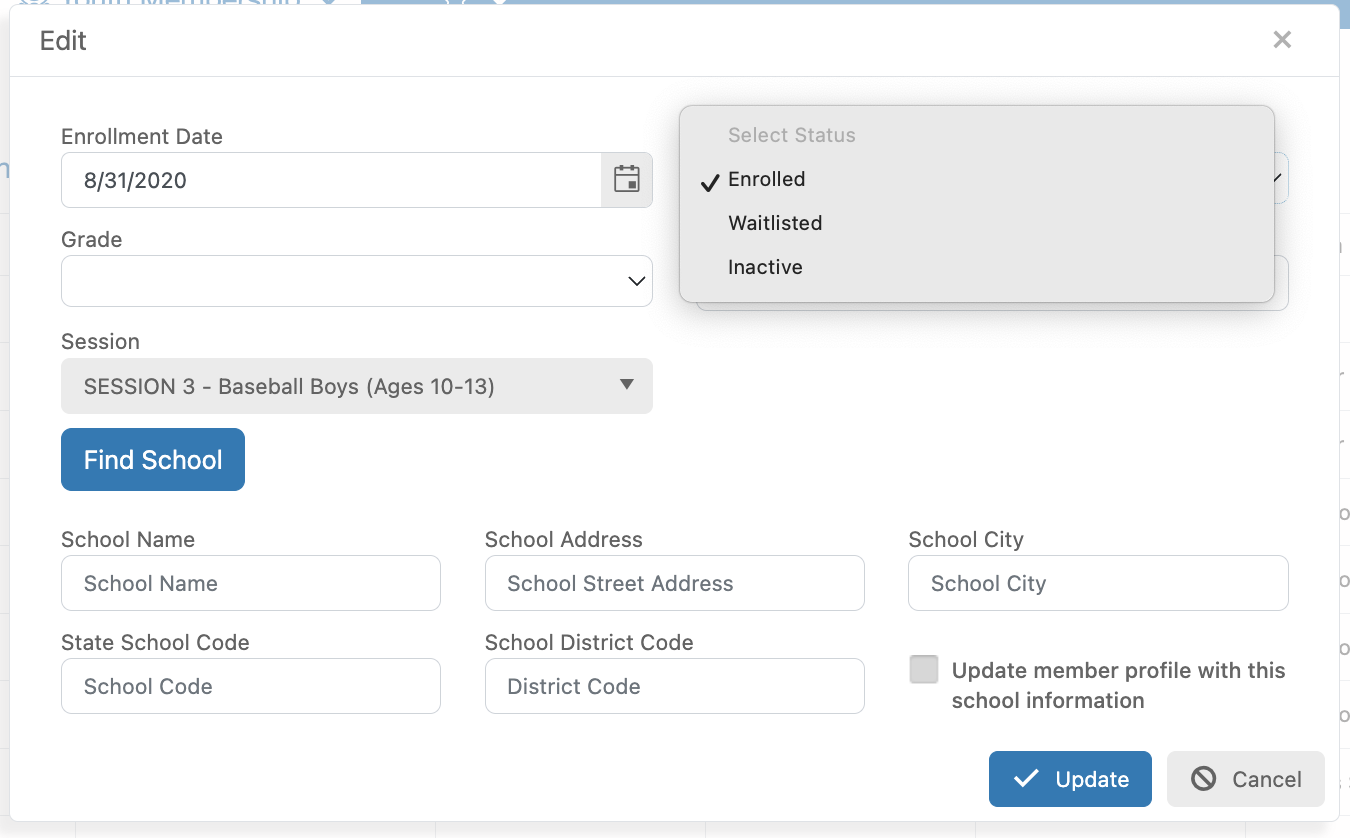
On the Enrollment grid look for the column called, “Enrollment Status”. This column will show if the member is enrolled or on the Wait List. You can then edit that enrollment by clicking on the edit (Paper and Pencil) icon and changing the Enrollment Statue field.
You will be able to view those on the Wait List on the Enrollment grid. This is also the place where you can change their status from Waiting List to Enrolled and enter their Session Payment.
On the Enrollment grid look for the column called, “Enrollment Status”. This column will show if the member is enrolled or on the Wait List. You can then edit that enrollment by clicking on the edit (Paper and Pencil) icon and changing the Enrollment Statue field.