# How does the Team/Roster option work on a Session?
> Source: https://support.donorview.com/how-does-the-teamroster-option-work-on-a-session | Updated: 2025-06-19T19:01:02Z
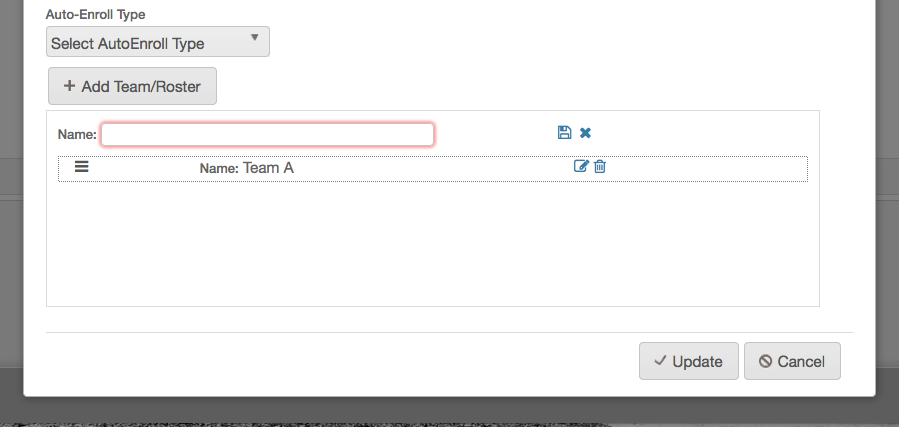
The Team/Roster option allows you to create divisions within
your session. The divisions can be anything from teams to groups to event
transportation. After creating these divisions and members start enrolling, you
can then begin the process of assigning them to those divisions.
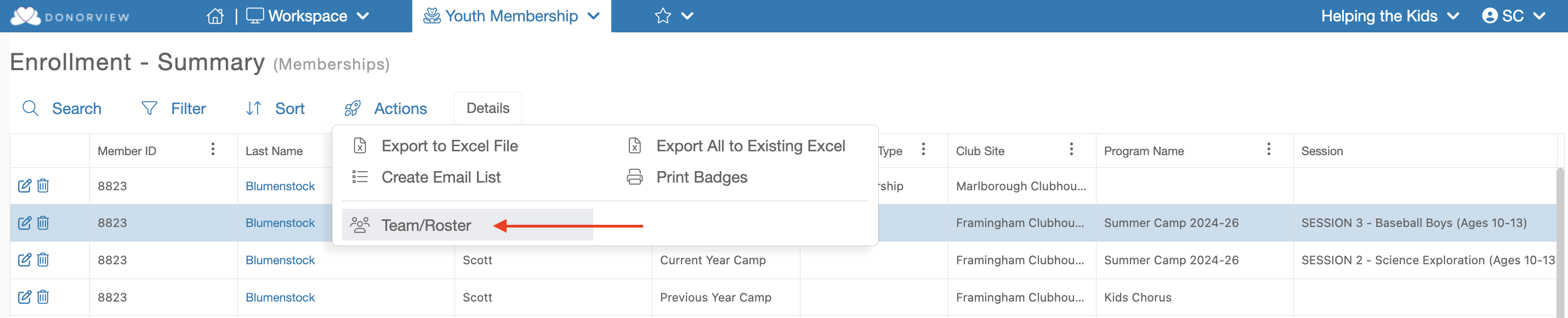
 You can then manage the assignment of these Teams under the Enrollment grid by mousing over the "Actions" menu and clicking on "Team/Roster".
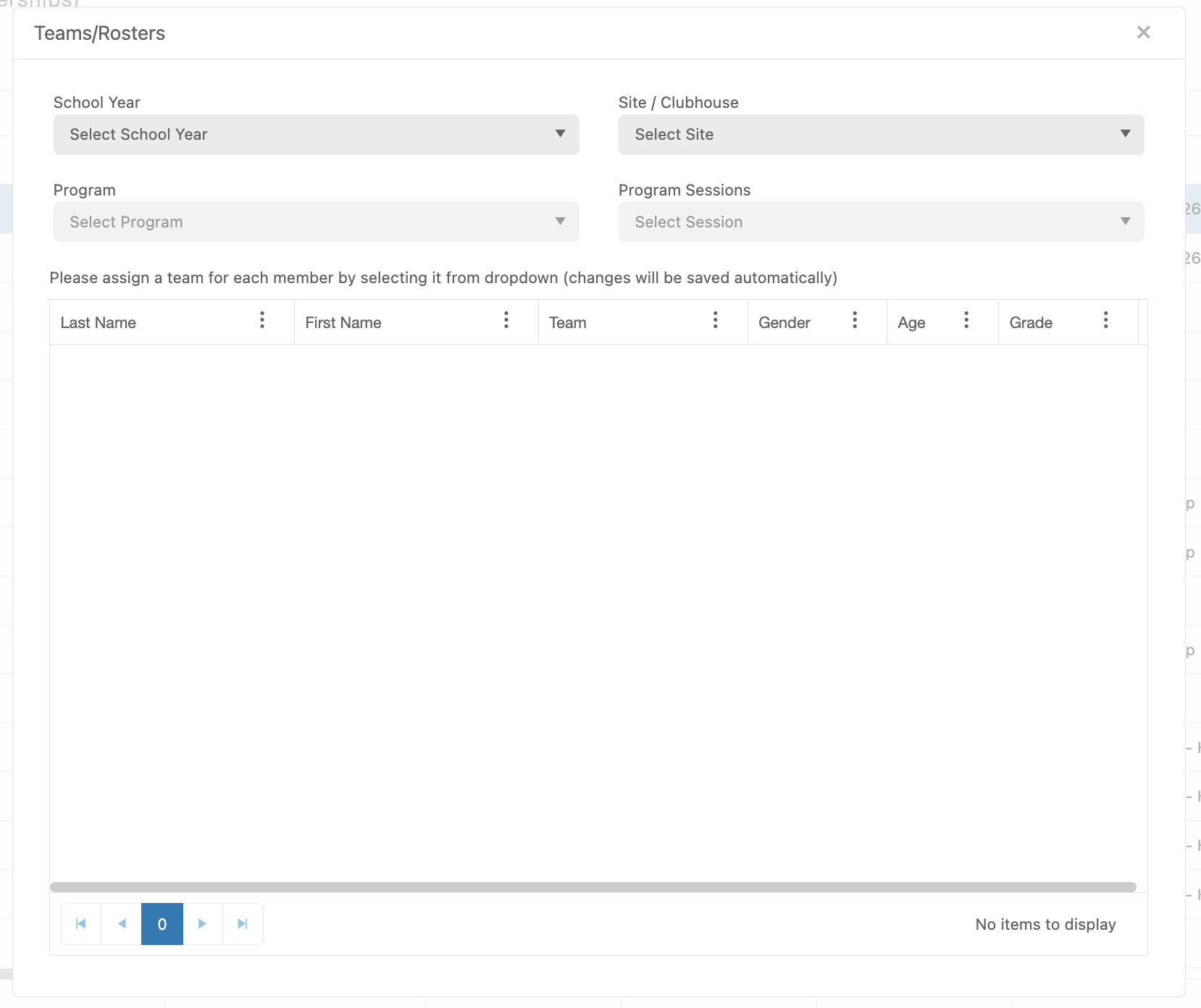
 Then select the School Year, Site/Clubhouse. Program and Program Session for the Program you wish to manage.