# How do I send or print an auction receipt?
> Source: https://support.donorview.com/how-do-i-send-or-print-an-auction-receipt-dv | Updated: 2024-08-05T16:02:53Z
1. Bidders are automatically sent a thank you email that includes a list of their purchases after they check out.
2. A receipt can be printed for individual items, but not all items for a donor at once.
3. Each receipt must be printed individually.
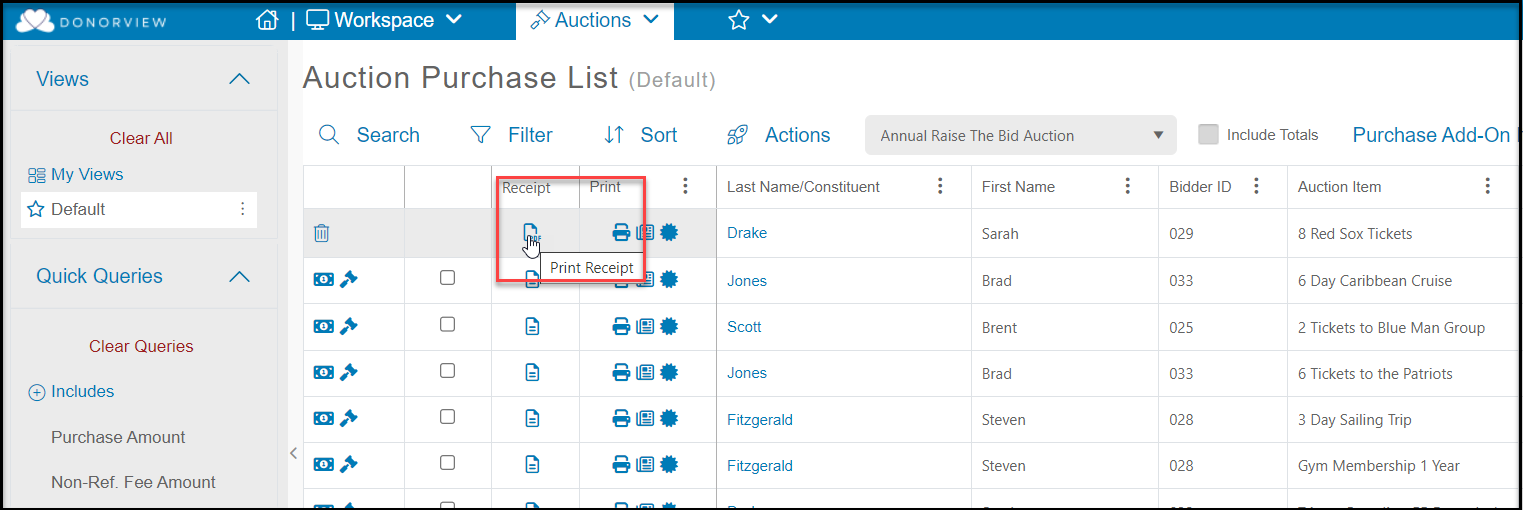
4. After checkout, click on the receipt icon on the row of the item.
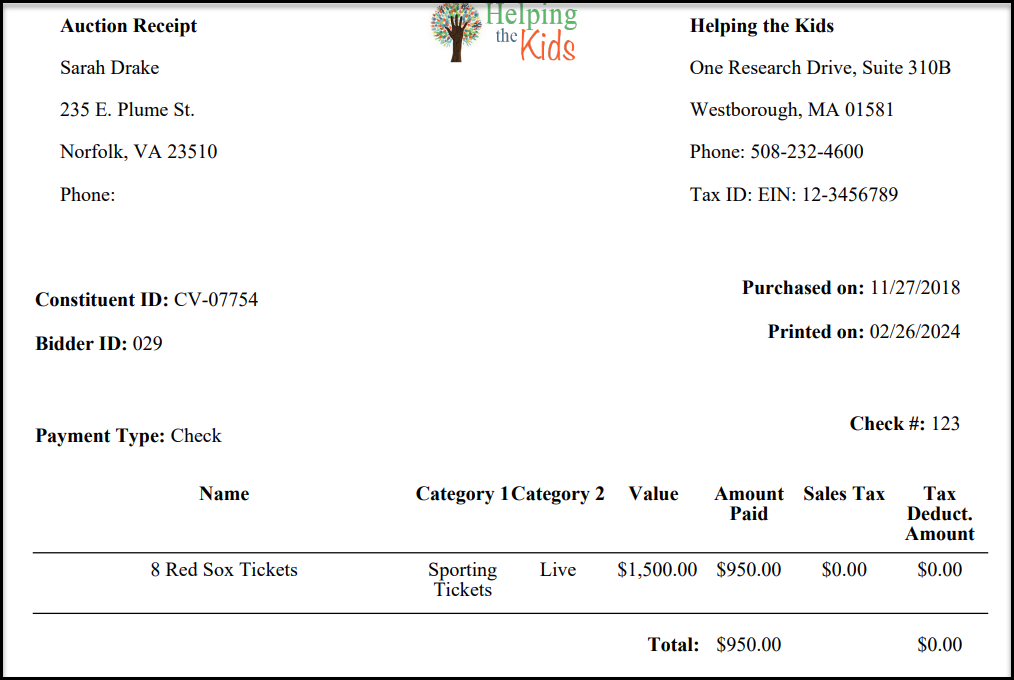
 5. The receipt is produced as a pdf and can be printed from the browser. An example is shown below.