# How do I see the Attendance History?
> Source: https://support.donorview.com/how-do-i-see-the-attendance-history | Updated: 2025-02-24T14:54:26Z
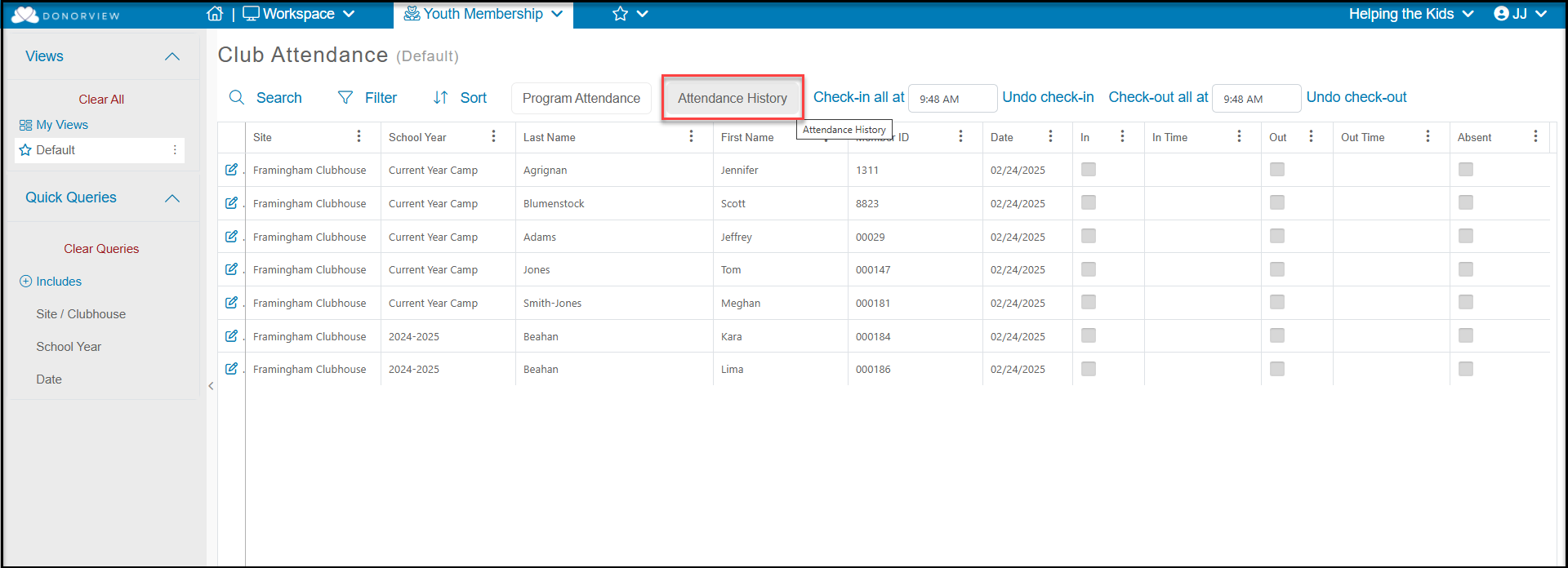
In the Youth Membership module, on the Attendance Dashboard you will
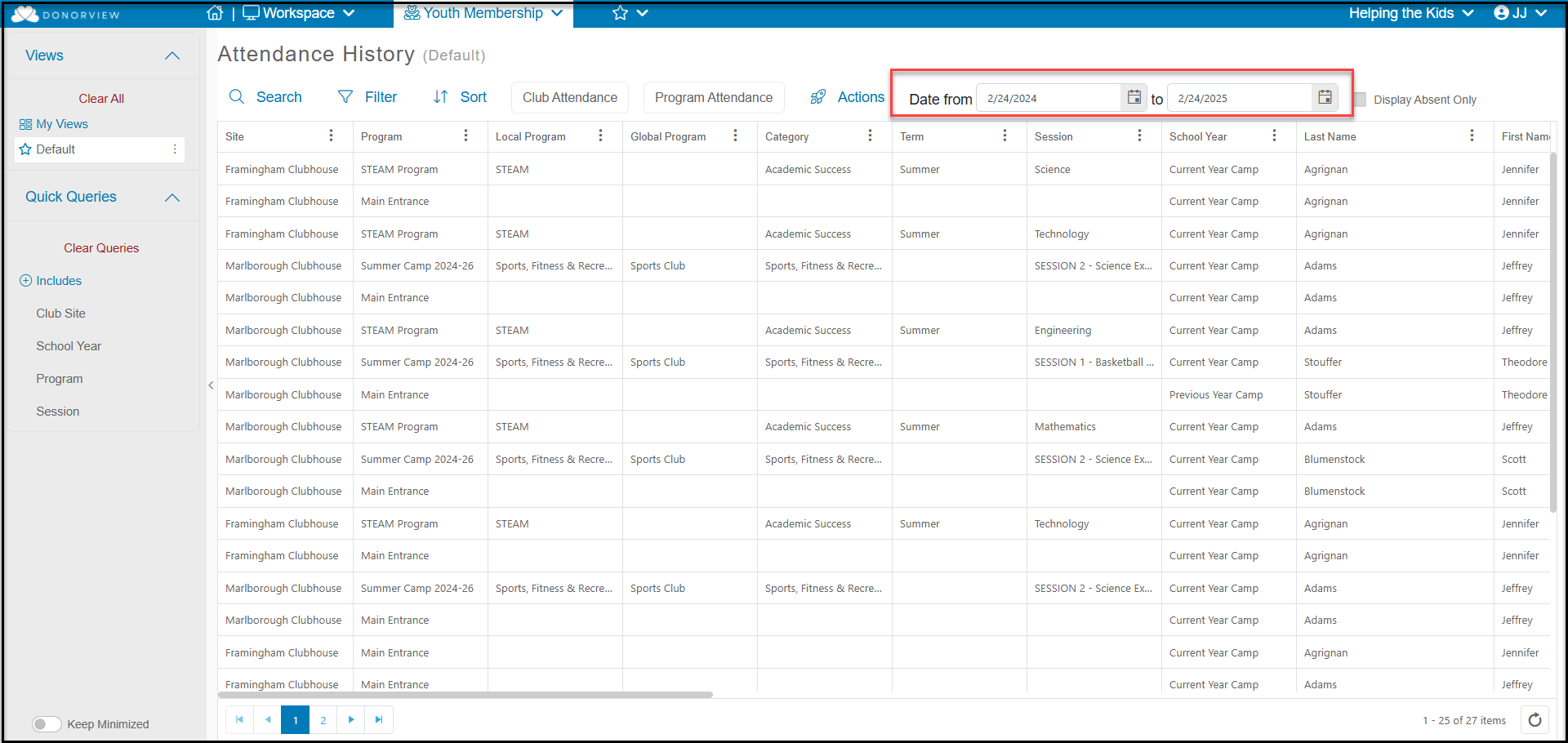
see a button titled, “Attendance History." This button will take you to a
grid with every Site and Program Check In and Out. You can then filter the grid by a date range or you can add queries, filters, and sorts to produce your desired view.