# How do I see sensitive information collected from a survey respondent?
> Source: https://support.donorview.com/how-do-i-see-sensitive-information-collected-from-a-survey-respondent-dv | Updated: 2026-06-22T21:06:40Z
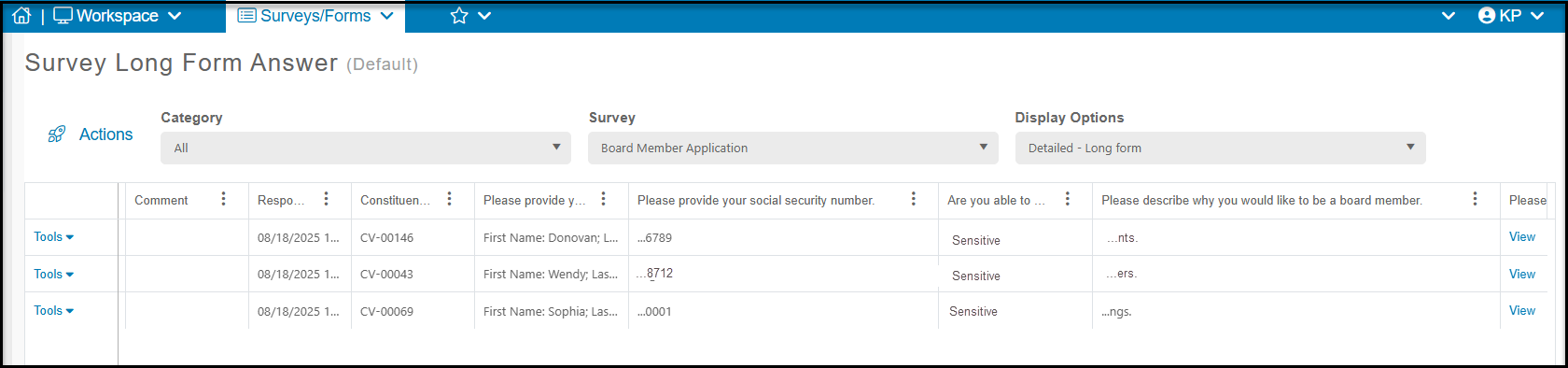
The Surveys/Forms Results grid will display the last four characters of the information that was added for text and date fields. Note that if you use a custom field from the Constituents Fields that is designated as sensitive, you will see the word "Sensitive" in the response column.
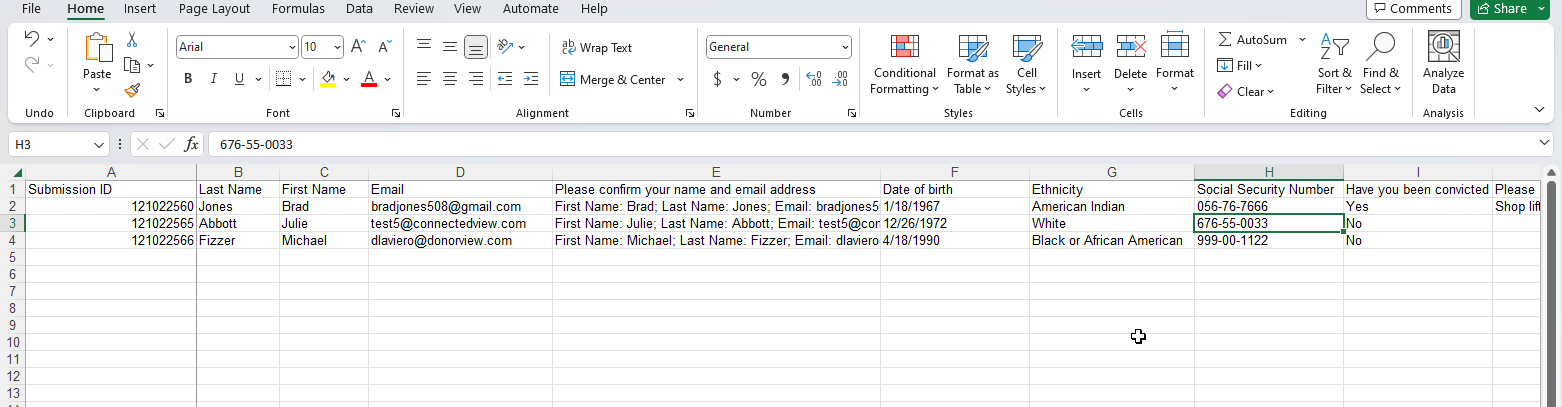
 Admin level users can export the Survey Results Grid to Excel they will be able to see the real answers provided by the Survey/Form taker. Any non-Admin user would still see just the partial information or "sensitive" listed as the answer value if they exported the same grid.