# How do I see pledge payments that are overdue?
> Source: https://support.donorview.com/how-do-i-see-pledge-payments-that-are-overdue-dv | Updated: 2026-10-12T20:38:48Z
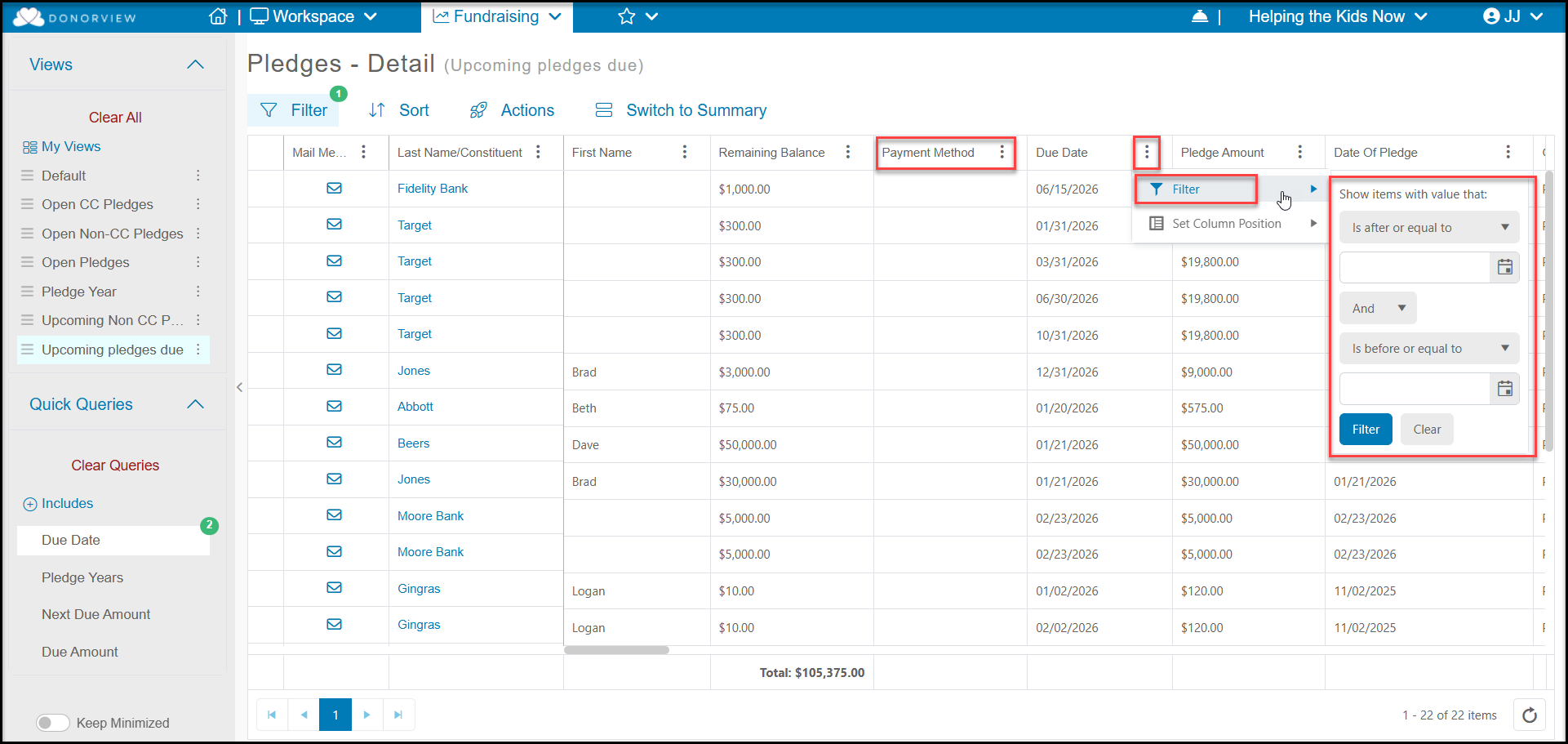
The Pledges Grid in the Fundraising Module allows you to see and filter the pledges by the due date. To see overdue pledges you can filter the **Due Date** column to be "Equal to or Before" and enter the date as today's date. Or you can use the filter in the side bar for **Due Date**.
You can then use the Actions menu to do a Print/Email Mail Merge to send reminders. See this article for more "How can I send pledge payment reminders?"