# How do I see if there was a soft credit on a gift?
> Source: https://support.donorview.com/how-do-i-see-if-there-was-a-soft-credit-on-a-gift | Updated: 2026-08-04T20:04:39Z
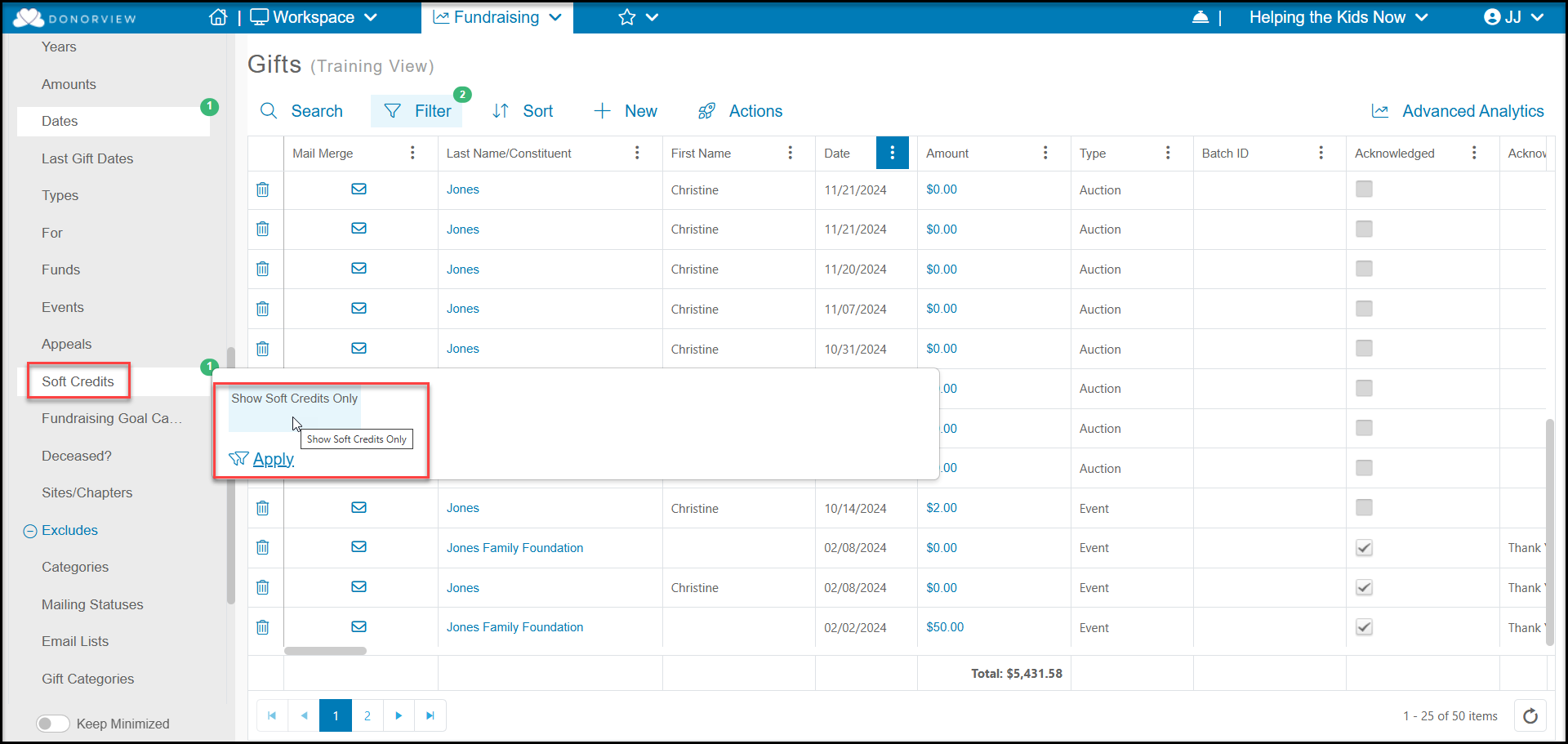
On the main Gifts Grid in the Fundraising Module, you will only see a row for the constituent that was the main donor for the gift. You will not see a row for any constituent that received soft credit. You can see soft credits by using the Quick Queries menu > **Soft Credits** and selecting **Show Soft Credits Only.** This will display a list of all soft credits that have been recorded.
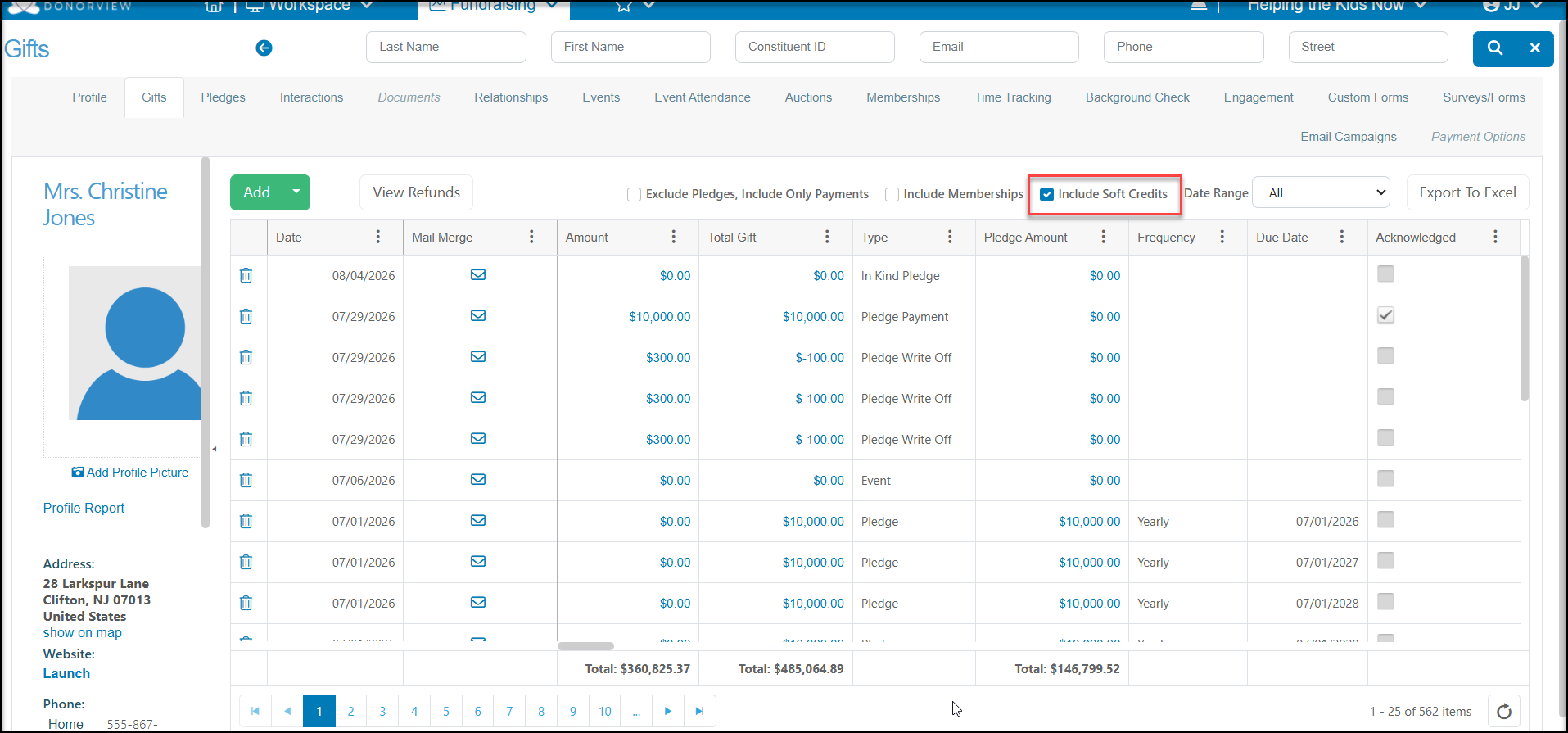
 You can also see soft credits for a specific constituent on their Gifts tab. You just need to make sure you have the "include Soft Credits" check marked to see these gifts.