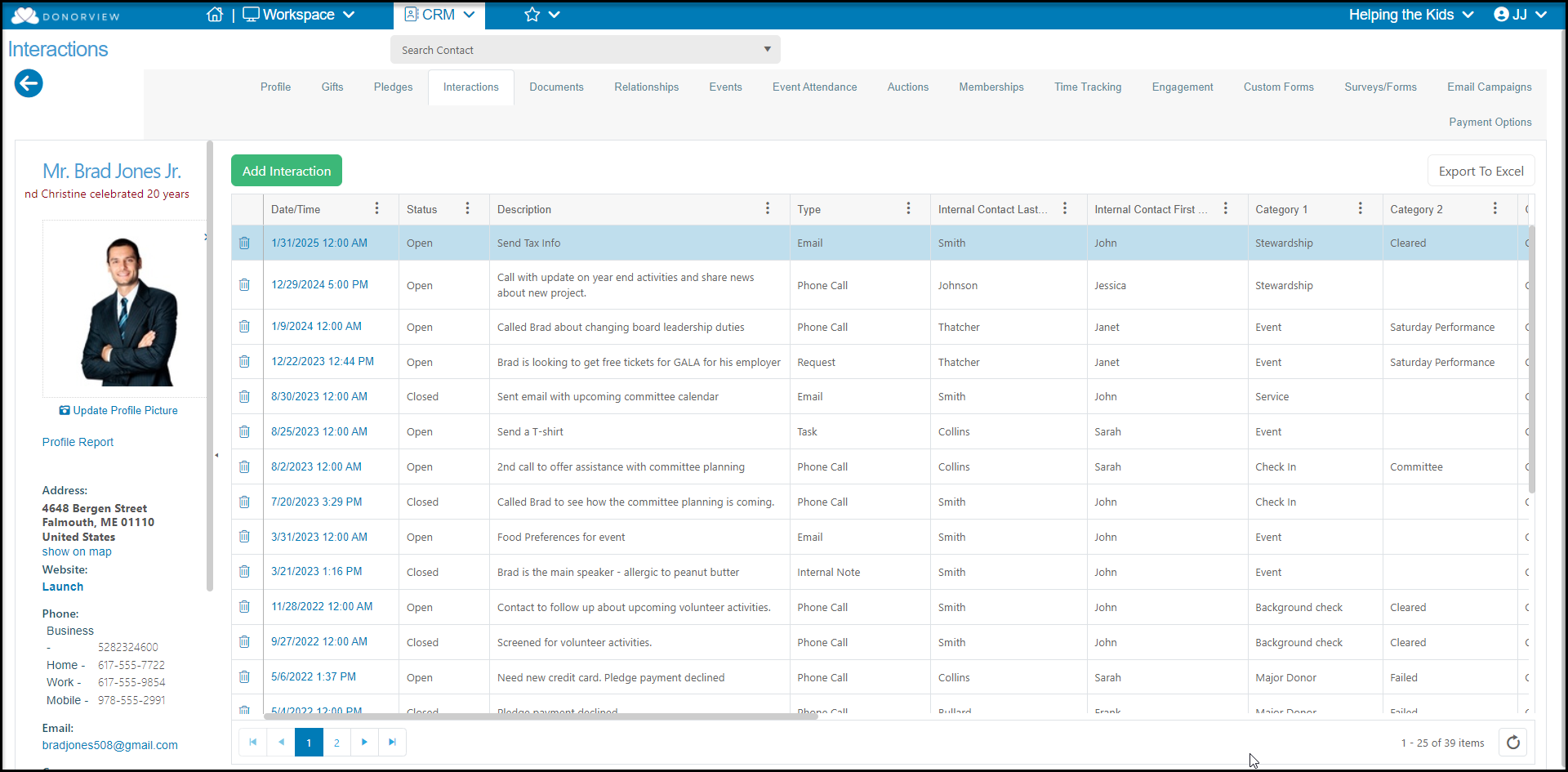
# How do I see all of the interactions for just one constituent?
> Source: https://support.donorview.com/how-do-i-see-all-of-the-interactions-for-just-one-constituent-dv | Updated: 2024-07-22T21:53:30Z
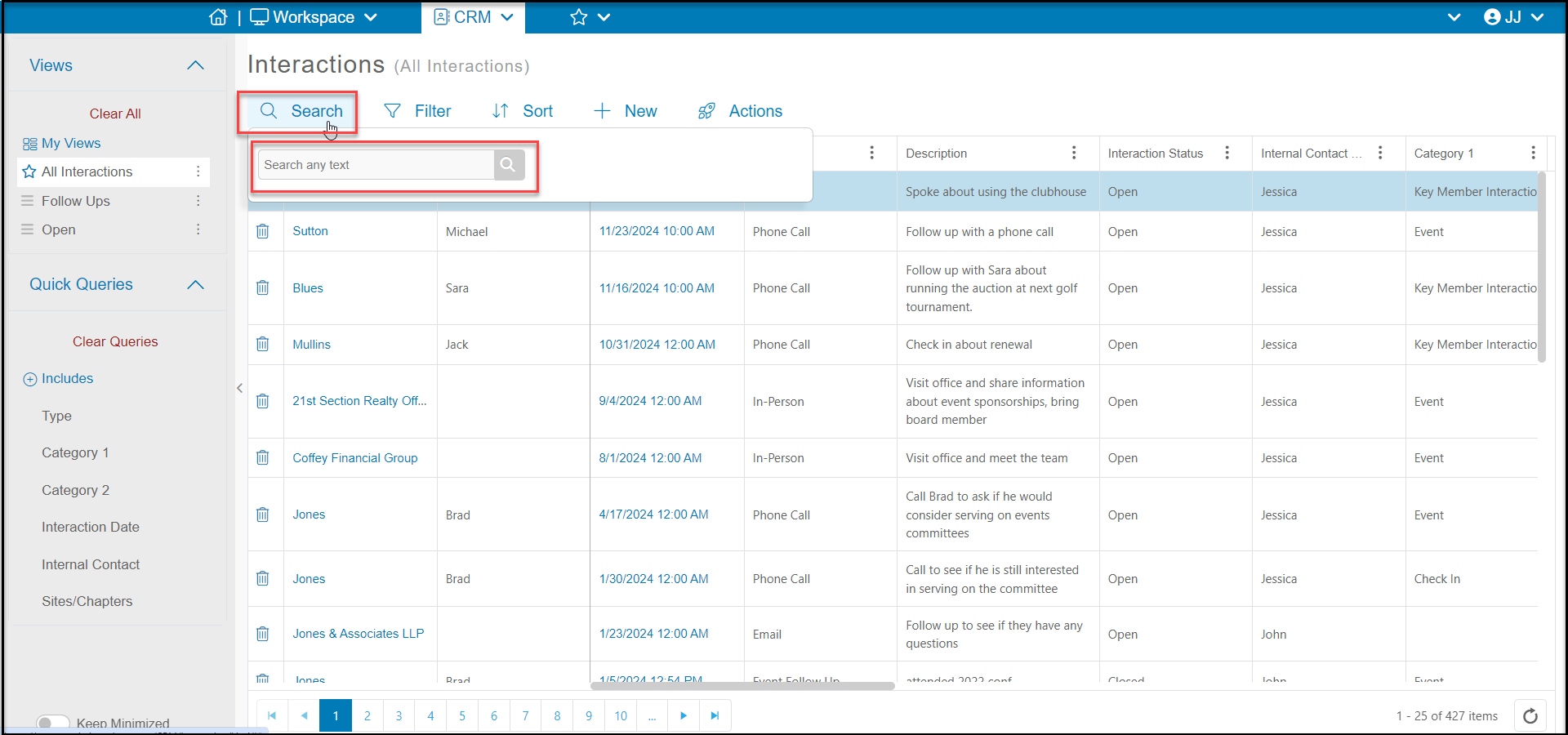
From the main Interactions grid, you can use the search box or add filters to the Last Name column to find the constituent. You can click on the **Date/Time** of a specific interaction or click on the row for the constituent, then the **View/Edit**, and then **Interactions**.
 If you are already on a constituent’s record, you can click on their Interactions tab to see the interactions.