# How do I put the donate button on my website?
> Source: https://support.donorview.com/how-do-i-put-the-donate-button-on-my-website-dv | Updated: 2026-10-12T20:38:55Z
#### On the “Preview & Publish” step, you will find the button code. Copy the full line of code and paste it into the HTML code of the page on your website that you want to embed the button on.
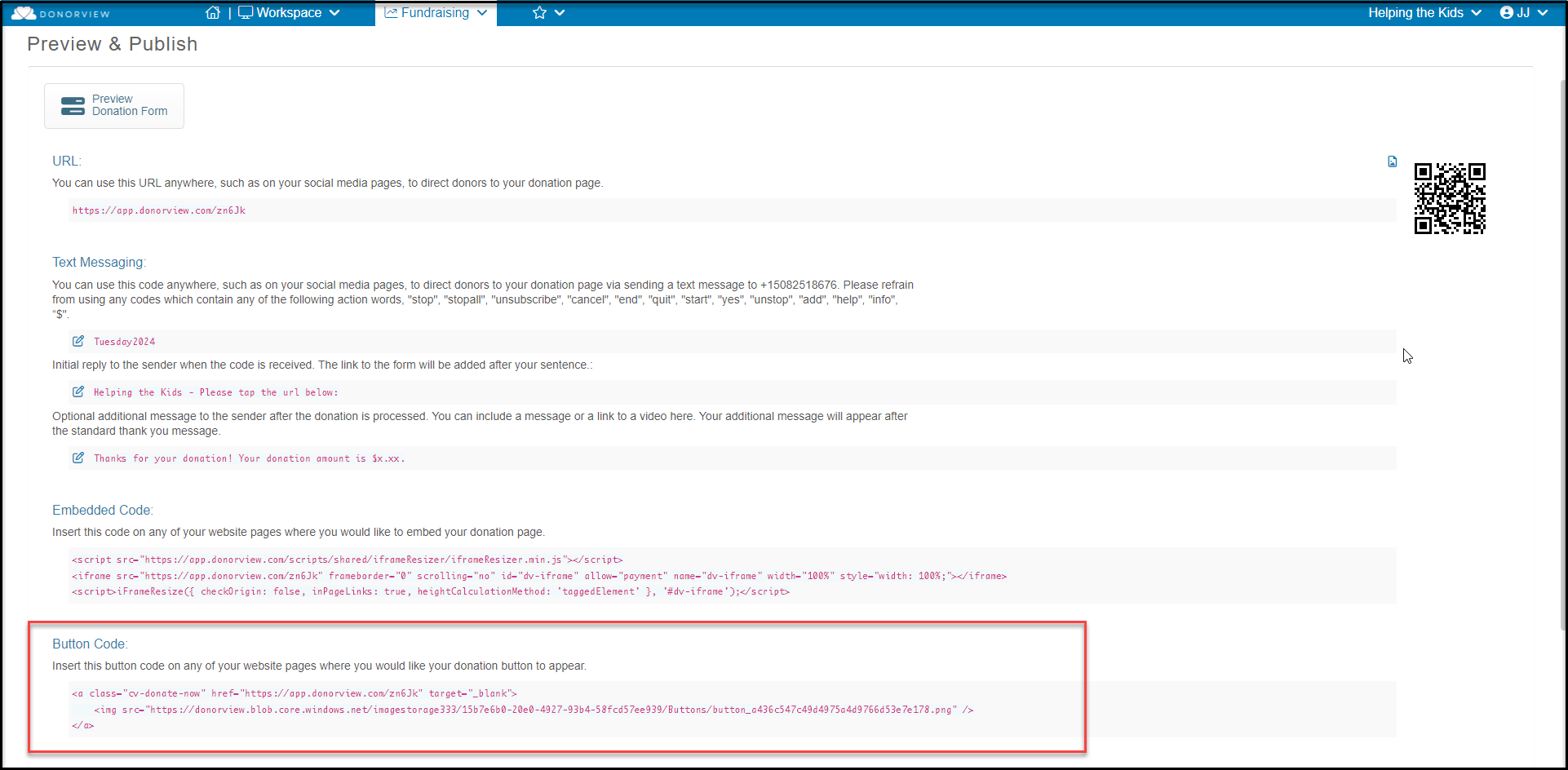 You can learn more about options to share your donation page in this article Sharing DonorView Pages and Links.