# How do I format email template text content?
> Source: https://support.donorview.com/how-do-i-format-email-template-text-content-dv | Updated: 2022-02-03T20:54:11Z
Here are some quick tips on editing and formatting text content in a template:
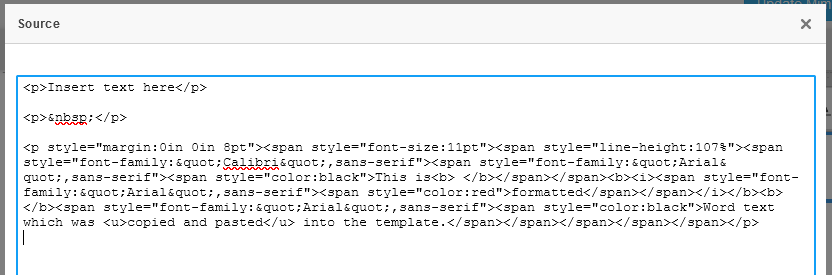
- The email template is based on HTML. If text is copied from an outside source, such as Word or a webpage, there may be formatting which is also copied into the template and can impact formatting.
- To remove formatting, while editing the text content area, select text and click *T*x (Remove Format) to clear any formatting.
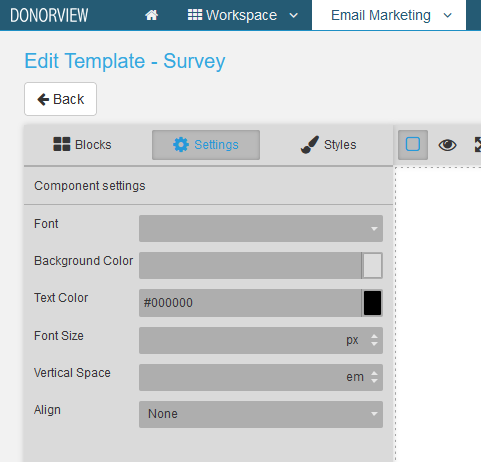
 - Click once on the text content area and use Settings > Component settings to apply formatting to the overall text content.
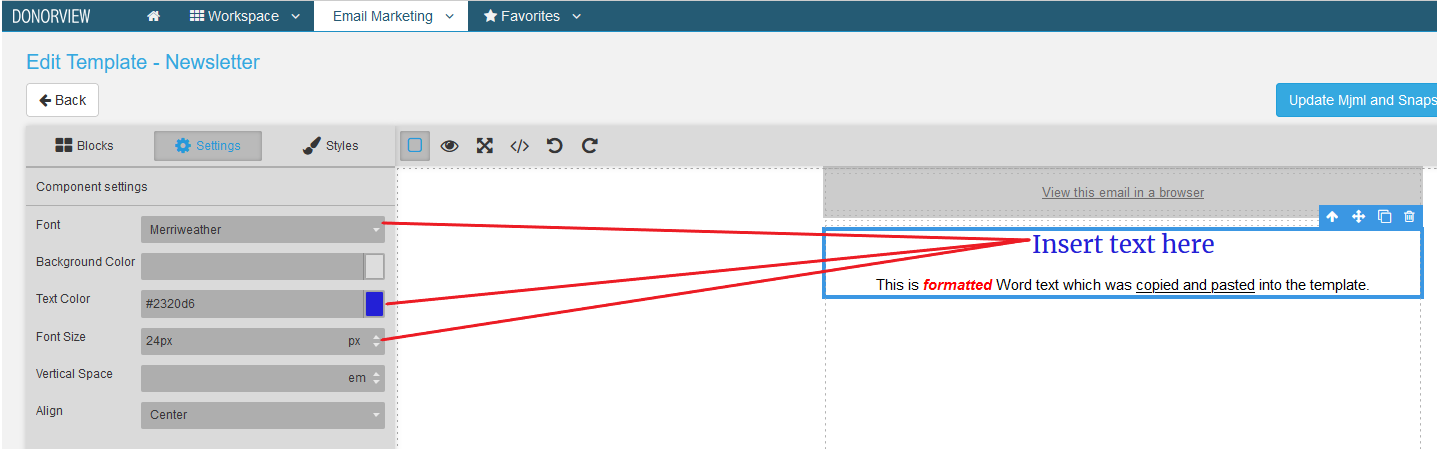
 - When Component settings are changed, they may not affect some text.
- Double-click on the text content area to place it in edit mode; select the formatted text and use Remove Format. The Component settings are then applied to the text. In this example, the second line of text had formatting removed.
- When Component settings are changed, they may not affect some text.
- Double-click on the text content area to place it in edit mode; select the formatted text and use Remove Format. The Component settings are then applied to the text. In this example, the second line of text had formatting removed.
 - Double-click on the text content area to place it in edit mode; select text and use the toolbar to apply formatting to the text.

 - Double-click on the text content area to place it in edit mode; click Source to view the HTML. If you are familiar with HTML, edits can be made here to adjust the formatting as well.