# How do I Enroll someone from the Wait List?
> Source: https://support.donorview.com/how-do-i-enroll-someone-from-the-wait-list | Updated: 2025-06-20T14:29:10Z
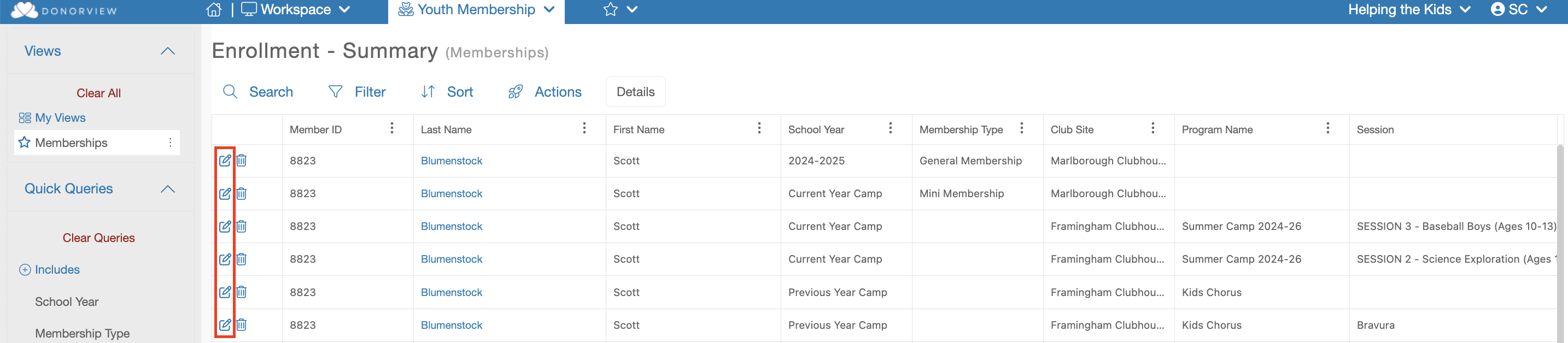
On the Enrollment grid look for the column called,
“Enrollment Status”. This column will show if the member is enrolled or on the
Wait List. You can then edit that enrollment by clicking on the edit (Paper and
Pencil) icon.
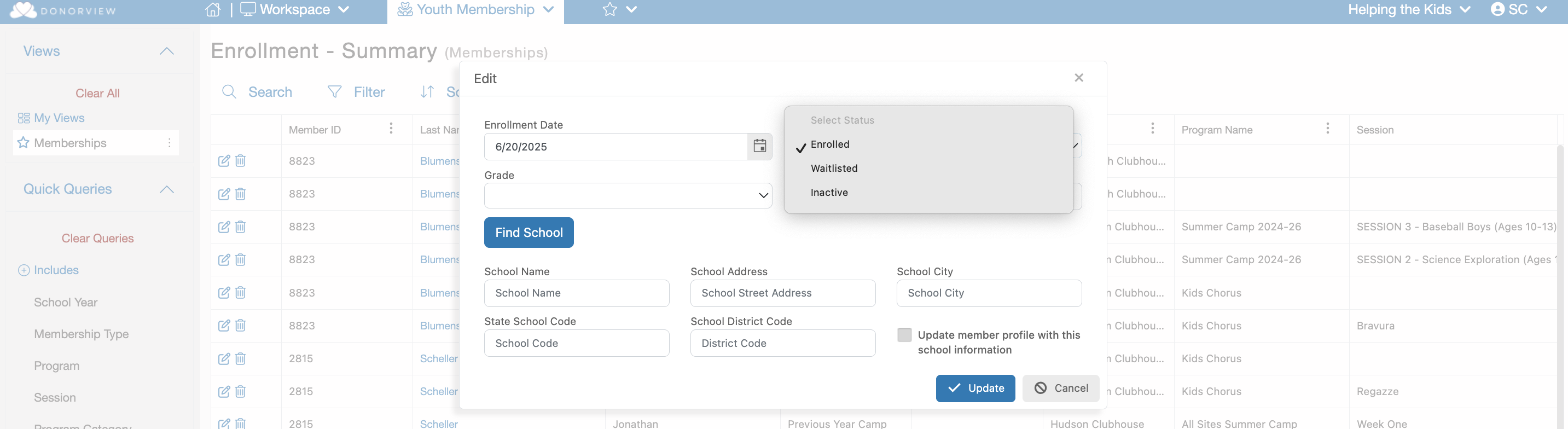
 This will launch a dialog window displaying the details of the selected Enrollment. This dialog with display a "Enrollment Status" dropdown field. Under that field you can update members status using the "Enrolled", "Waitlisted" and "Inactive" options. To enroll a waitlisted member update their "Waitlisted" status to "Enrolled".