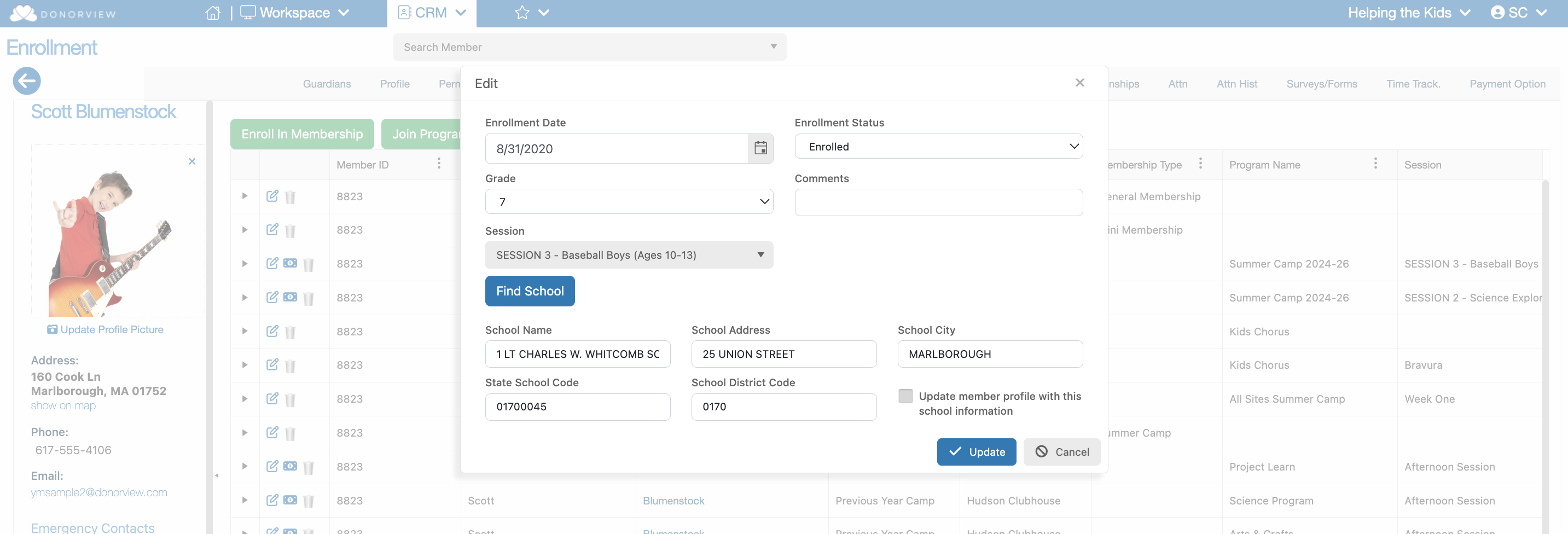
# How do I edit an Enrollment inside a Member’s Profile?
> Source: https://support.donorview.com/how-do-i-edit-an-enrollment-inside-a-members-profile | Updated: 2025-06-20T14:16:42Z
On the “Enrollment” tab inside the member’s profile you will
find a Paper and Pencil icon on each row.
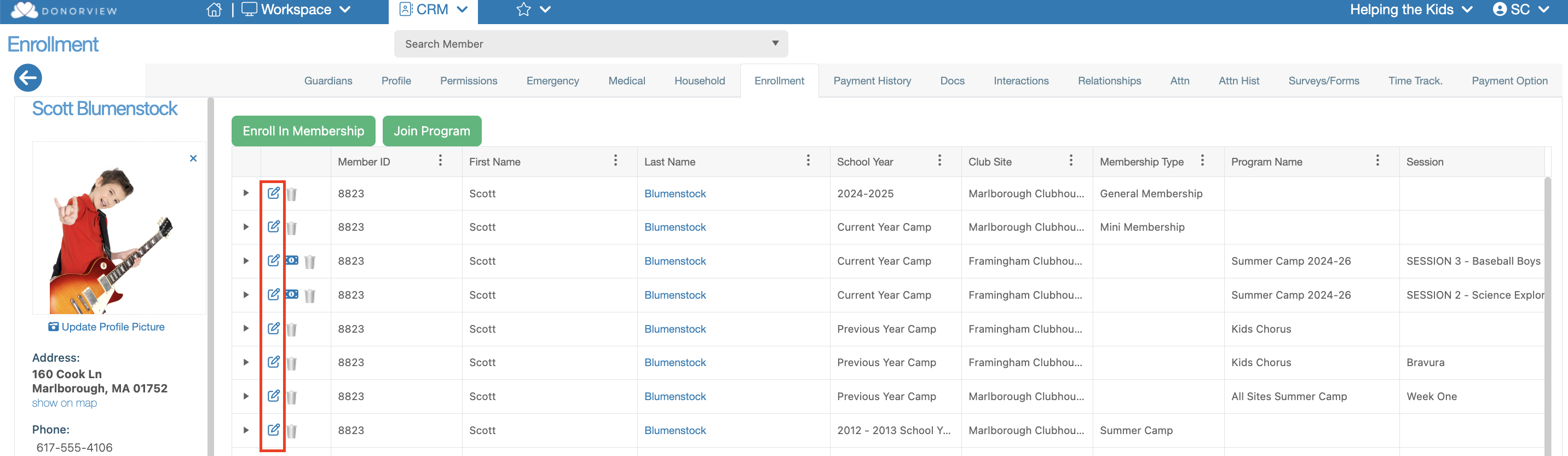 Clicking this icon launch a dialog
window that will allow you to edit the following:
- **Enrollment Date**
- **Enrollment Status**
- **Grade**
- **Comments**
- **Session**
- **School**
Clicking this icon launch a dialog
window that will allow you to edit the following:
- **Enrollment Date**
- **Enrollment Status**
- **Grade**
- **Comments**
- **Session**
- **School**