# How do I edit a pre-designed template to make it my own?
> Source: https://support.donorview.com/how-do-i-edit-a-pre-designed-template-to-make-it-my-own | Updated: 2026-10-12T20:41:08Z
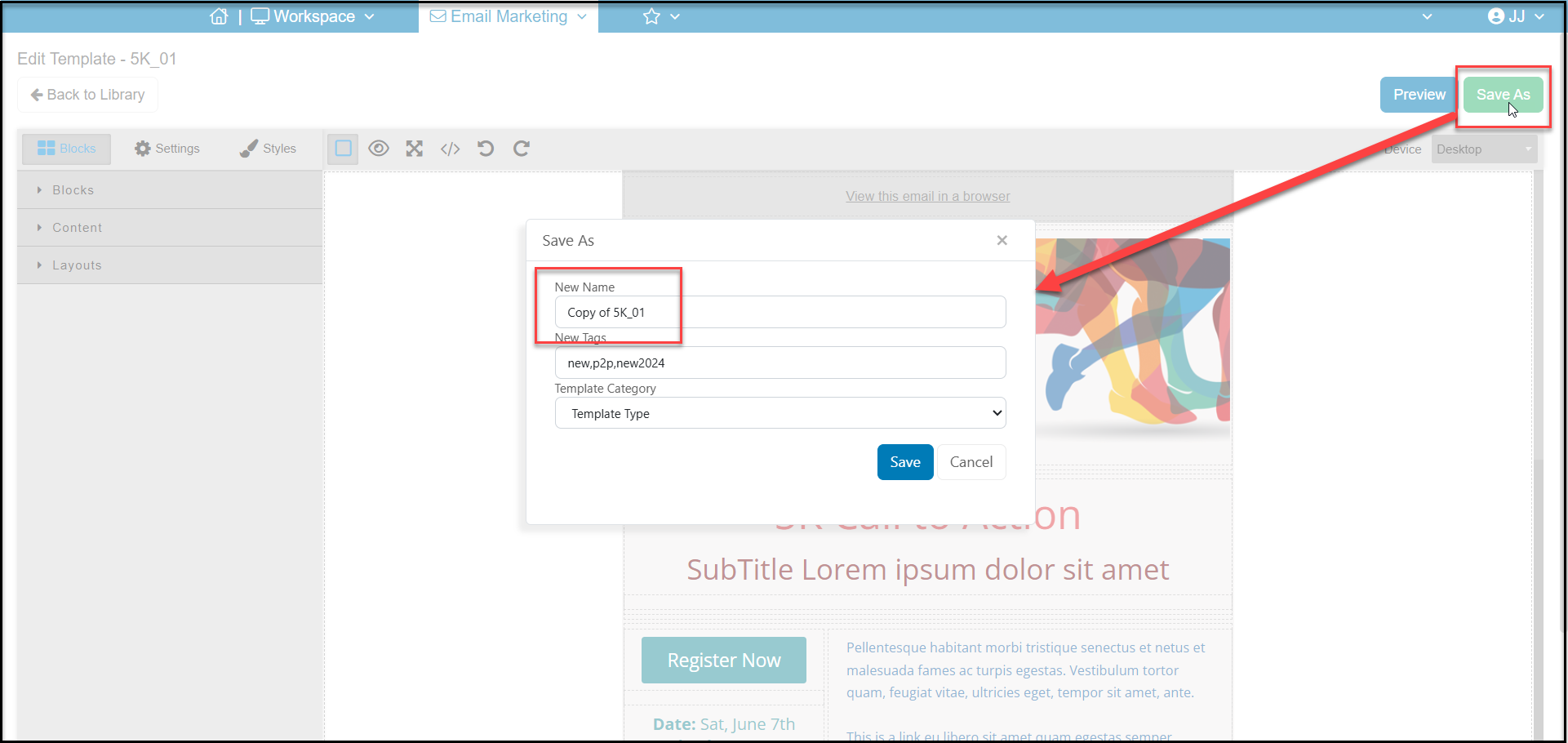
Select a pre-designed template from the template library and click on **Edit**. The software will open this template in editor mode. From there, you can make any of the necessary changes and click **Save As** to save your changes and give it a new name. You cannot save changes directly to the original pre-designed template, it must be renamed using **Save As.**
You can learn more about editing an email template in this article "How do I create and edit an email template?"