# How do I change the document that I’ve selected for an event page?
> Source: https://support.donorview.com/how-do-i-change-the-document-that-ive-selected-for-an-event-page-dv | Updated: 2026-10-12T20:39:20Z
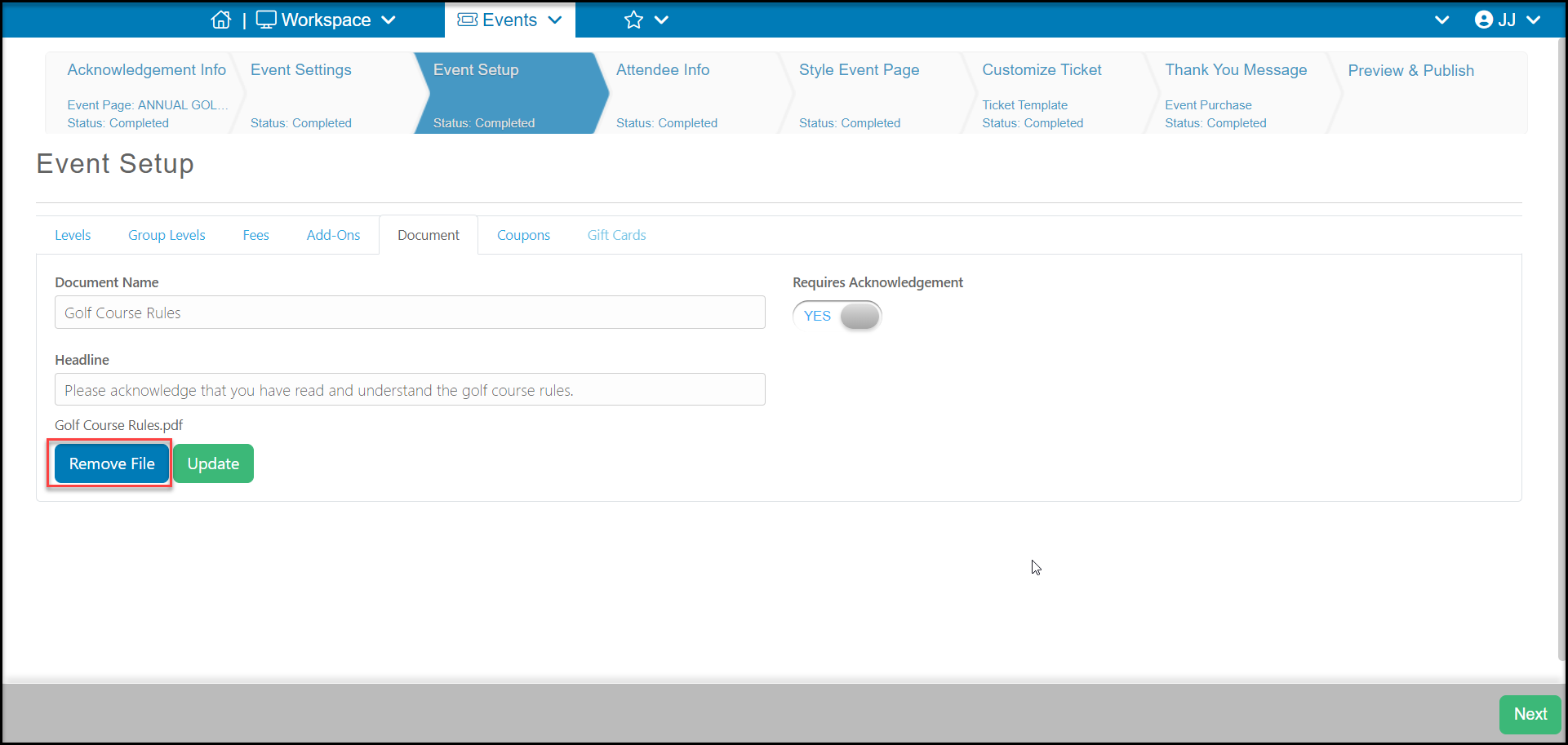
#### On the document tab you can delete the existing document by clicking the **Remove File** button. Then you are able upload the new document you wish to be attached to the form. You can follow the instructions in this article for adding a new document.
 ####
####