# How do I add new constituent?
> Source: https://support.donorview.com/how-do-i-add-new-constituent-dv | Updated: 2025-09-26T20:57:57Z
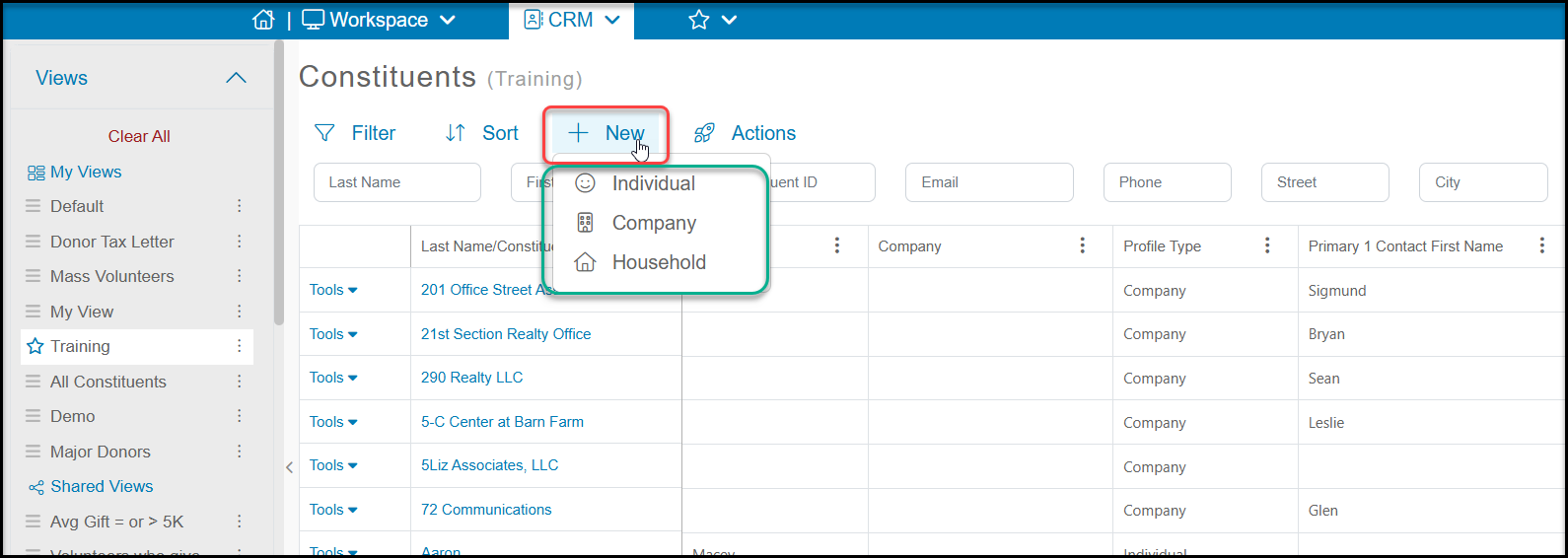
A constituent can be added from the Constituents grid by clicking on **+New.** You can add a new:
- Individual - an individual person (or couple)
- Company - an organization
- Household - a special constituent record that links together individual constituent records
 **Adding New Individual or Company Constituents**
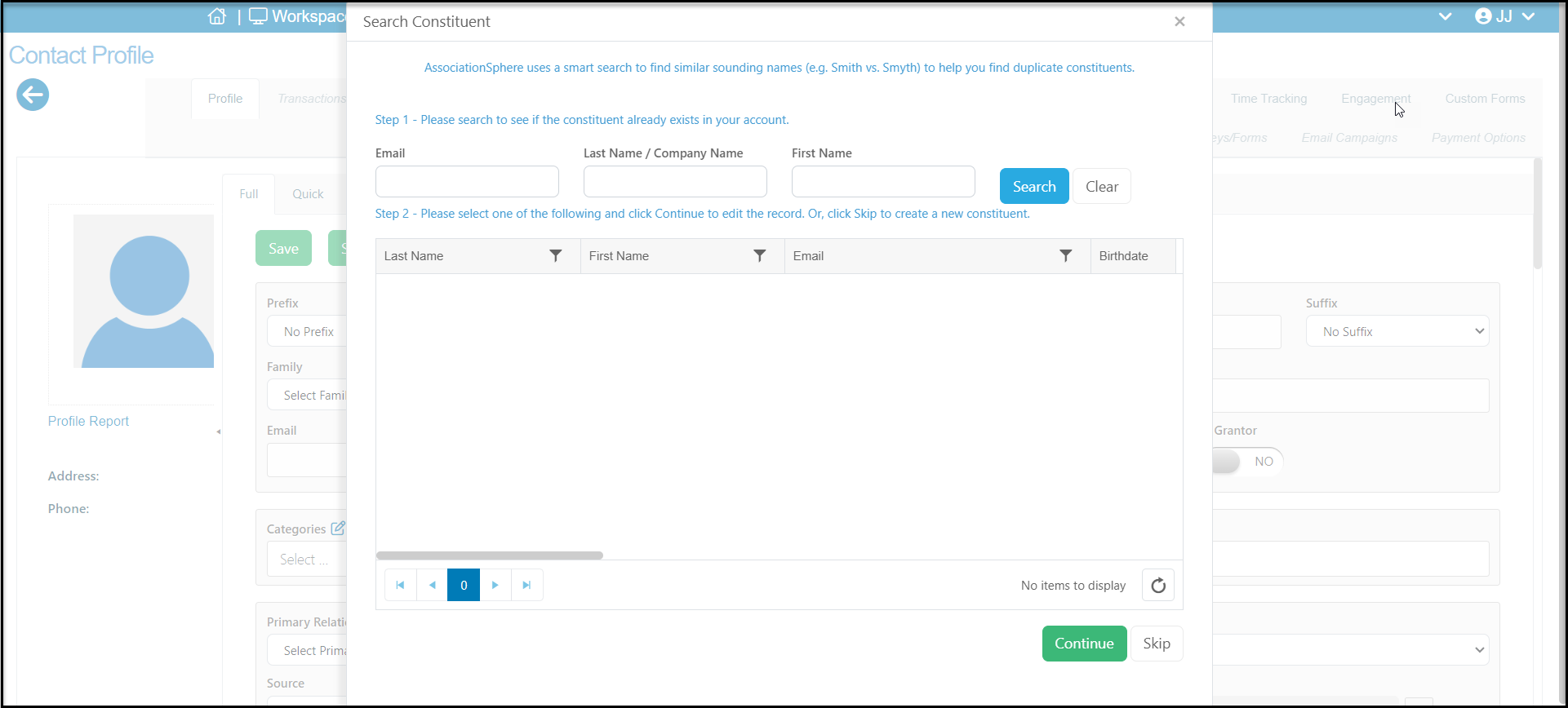
When you select either the Individual or Company type of new record to add, a new window will open to allow you to check to see if the constituent is already in the database. You can enter the Email, Last Name/Company Name or First Name and click on **Search** to see if there are any records that are an exact match or a sound match. If you find a match you can select the name and click **Continue** to go to their record. If you don't find a match, click on **Skip** to proceed to the entry page.
**Adding New Individual or Company Constituents**
When you select either the Individual or Company type of new record to add, a new window will open to allow you to check to see if the constituent is already in the database. You can enter the Email, Last Name/Company Name or First Name and click on **Search** to see if there are any records that are an exact match or a sound match. If you find a match you can select the name and click **Continue** to go to their record. If you don't find a match, click on **Skip** to proceed to the entry page.
 You have the option of doing a **Full** add, which allows you to enter data in all the profile page fields.
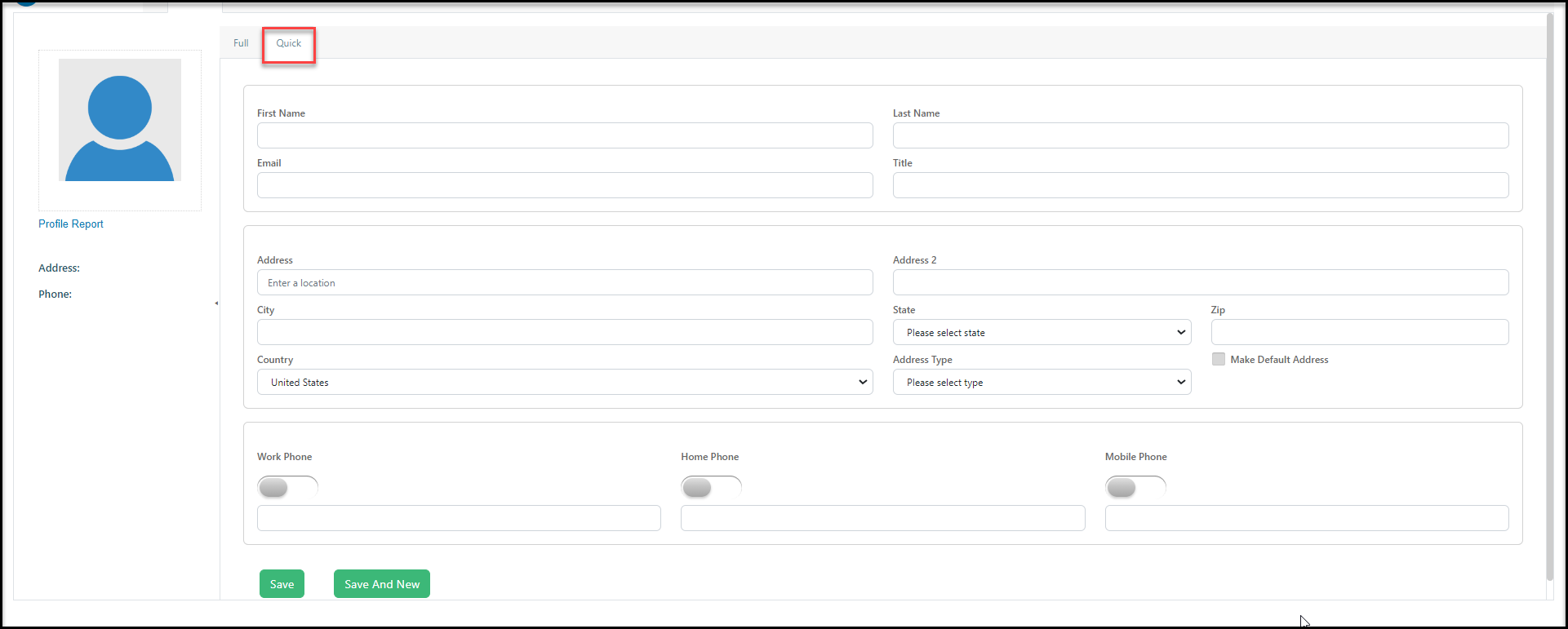
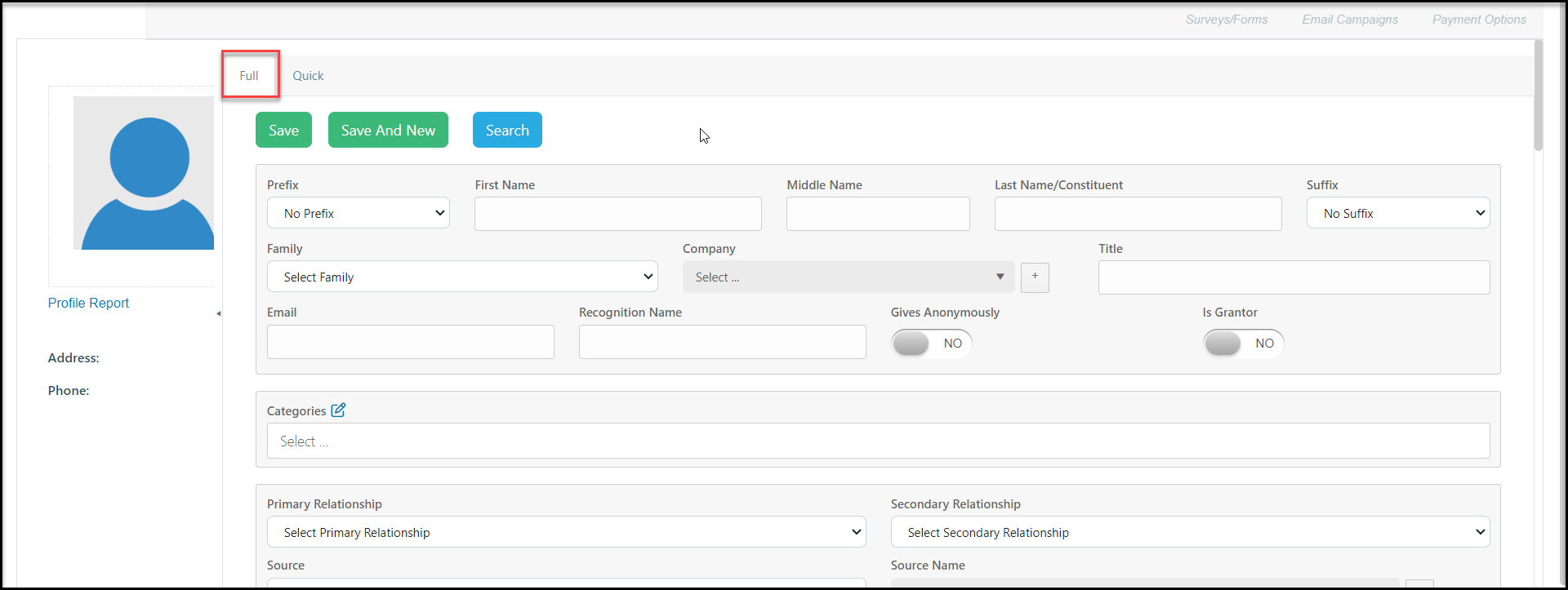 Or, you can do a **Quick** add, which is limited to name, email, address, and phone number fields. When you have finished adding the information, click on **Save** to create the new constituent record. If you have more records to add, you can click on **Save and New** to create another new constituent record that is the same type.
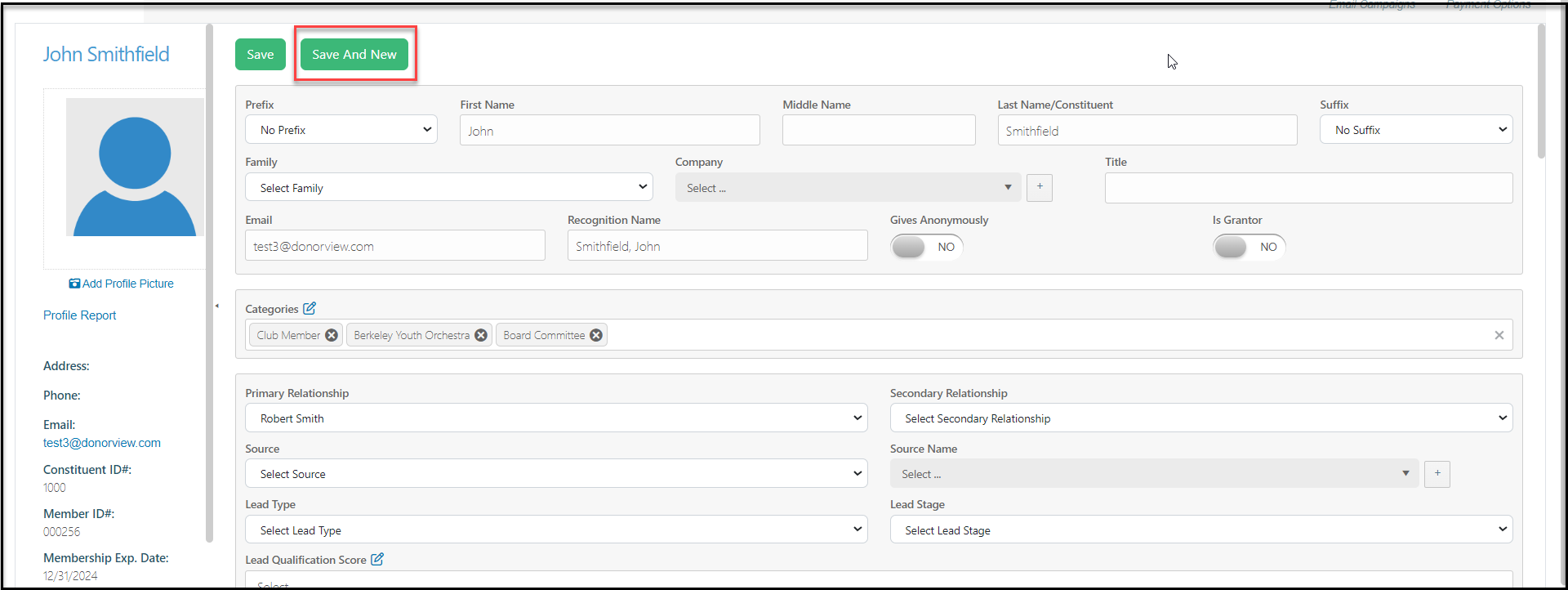
 If you are in a constituent's record, you can also add a new constituent of the same type by clicking on **Save and New** from the top of the constituent's profile page.
 **Adding New Household Constituents**
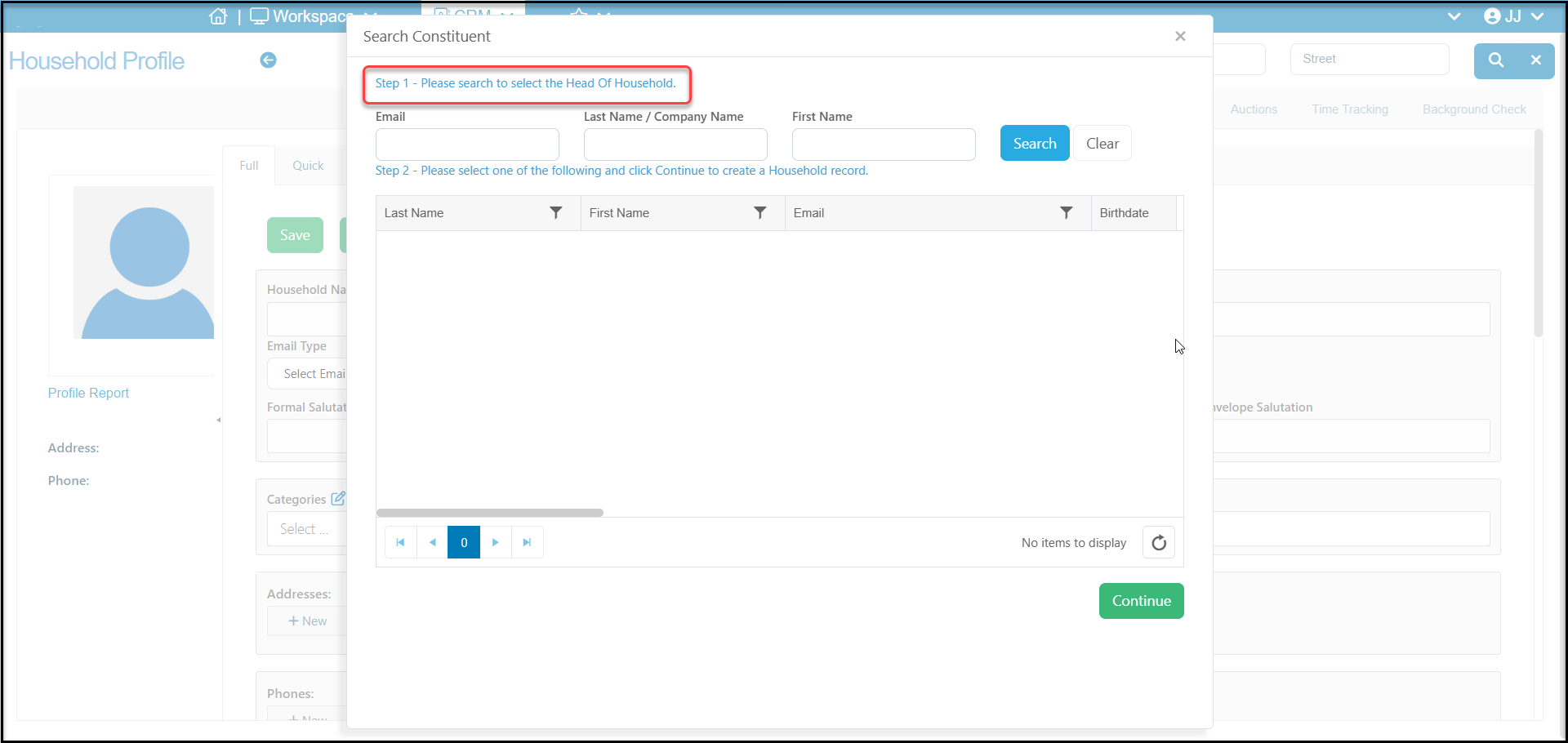
To create a new Household constituent record, you must first have at least one Individual constituent in the software already to be selected as the Head of Household. The search box will have your search for the name of the constituent who will be listed as the Head of Household. The new Household record will be created with information from that person's record will be what populates the contact information in the Household record.
After you have saved your new Household record, you can start adding the other members to the household via the Relationships tab.
**Adding New Household Constituents**
To create a new Household constituent record, you must first have at least one Individual constituent in the software already to be selected as the Head of Household. The search box will have your search for the name of the constituent who will be listed as the Head of Household. The new Household record will be created with information from that person's record will be what populates the contact information in the Household record.
After you have saved your new Household record, you can start adding the other members to the household via the Relationships tab.