# How can I link a gift to a sponsorship level?
> Source: https://support.donorview.com/how-can-i-link-a-gift-to-a-sponsorship-level | Updated: 2026-10-12T20:39:01Z
To link a sponsorship to an event, ensure the sponsorship and applicable tasks have already been created. You can learn more in this article "How do I create a Sponsorship?"
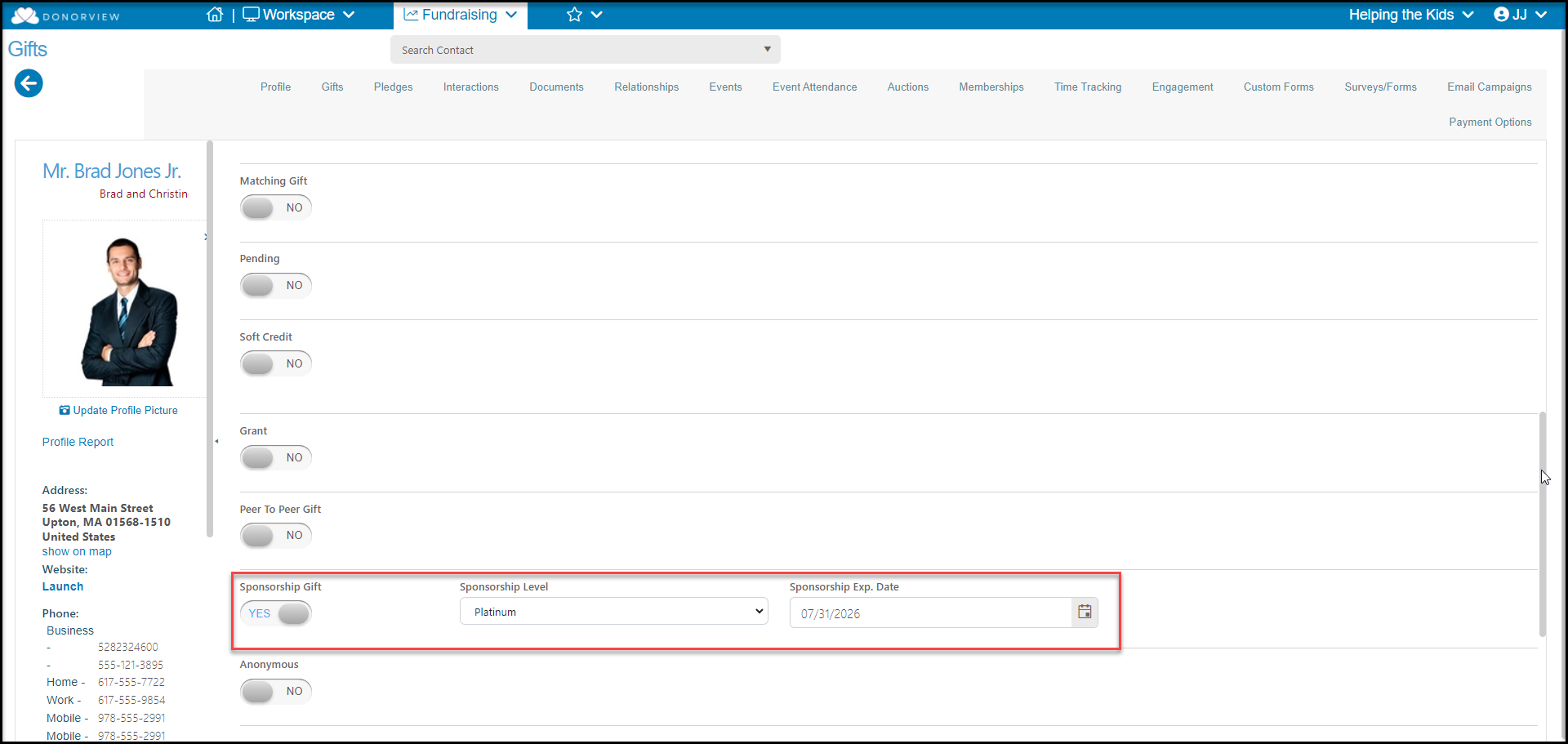
From the Gift Entry page, toggle the **Sponsorships** button to **YES** and select the Sponsorship Level from the dropdown menu and assign an expiration date if necessary.
Transactions that are attached to sponsorships will automatically create the applicable tasks on the Sponsorships grid.