# How can a P2P Participant Send Emails and View Transactions?
> Source: https://support.donorview.com/how-can-a-p2p-participant-send-emails-and-view-transactions | Updated: 2026-06-12T13:57:51Z
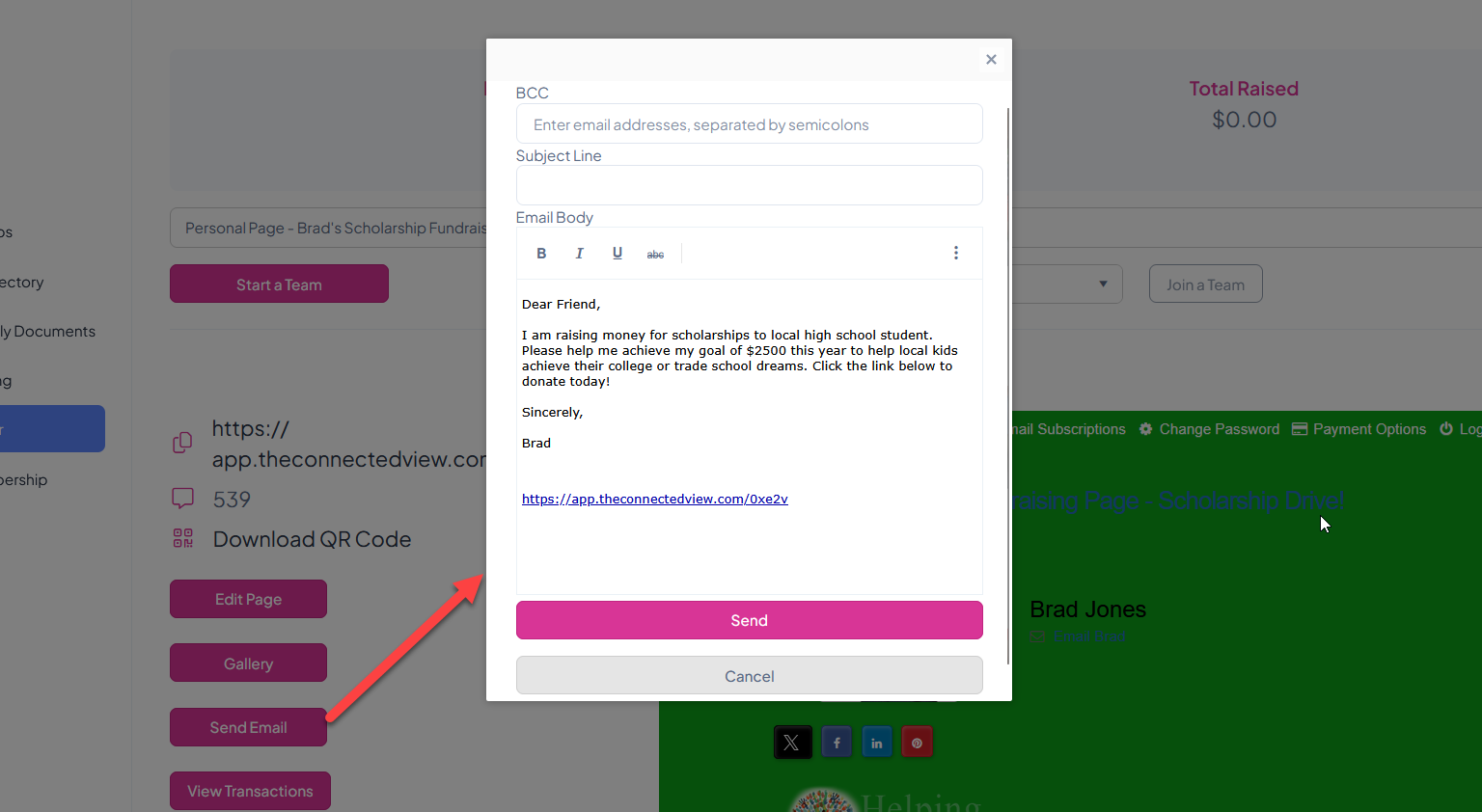
Fundraisers can reach out to their friends and family using the portal by clicking on **Send Email**. A popup window will open to create the email. The message is sent under Blind Carbon Copy (BCC) so all recipient email addresses are hidden. Once the message is ready, click **Send** to send the emails to all the addresses listed under BCC.
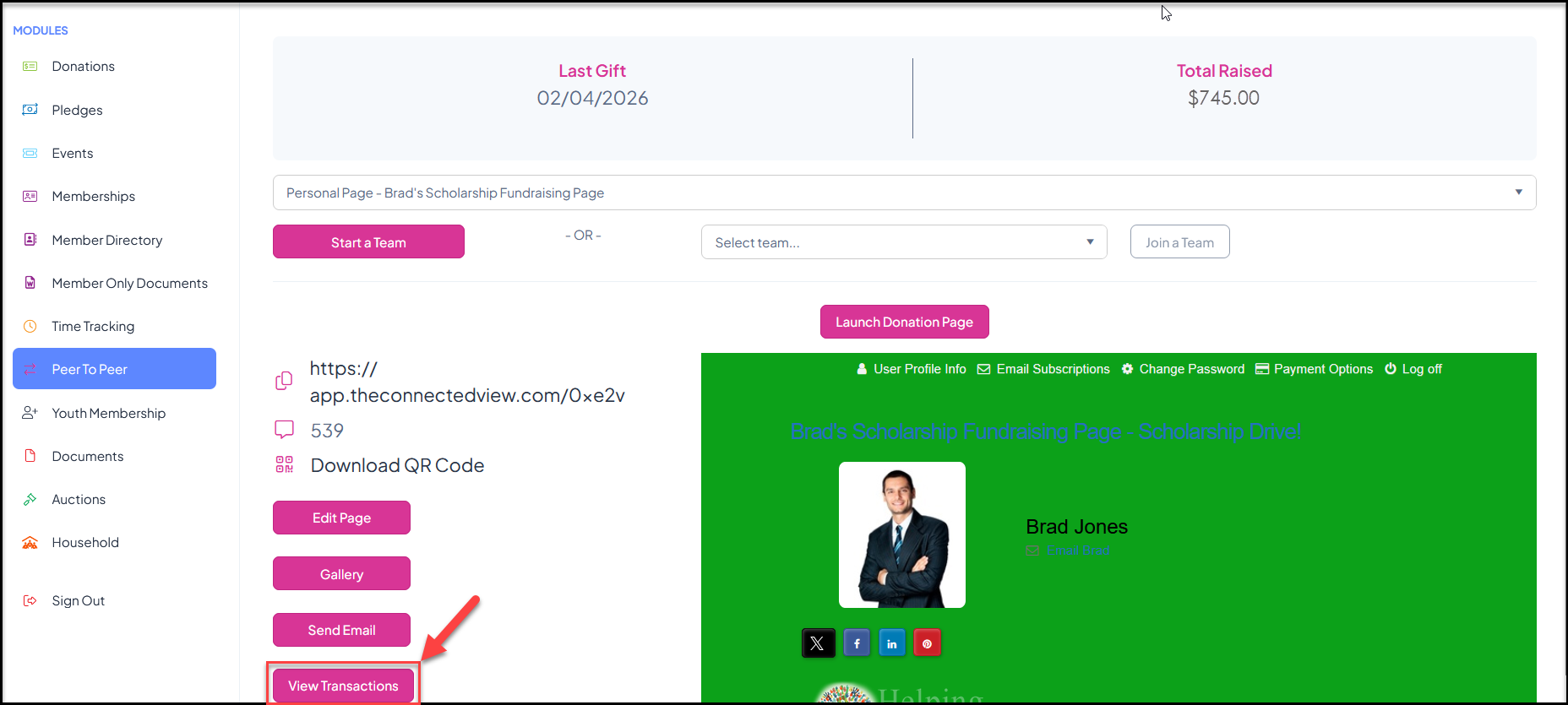
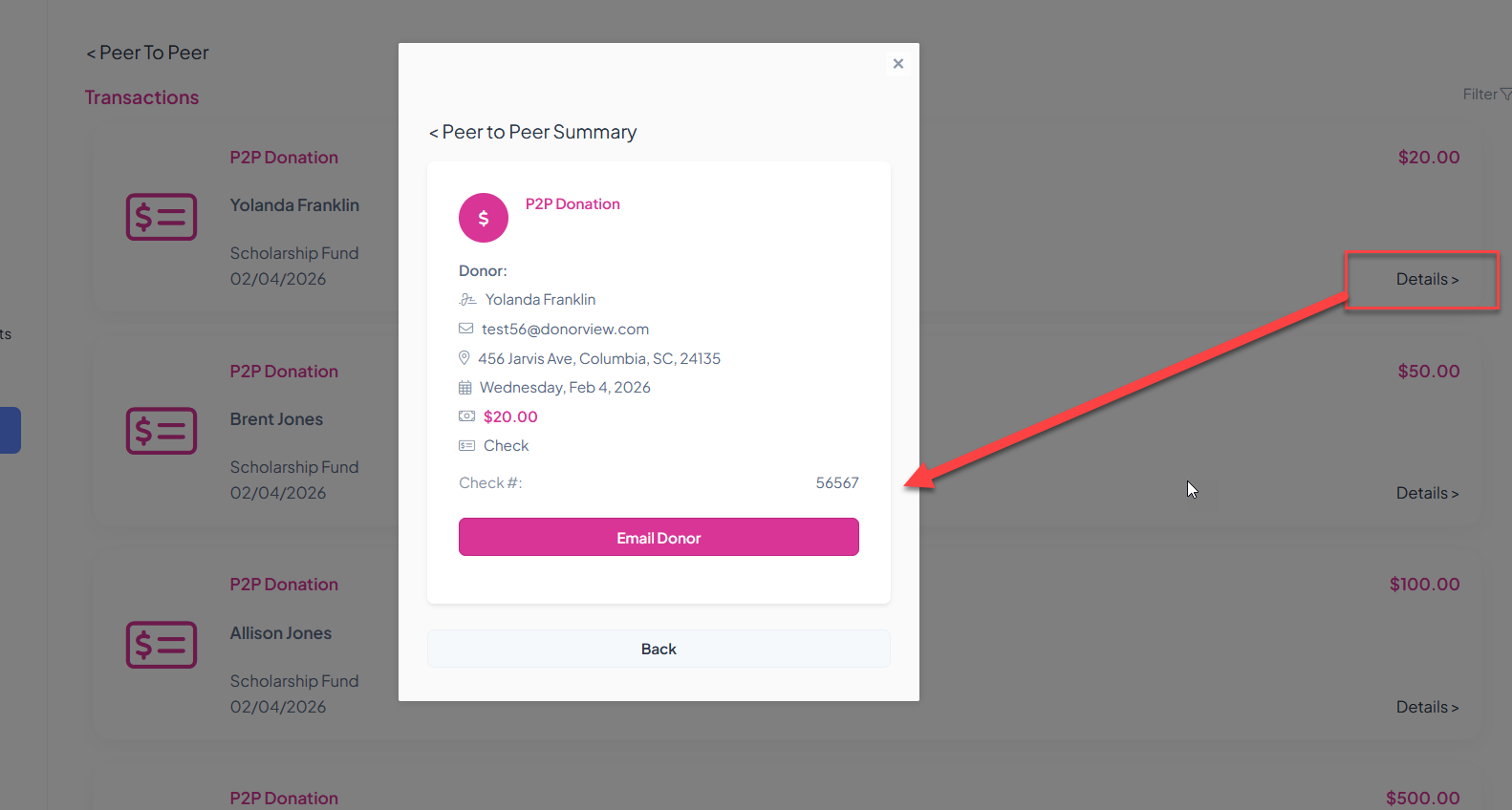
 If you have allowed your fundraisers to see transaction information on your P2P Campaign Page Settings tab, clicking on **View Transactions** will open the list of all donations that have been received.
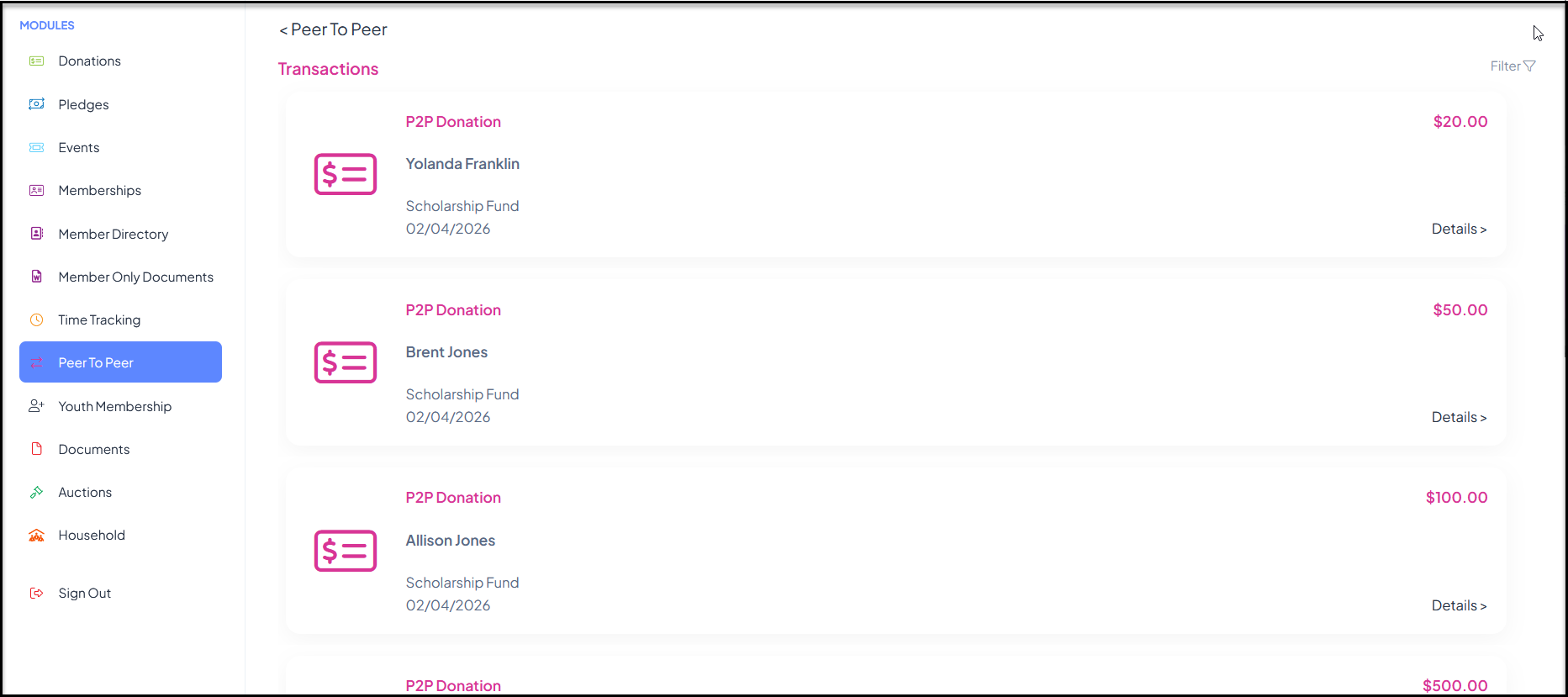
 Fundraisers can see the name, amount and date of the contributions. Clicking on **Details** will open a pop up window with additional information.
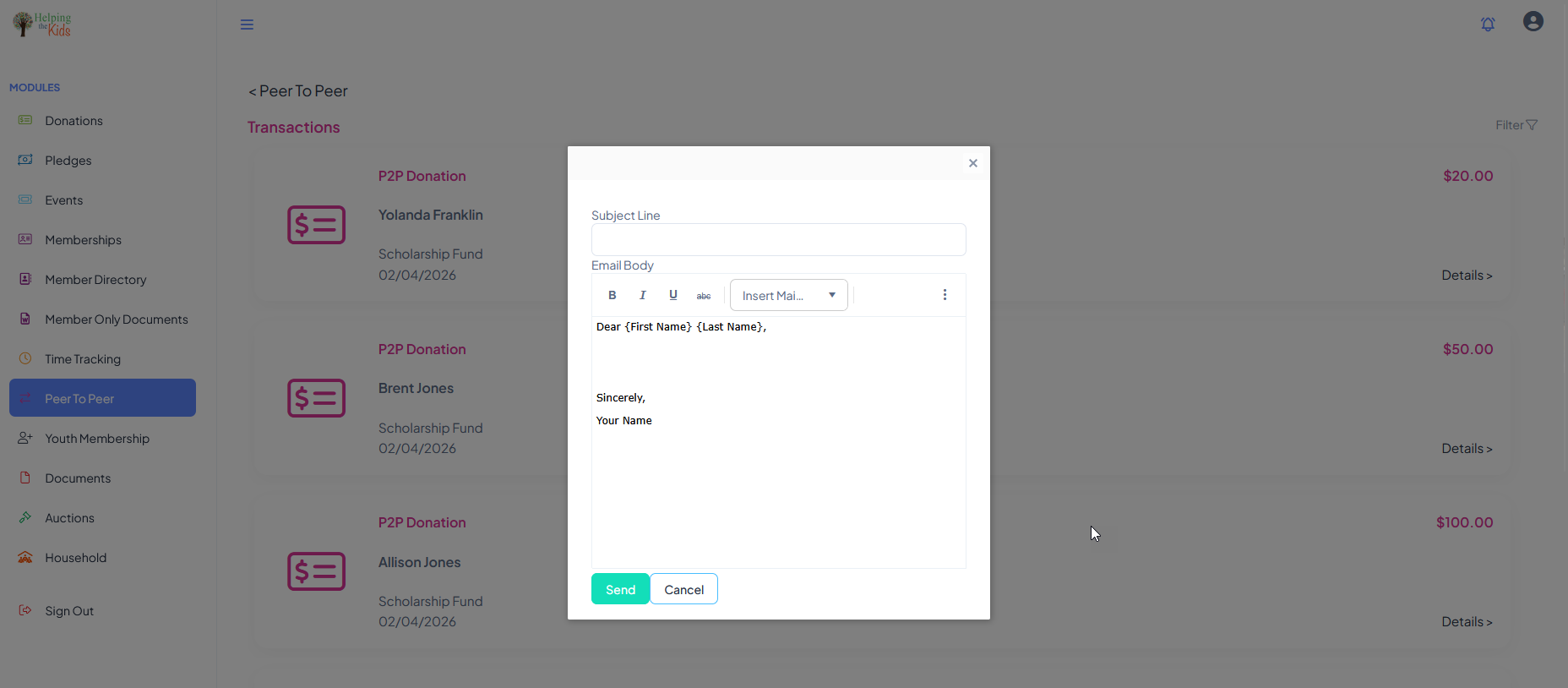
 If the donor provided an email address, the fundraiser can send a personal message to the donor by clicking the **Email Donor** link.
 The message can be personalized with mail merge fields using the **Insert Mail Merge Fields** drop down to insert the person's First Name and/or Last Name into the message. Click Send to send the message from the portal. It will be shown as from the fundraiser's personal email address and name.