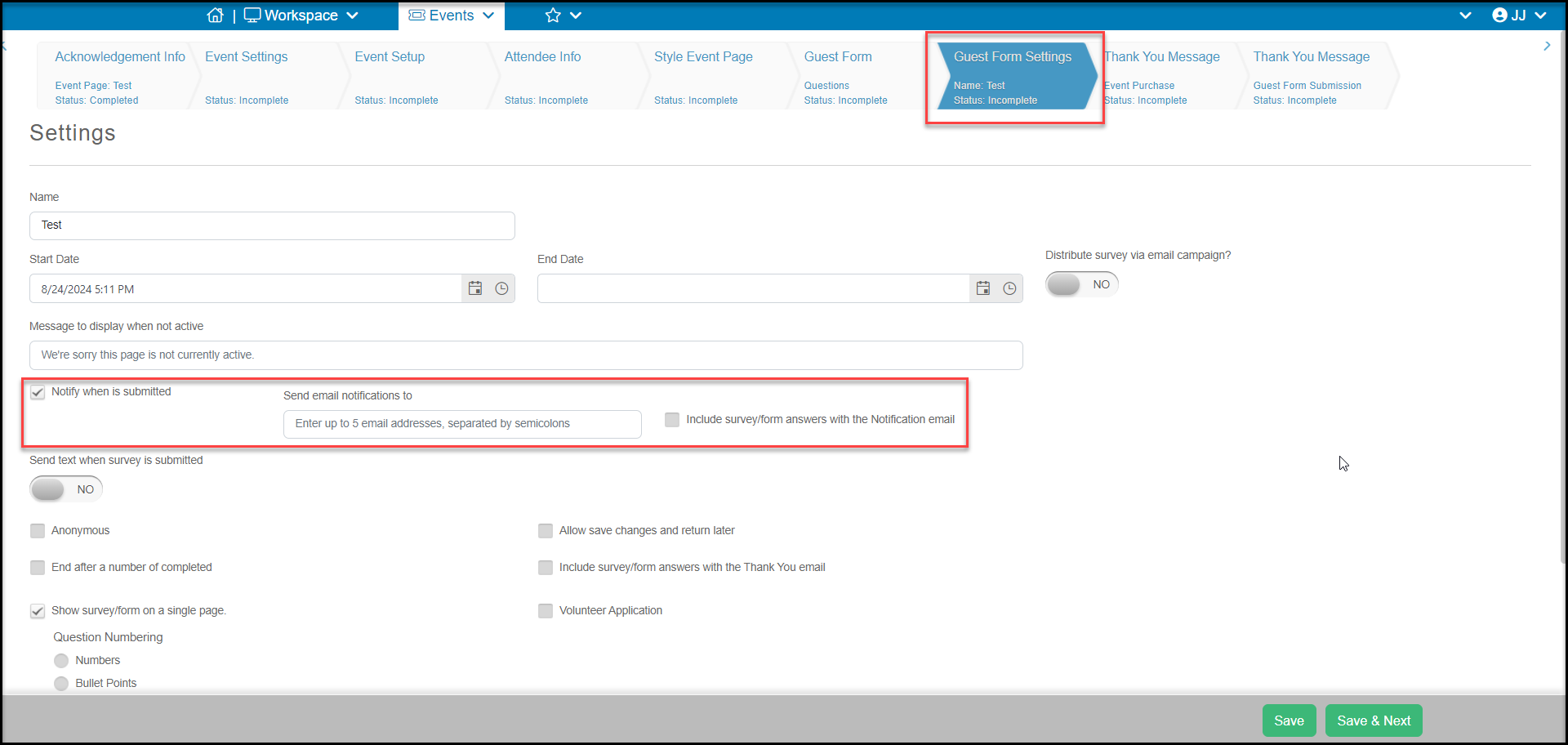
# Guest Form/Survey Settings
> Source: https://support.donorview.com/guest-formsurvey-settings-dv | Updated: 2026-10-12T20:39:21Z
This page allows you to edit the settings for your Guest Form. It works the same as the Survey Settings page and you can learn more in this article. Most of the settings you don't need to change and we recommend just adding the email addresses for who should be notified when a survey is submitted.